

Automatically Subtitle Videos and Phone Calls!
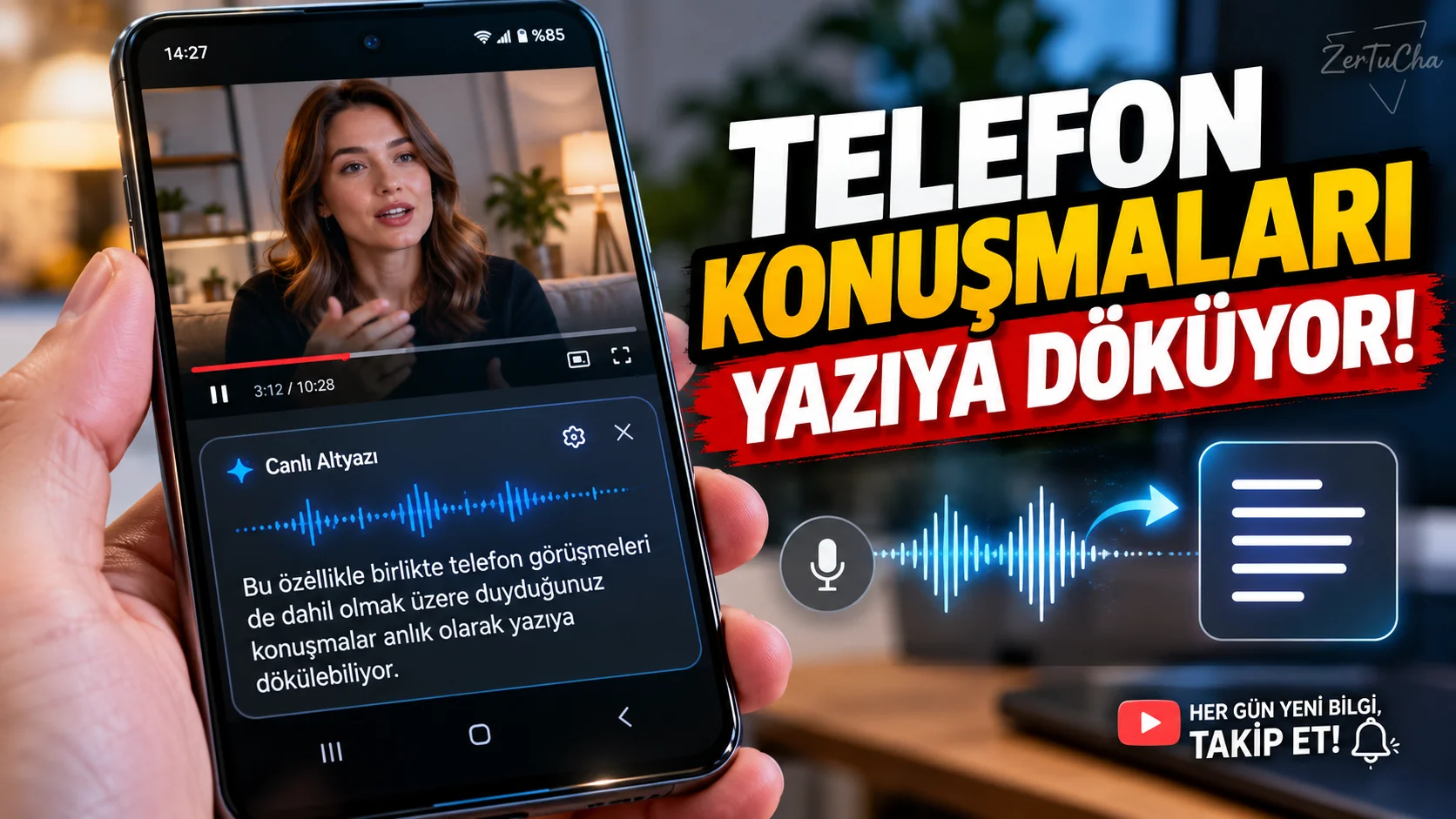
What do you do if there are no subtitles in a video you watch outside of YouTube? Or if you have difficulty hearing sounds coming from the phone? Android's Live Caption feature can automatically convert phone calls to text on supported devices.
Moreover, according to Google's statement, audio and subtitle processing is carried out on the device; sounds and generated subtitles are not sent to Google. This feature is especially useful when watching videos without subtitles or following conversations. Google Support
How to open?
- Open a video or voice recording with speech on your phone.
- Phone volume up or down button.
- Under the volume controls More icon.
- Live Caption / Live Caption.
- Enable the feature and Done.
- Play video with audio. Subtitles for supported conversations appear on the screen.
- To move the subtitle box to a more readable location, press and hold the box and drag it up or down.
- If you want to enlarge the text, try double-tapping the subtitle box.
Alternative method: If Live Caption does not appear in the Audio menu, look for this name in the Settings app. If the feature is not available on your device, check the manufacturer's support. Google Support
Which phones does it work on?
According to Google's support information, Live Caption is available in English on the Pixel 2 and Pixel 3 series. Pixel 6 and above models and some other supported Android phones have a broader list of languages, including Turkish.
Wi-Fi connection may be required to download the default language pack for first use. Check the language support on your phone for Turkish subtitles. The feature is not available equally on all Android phones. Google Support
Things to consider:
- Not designed for transcribing musical lyrics.
- Recognition quality may decrease when there is a lot of background noise.
- Battery consumption may increase when playing audio and video.
- Subtitles may not be available in some search and media applications.
Official source: Google Android Accessibility – Live Caption

Henüz yorum yapılmamış. İlk yorumu siz yapın!
Bir Yorum Bırakın