

VeraCrypt: Create an Encrypted Vault for Sensitive Files
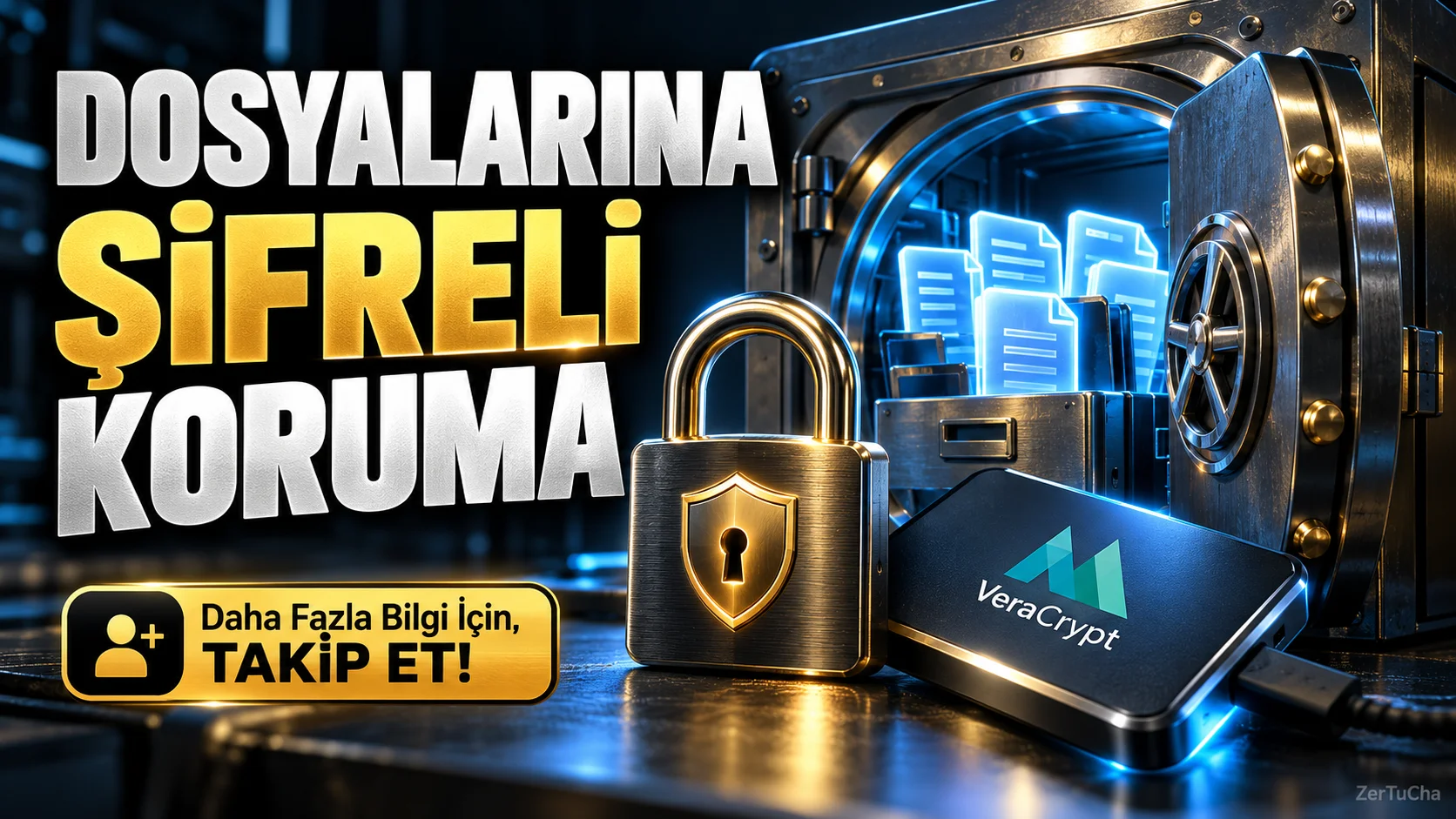
If your computer contains tax documents, business files, personal archives, or documents that you do not want others to see, simply putting the files in a folder does not provide sufficient protection. VeraCrypt is a free tool that helps you protect your files in an encrypted container or on supported drives.
VeraCrypt. This container sits on your computer like a regular file; However, when opened with the correct password, it can be mounted as a usable drive in the system. You put your documents in it and detach the drive when you're done. Thus, anyone who wants to access the contents of your files must not only find the folder, but also have the necessary encryption information.
This approach can be especially useful for those who carry sensitive documents on a portable disk or want to keep work and personal files separate. But encryption is not a magic shield of protection. While the container is open and files are available, malware, a compromised user account, or an open session that someone else has access to may pose a risk.
The safest approach for first-time users would be to experiment with a few unimportant files first, set a strong and unique password, and make a backup of the container. If you lose your password, access to data may also be lost. Additionally, encrypting the system disk and simply creating a file container are different processes; It is necessary to read the official documents carefully, especially before encrypting the operating system disk. VeraCrypt's operating system support may vary by version and device.
Who is it useful for?
-
Those who store sensitive personal documents on the computer.
-
Employees carrying work files with a portable disk.
-
Freelancers who manage client documents or confidential project files.
-
Technical users who want their files protected from unauthorized access.
Advantages
-
Free and open source.
-
Supports creating encrypted containers.
-
Can be used on multiple desktop operating systems.
Disadvantages
-
If the password is lost, access to the data may not be possible.
-
Initial installation and correct use may require technical knowledge.
-
Does not by itself protect open files or a compromised device.



Henüz yorum yapılmamış. İlk yorumu siz yapın!
Bir Yorum Bırakın