

Cut the Beginning and End of the Video Without Recompressing Quality: LosslessCut
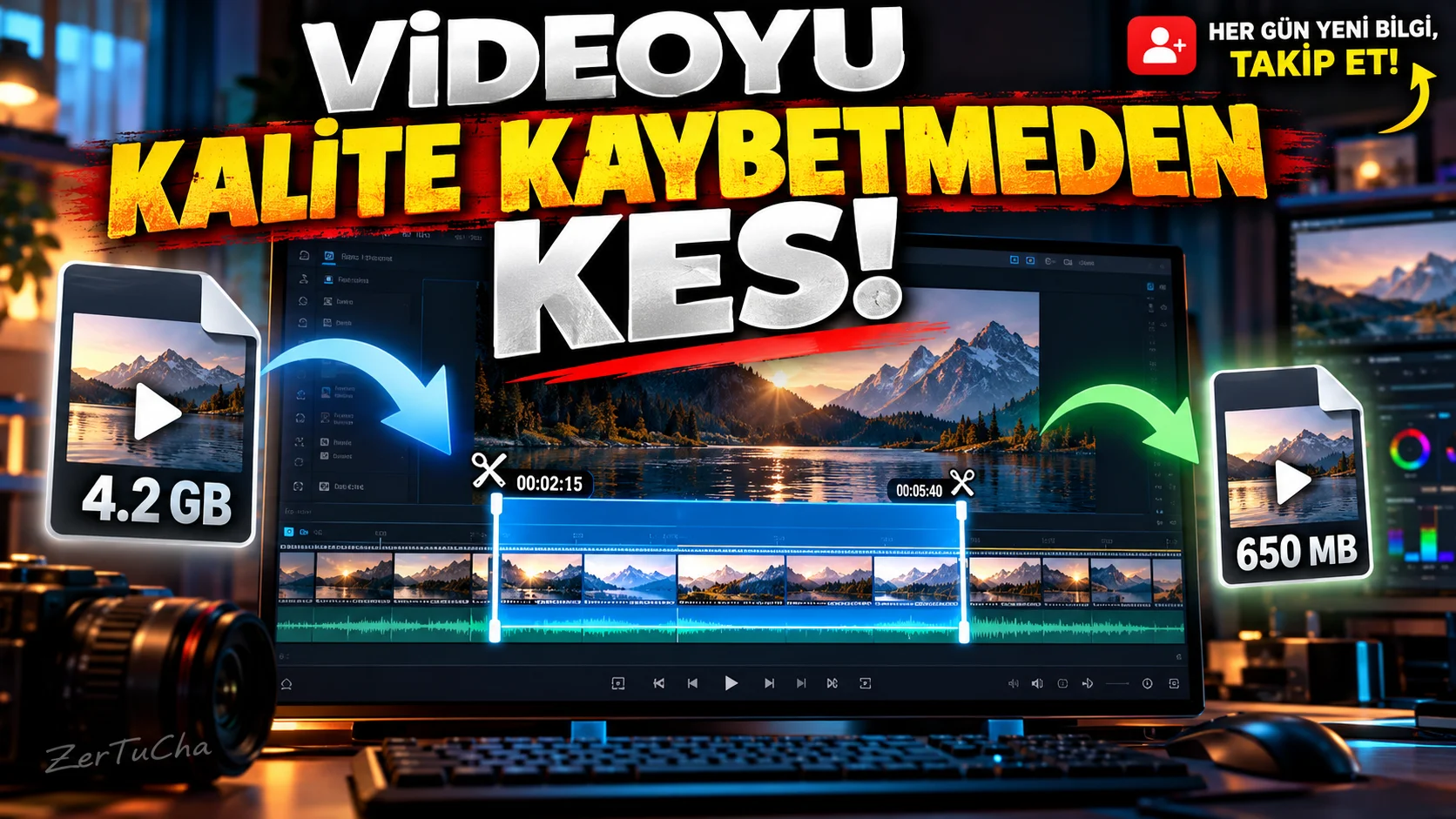
You want to cut out a few seconds at the beginning of a video. But you don't want to wait a long time to export or recompress the video just for a small crop.
LosslessCut is a tool for cutting video and audio streams in supported media files without re-encoding. It can directly transfer existing media data in compatible cases, instead of the re-encoding process that is often done in traditional editing programs. This way the process can be completed much faster. LosslessCut - Official website
How do you cut video?
1. Download the program from the official source.
LosslessCut official site. Be careful of download pages with similar names outside the official site.
2. Open the video.
Run the program and import the video file you want to cut.
3. Find the section in the timeline you want to cut.
Get to the starting point by playing the video or scrolling through the timeline.
4. Mark the start and end points.
Specify the beginning and end of the segment you want to keep using the segment marking controls in the interface.
For example, if you want to discard the first 8 seconds of the video, you need to move the beginning of the section to be kept to this point.
5. Create the segments you need.
If you want to extract more than one separate segment from a video, you can mark different segments. This method is useful for isolating only the useful parts from a long recording.
6. Start the export process.
Use the export option after checking the segments. Choose file format and media streaming options according to your needs.
7. Check the last file.
Open the video and check if the start and end points are as you expect. It's important to listen for breakpoints, especially in videos that contain speech or music.
Why doesn't it always cut to perfect frame accuracy?
LosslessCut has a significant limit: without re-encoding, cut points may be rounded to the nearest available keyframe in some files. For this reason, the desired millisecond or frame precision cutting may not always be achieved. The result depends on the encoding format of the file. LosslessCut - Official website
Who is it useful for?
- Those who want to remove unnecessary beginning and ending parts from long videos
- Those who want to cut large video files without re-encoding
- Content creators and screen recorders
- Those who want to quickly prepare several separate clips from a video



Henüz yorum yapılmamış. İlk yorumu siz yapın!
Bir Yorum Bırakın