



Platform: Android
Application: Obtainium
Fee: Free and open source.
Official sources: Obtainium official site · Obtainium release page
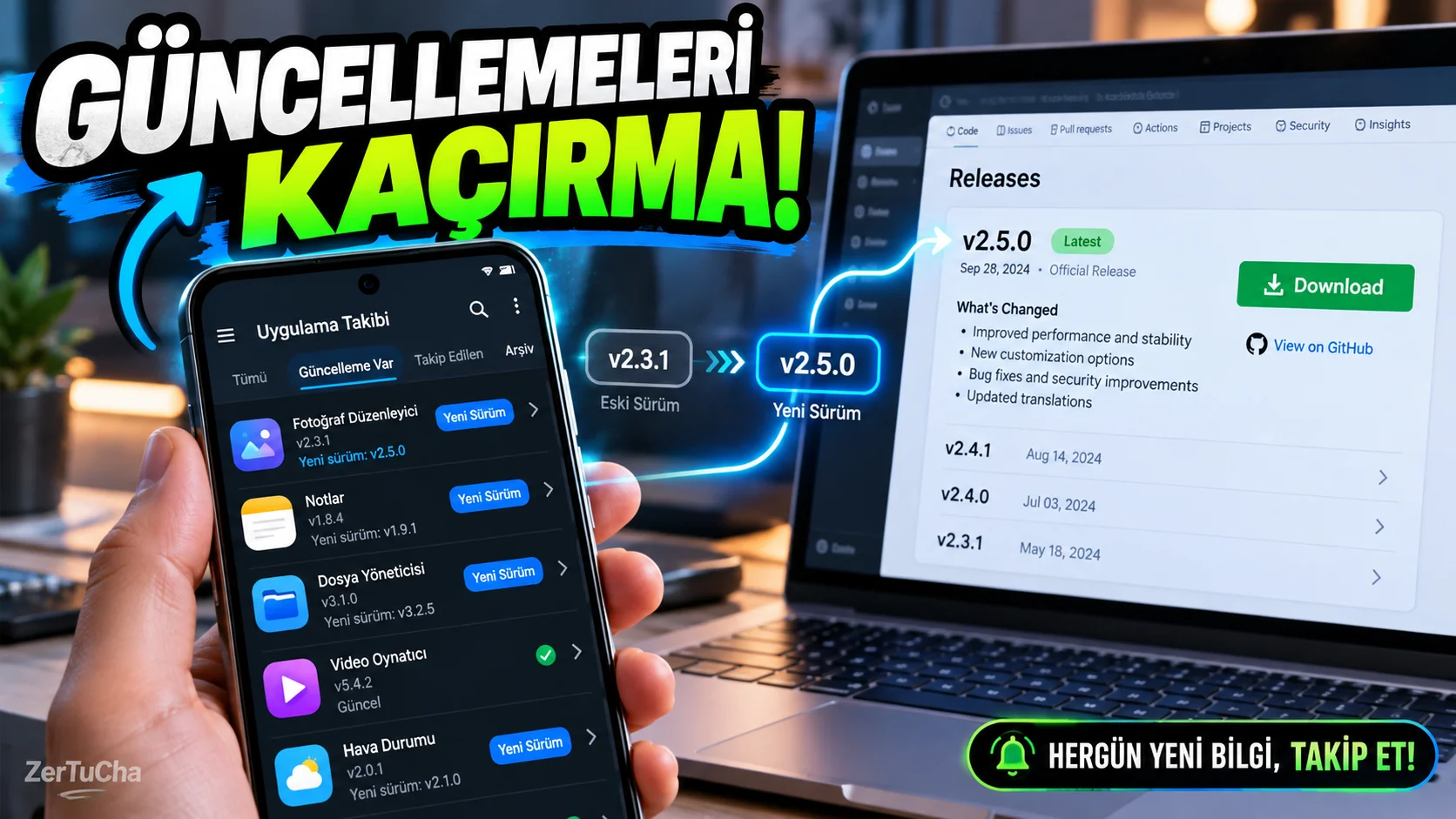
On Android, you may be downloading some applications from the developer's own site or open source project page instead of Google Play. In this case, when a new version is released, you may need to go to the same page again and look for an update.
Obtainium is a tool that keeps you informed of new versions and receive updates from supported sources by tracking the sources where Android applications are published.
Supports GitHub, GitLab, F-Droid and other sources. You can receive notifications when new versions are released; You can follow the appropriate application packages from the supported publication pages. Obtainium
What does it do?
- Keeps track of application versions from supported sources.
- Can notify when new version is released.
- Helps you organize the resources of multiple applications in one place.
- Can import and export application configurations.
- Allows you
Leave a Comment to Read the Rest of the Article
Did you find our content useful? We are curious about your thoughts on the subject.
- to more easily follow the versions released by developers. Obtainium
How to use?
- Get Obtainium from the official project page.
- Add the official broadcast address of the application you want to follow.
- Check appropriate source type and version detection options.
- Save application page.
- Review the release notes when a new version notification arrives.
- Check that the application package comes from the correct source before updating.
For example, if a developer publishes a new version of his Android application on GitHub, you can track this source with Obtainium instead of manually checking the version every day.
Current information: Obtainium version 1.6.17 was released on September 13, 2026. The release notes include translation improvements and adjustments to some resource types. GitHub
Security warning: When Obtainium finds a new version of an application, it does not automatically mean that the file is safe. Follow applications from the developer's official source whenever possible; Use caution when installing and updating APK files of unknown origin.



No comments yet. Be the first to comment!
Leave a Comment