

TeamViewer → RustDesk
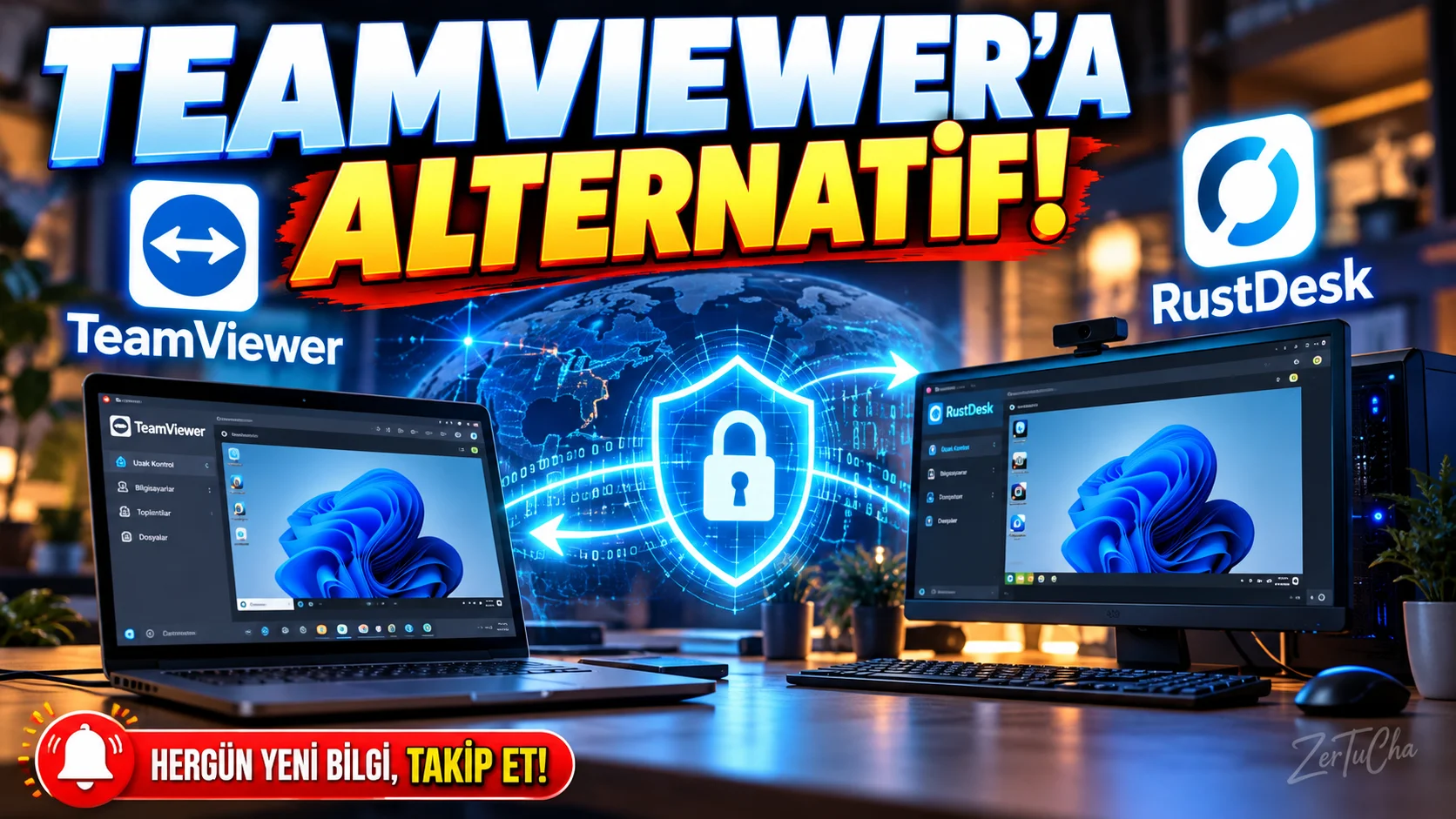
Main Program / Application
TeamViewer
Recommended Alternative
RustDesk
Supported Systems
Windows, macOS, Linux, Android, iOS and web. RustDesk's official documentation supports these platforms; It is stated that the remote control feature is limited on iOS devices.
Fee Status
There is an open source client and a free open source server option.
RustDesk also offers a paid Professional Server option.
What Does It Do?
Used to remotely connect to another computer, provide technical support and manage the remote device.
“You are using TeamViewer to connect to the computer remotely.
But if you're looking for a more open source alternative where you can set up your own server, check out RustDesk.
Here's the thing about RustDesk:
Provides remote desktop connection.
You are connecting to a computer other than Windows.
You are connecting from a Mac.
You can use it on Linux.
Android and iOS sides are also supported.
And open source.
One of the best parts is that you can set up your own RustDesk server if you want.
This is a serious advantage, especially for technical teams and businesses.
But let me make an important warning here.
Remote connection programs are very powerful.
Never trust someone you don't know over the phone saying, 'Install RustDesk, I'll fix your computer.'
Even RustDesk's own website clearly warns against installation by strangers.
So it's not because the program is bad.
On the contrary, because it can pose a serious risk if it falls into the hands of a malicious person because you have given remote access.
It can be a powerful alternative if you're connecting to a tech support person you know or your own device.”
Advantages
It is open source, has multi-platform support, offers P2P connection and end-to-end encryption options; You can host your own server.
Disadvantages
Advanced options for setting up your own server may require technical knowledge. On the iOS side, remote control capabilities are not as extensive as on Android/desktop.
Why Use?
For users who want more control and an open source approach to remote access.
Better for Whom?
IT support teams, system administrators, remote users and technical businesses.


Henüz yorum yapılmamış. İlk yorumu siz yapın!
Bir Yorum Bırakın