



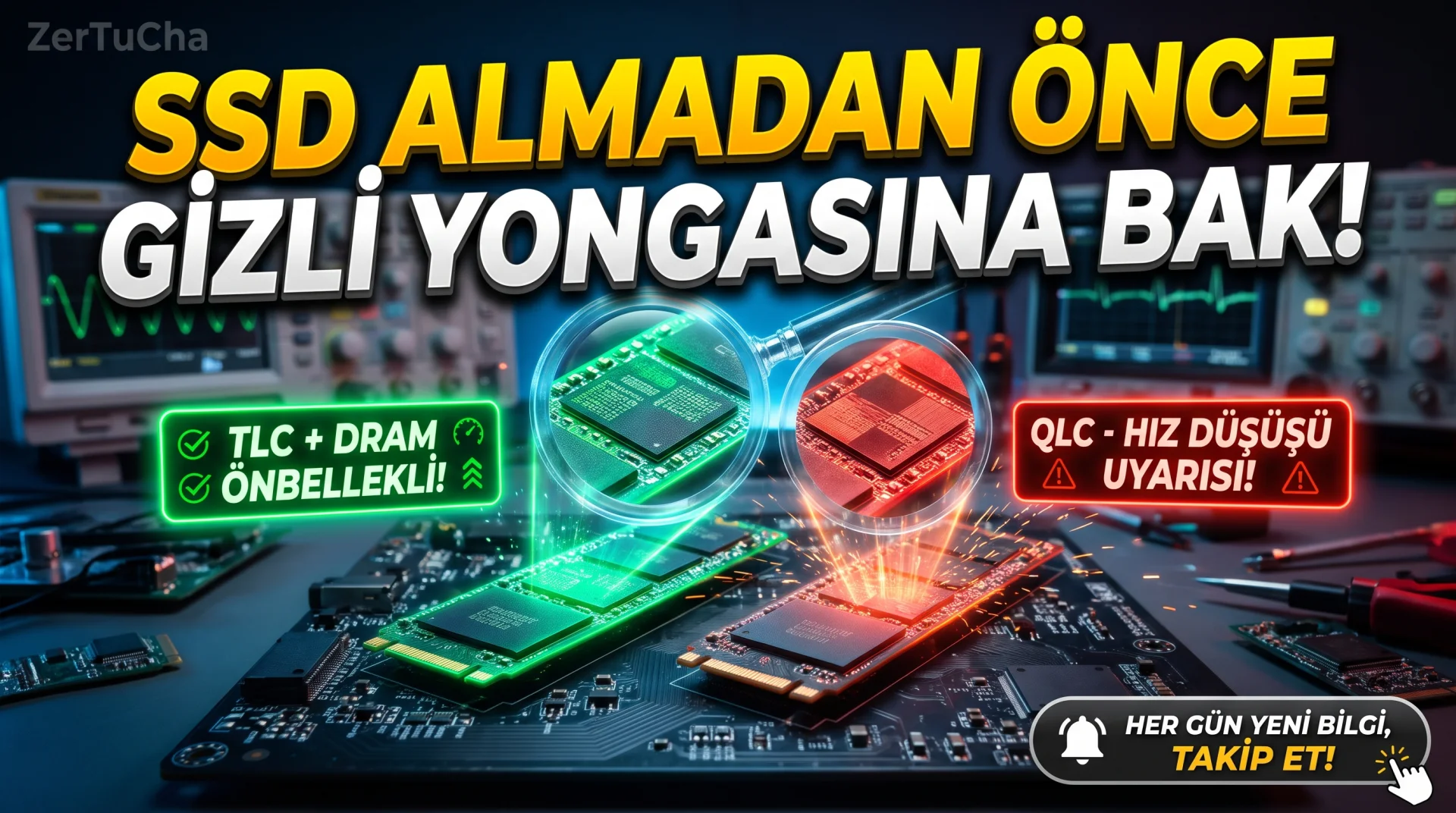
When buying a new M.2 NVMe SSD to speed up your PC, product titles on e-commerce sites always read the same shiny numbers: "7000 MB/s Read Speed! 1TB Gen4 SSD!" However, when you insert that SSD and start copying a large 50 GB video file or game into it, the speed suddenly drops after the first 20 seconds Up to 100 MB/s (old mechanical hard disk speed!) crash! This is due to two critical hardware secrets that stores almost never write in the product description: Inside the disk DRAM cache unavailability and cheap QLC NAND memory chip! Moreover, some brands can silently replace the quality TLC chip inside the SSD they sell with the same model name with a lower-life QLC! The database that reveals the real controller, DRAM amount and TLC/QLC structure inside any SSD in 5 seconds before purchasing is right below!
Brief Summary: When purchasing an SSD, the memory type (TLC vs QLC) and DRAM cache determine actual performance, rather than the maximum speed in the box. techpowerup.com/ssd-specs/
Leave a Comment to Read the Rest of the Article
Did you find our content useful? We are curious about your thoughts on the subject.
database.
Why Are TLC, QLC and DRAM So Important When Buying an SSD?
TLC (Triple-Level Cell) memory chips have much longer write life (TBW) and stable speed for large files than QLC (Quad-Level Cell) chips. The DRAM cache prevents the system from crashing by allowing the operating system (Windows/macOS) to instantaneously map thousands of small files.
Especially on SSDs used for the main operating system (C: drive) and video editing/software projects TLC NAND + DRAM makes the critical difference. Cheap models without DRAM and with a QLC chip are only suitable for secondary game or photo archive storage.
TLC + DRAM SSD vs. QLC + DRAM-free SSD
The table below summarizes the actual usage differences between two different SSD architectures that appear to be the same speed from the outside.
| Specification | SSD with TLC + DRAM | QLC + DRAM-less (HMB) SSD |
|---|---|---|
| Large File Write Speed | It remains high and stable | When the cache is full, the speed drops sharply |
| Write Life (TBW) | High (Usually 600 TBW / 1 TB) | Low (Typically 200–360 TBW / 1 TB) |
| Operating System (C:) Compatibility | Excellent (Recommended) | Medium (May slow down with heavy multitasking) |
| Ideal Area of Use | Windows/Linux, 4K Editing, Software | Game archive, cold storage |
How to Use TechPowerUp SSD Database?
Follow these steps to check the real internal structure of an SSD you added to the cart on e-commerce sites in 30 seconds:
- From your browser https://www.techpowerup.com/ssd-specs/.
- In the search box, enter the name and capacity of the SSD model you are considering purchasing (for example Kingston KC3000 1TB, Kioxia Exceria Pro or Samsung 990 Pro).
- In the opened result line directly NAND Typein the column
TLCand DRAMin the columnYes (1024 MB etc.). - Clicking the model name Controller chip and Endurance (TBW write life).
- If on the model page "Variant / Hardware Revision" warning, go for a more transparent alternative model, knowing that the manufacturer uses different chip revisions in this model.
Advantages, Disadvantages and Limitations
TechPowerUp database is completely free and does not request personal data. The biggest advantage is that you can filter controller and DRAM details in a single table, which manufacturers do not even include in technical PDF documents. Its limitation is that the interface is in English and it may take a few weeks for very new locally branded SSDs to be added to the database. For our recommendations for high-performance workstations and digital production infrastructure our projects and you can follow our technical guides.
Frequently Asked Questions
Can I buy a DRAM-less NVMe SSD?
Modern NVMe SSDs provide good performance in daily office and gaming use by borrowing a small space from the computer's RAM with HMB (Host Memory Buffer) technology; but a TLC SSD with DRAM for the main OS and heavy video/data processing will always last longer.
What does the TBW value in SSD specifications mean?
TBW (Terabytes Written) is the manufacturer's endurance measure that shows how many Terabytes of data can be written to that SSD in total under warranty; The higher the number, the longer the disk lasts.
Can a PCIe Gen4 SSD be installed on an older Gen3 supported motherboard?
Yes, fully backwards compatible; however, its maximum speed is limited to approximately 3500 MB/s, which is the limit of the Gen3 slot.

Leave a Comment