

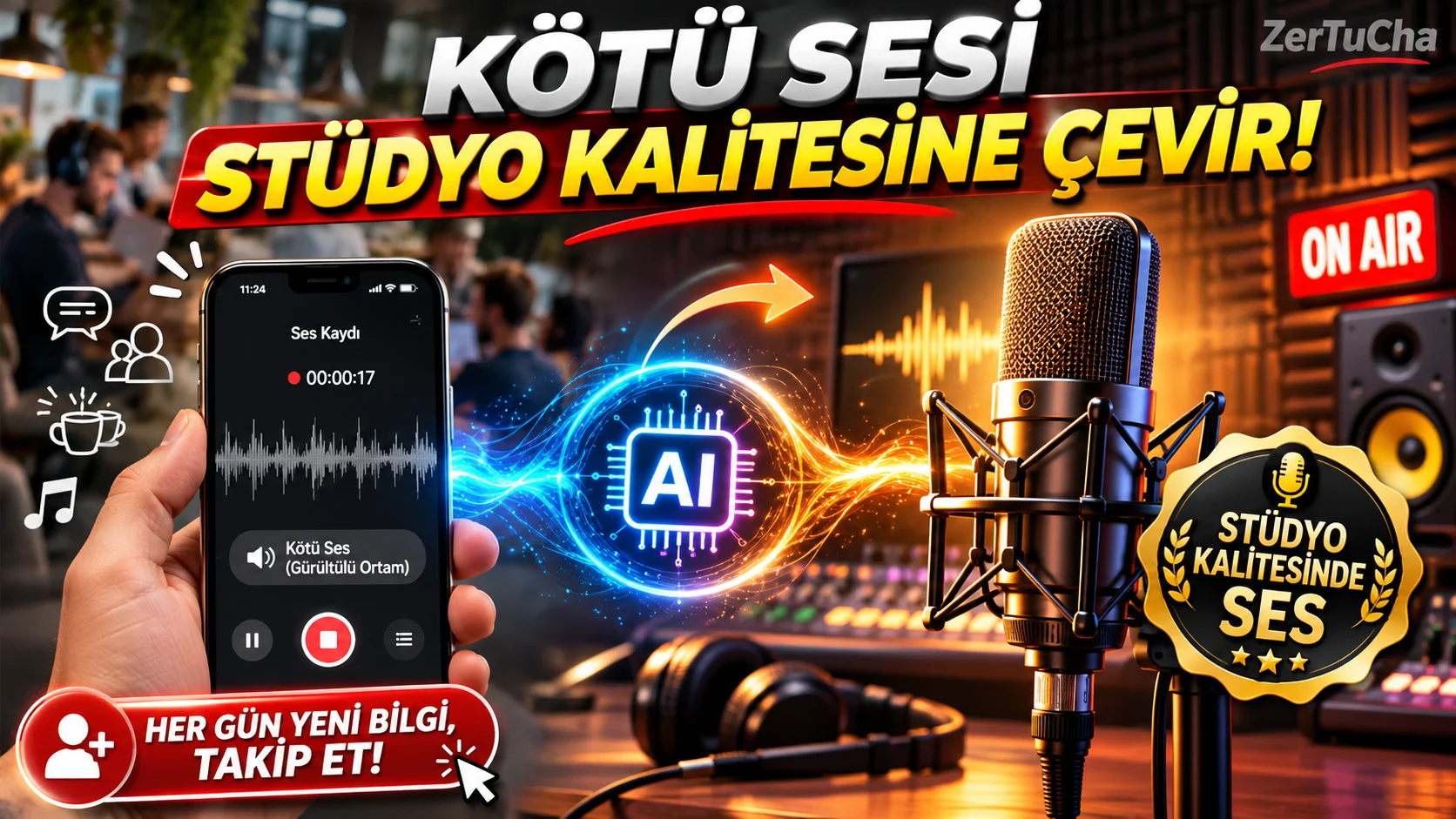
Convert Your Voice Recording and Speech to Studio Quality in Seconds: Adobe Podcast (Enhance Speech)!
SITE NAME AND LINKS:
-
Site Name: Adobe Podcast – Enhance Speech and Mic Check
-
Official URL: https://podcast.adobe.com/enhance (Microphone Test Tool: https://podcast.adobe.com/miccheck)
-
Origin / Service Language: USA (Adobe Inc.) / English interface (Cleans Turkish conversations and voice recordings 100% naturally)
-
FAQ and Plan Limits: https://podcast.adobe.com/
-
To separate music and vocals from a song on the first day VocalRemover.org; well When you record a YouTube video, Shorts/Reels dubbing, online lecture or interview with your own voice, you can hear the computer fan hum in the background, street noise and especially that amateur "bathroom echo" that occurs in an empty room? If you can't buy a professional studio microphone worth thousands of liras, don't worry: Adobe Podcast Enhance Speech (
[podcast.adobe.com/enhance](https://podcast.adobe.com/enhance)) even the worst voice recorded with the phone's own microphone or a cheap headset as if it were recorded in a 50,000 TL soundproof radio studio makes it smooth!Ordinary noise removal programs reduce the background sound and make your voice muffled and robotic. Adobe's artificial intelligence not only removes noise and room echo; It resynthesizes the missing frequencies of your voice and turns it into a full, clear and warm broadcaster voice! Also "Mic Check" (
[podcast.adobe.com/miccheck](https://podcast.adobe.com/miccheck)) tool, you can test whether you are too far away from the microphone and whether there is an echo in your room by speaking a sentence into your microphone before you start recording, free of charge! -
STEP BY STEP USE:
-
From your browser https://podcast.adobe.com/enhance and sign in with your free Adobe/Google account.
-
If you want to make sure that your microphone is set correctly before recording, click "Mic Check" page and "Test Mic" button; Verify that the on-screen needles (Distance, Gain, Background Noise, and Echo) are in the green zone.
-
Transfer the Turkish audio file you recorded (in MP3 or WAV format) to "Enhance Speech"on the screen"Choose files" button.
-
Allow 30-60 seconds for the AI to process the audio.
-
When the process is finished "Enhance Speech" switch on and off and "Download" button!
-
-
REQUIREMENTS AND LIMITS: Free account login required. Free Plan Limits: Total per day 1 hour grants audio processing; single audio file up to 30 minutes long and 500 MB in size (MP3, WAV, AAC, M4A) (1 hour free limit per day is more than enough for Shorts, Reels and 10-20 minute YouTube videos!). A paid Premium plan is available for those who want to directly upload MP4 video, upload batch files, and adjust the Strength bar (Hint: In the free plan, you can upload only the MP3 audio of your video and put the clean version under the video in the editing program!).
-
PRIVACY AND SECURITY: Processing occurs on Adobe's cloud AI servers. This tool is only human speech sounds (speech/voiceover) is trained to enhance (can distort recordings of singing or instruments as speech). It is recommended to use it for content production, training and presentation voice-overs instead of confidential business meetings or intimate personal conversations.
-
ADVANTAGES, DISADVANTAGES AND WHOM IT IS SUITABLE FOR:
-
Advantages: Completely eliminates room echo (reverb/echo) and background noise and brings the sound to professional radio studio quality, gives excellent results in Turkish conversations, very generous free limit of 1 hour per day, free microphone test (Mic Check) tool.
-
Disadvantages: In the free version, the impact percentage (fixed at 100%) is partially unadjustable and the audio file (MP3/WAV) is loaded instead of the video (MP4) directly.
-
Who is it suitable for: YouTube, Shorts and Instagram Reels content creators, teachers who make online lecture videos, podcasters and anyone without an expensive microphone.
-
-
BRIEF CONCLUSION: The biggest reason why viewers leave in the first 3 seconds of your videos is bad and echoey sound;
[podcast.adobe.com/enhance](https://podcast.adobe.com/enhance)and get a professional studio microphone!




Henüz yorum yapılmamış. İlk yorumu siz yapın!
Bir Yorum Bırakın