

Don't Deal with Ads to Listen to Podcasts: AntennaPod
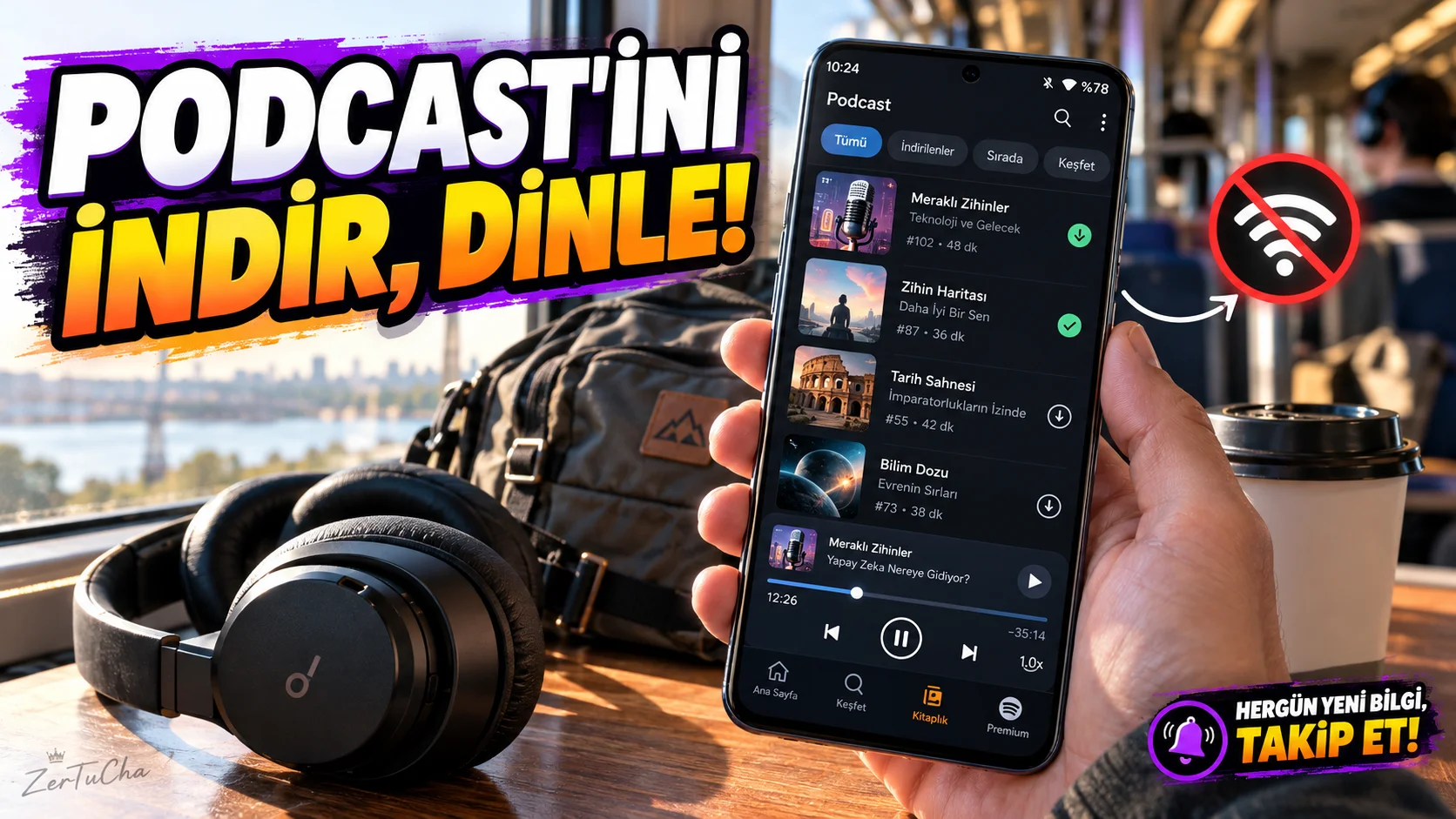
Platform: Android
Application: AntennaPod
Fee: Free and open source.
Official sources: AntennaPod official site · AntennaPod user manual
Podcast applications are very useful if you like to listen to something instead of watching videos while on the road, walking or doing housework. However, some apps may complicate the user experience with ads, account registration requirements, or paid subscriptions.
AntennaPod is an open source podcast manager for Android. You can subscribe to podcasts, queue up episodes, download them to your phone, and listen when you don't have an internet connection.
The app itself does not display ads. Advertisements placed by the podcast publisher in the audio file can naturally be found within the episode. AntennaPod
Highlights
- Adding podcasts via RSS link.
- Do not place episodes in listening order.
- Downloading episodes for offline listening.
- Set automatic download of new episodes.
- Configuring automatic deletion of listened episodes.
- Marking favorite episodes.
- Use auto-delete options to prevent downloads from unnecessarily filling up phone memory. AntennaPod
How to use?
- Get AntennaPod from the official website or the app's trusted store registration.
- Search for the podcast you want to listen to or add its RSS address.
- Queue the sections you are interested in.
- Download episodes when you have an internet connection.
- Edit automatic download and automatic deletion preferences in download settings.
For example, you can download the new episodes of your favorite technology podcast over Wi-Fi and listen to them on the way to work without spending mobile data.
Advantages: Offers an ad-free app interface, automatic downloads and flexible partition management. You can also follow RSS feeds without being tied to a specific commercial ecosystem. AntennaPod
Disadvantages: For Android only. The experience of discovering podcasts may vary depending on the sources you use and the publications you add.

Henüz yorum yapılmamış. İlk yorumu siz yapın!
Bir Yorum Bırakın