

Free Alternative to Photoshop: Krita
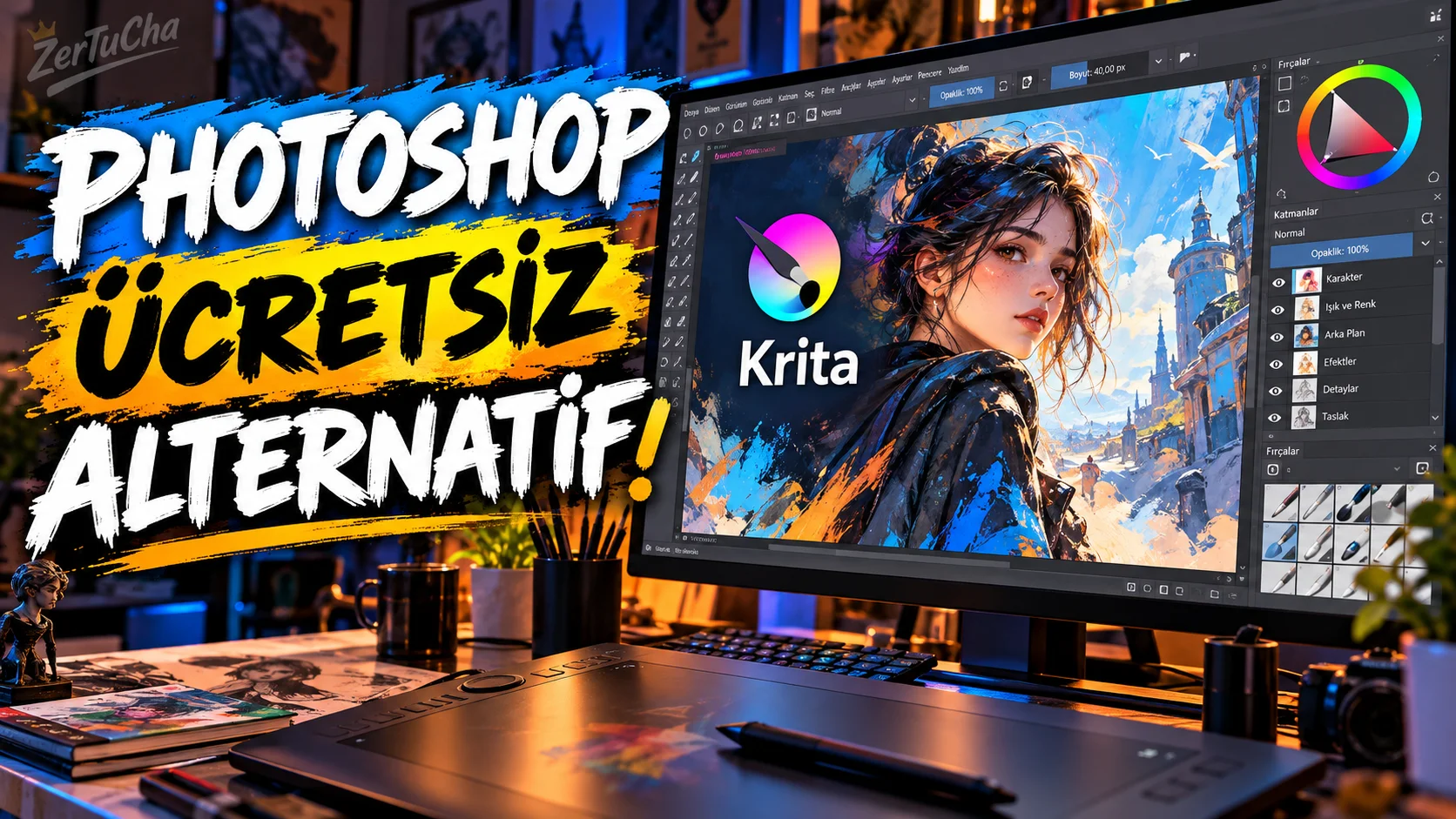
Main Program/Application: Adobe Photoshop
Recommended Alternative: Krita
Supported Systems
Desktop versions of Krita Windows, macOS and Linux. There is also an Android version, but the official page of the application offers Android support with a different distribution model; iPhone and iPad are not officially supported.
Fee Status
Krita on desktop free and open source. It is distributed under the GNU GPL license. Versions in some stores such as Windows Store, Steam, Epic and Mac App Store may be paid; these are mainly related to the store distribution format and are functionally identical to the free version on the website.
What Does It Do?
Krita is particularly strong in drawing, digital painting, layering, visual editing and 2D animation. It has numerous brushes, layer management, selection and transformation tools, PSD support and 2D animation features.
Advantages
The biggest advantage is no subscription and open source. Additionally, being able to work with PSD files is important for people using Photoshop. It also offers a very powerful tool set for digital drawing artists.
Disadvantages
It is not exactly the same program as Photoshop. Especially people who use professional photo manipulation, the Adobe ecosystem, some workflows and Photoshop-specific plug-ins may experience an adjustment period when switching directly.
Why Use?
If you do drawing and visual production, do not want to pay a Photoshop subscription, and are especially looking for an open source tool, Krita is a very strong candidate.
Better for Whom?
Digital artists, illustrators, students, design enthusiasts and creative users who do not want to pay subscriptions.
🎙️ Detailed;
When most people think of Photoshop, the first thing that comes to mind is professional photo editing. But there is a problem here: Photoshop is very powerful, but not everyone needs that many professional features, and the regular subscription fee does not appeal to everyone. This is where Krita really stands out.
Krita is a completely free and open source program. Moreover, we are not talking about such a simple drawing application. You can work with layers, you have advanced brushes, you can open PSD files, and you can even do 2D animation. Especially if you are a drawing person, the power of Krita becomes clearer.
Of course, if you ask 'Is it the same as Photoshop?', no. Not. Photoshop has professional workflows specifically tied to the Adobe ecosystem. However, if you say that you draw at home, prepare images for social media, deal with digital art and do not want to pay for Photoshop every month, definitely check out Krita.
My advice here is especially for students and beginner designers. Try the free Krita first. Why pay unnecessary subscription if it meets your needs?

Henüz yorum yapılmamış. İlk yorumu siz yapın!
Bir Yorum Bırakın