



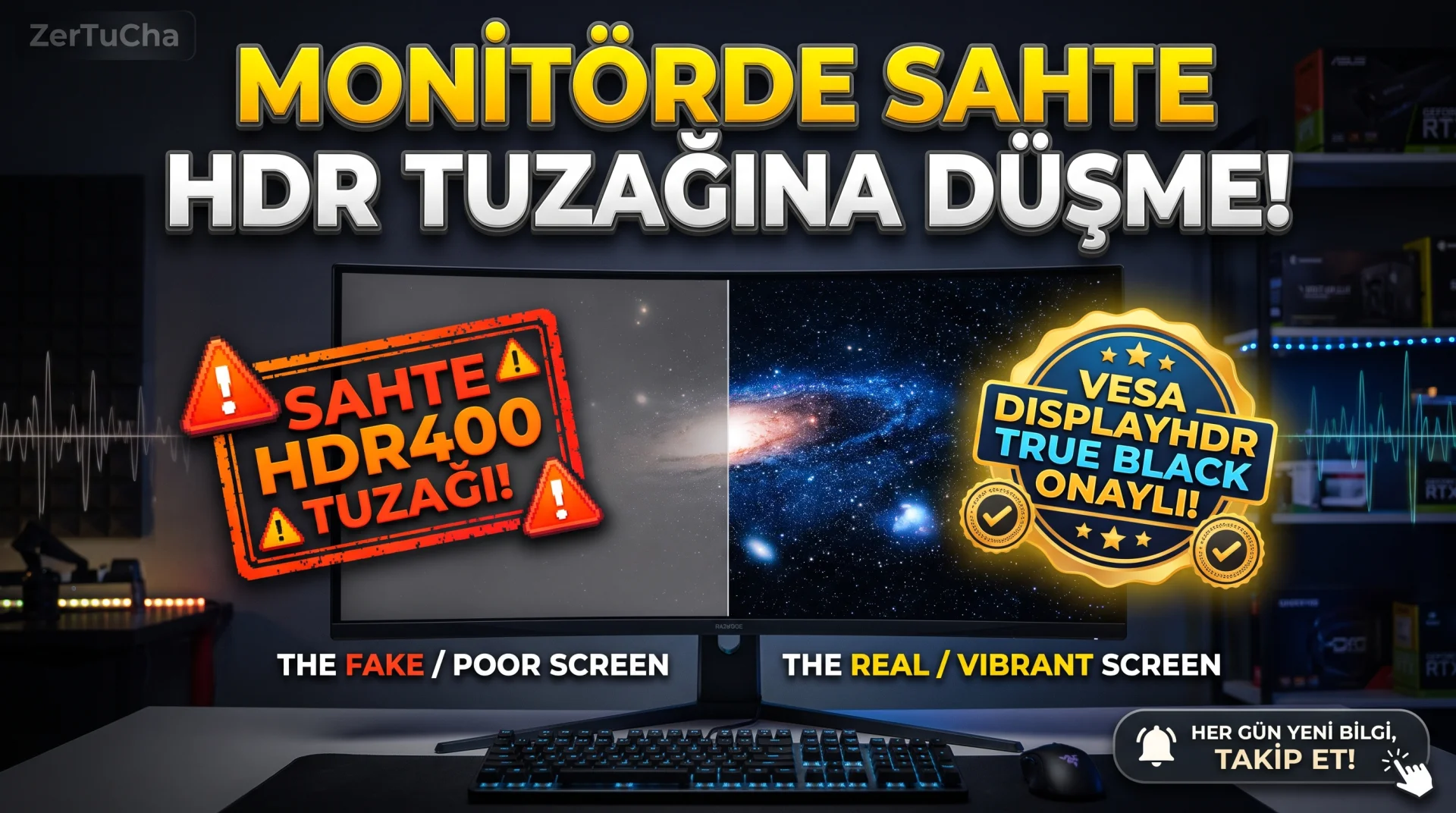
When buying a new gaming monitor, designer display, or OLED laptop, you'll see a giant glowing sticker on the product box: "HDR Supported / HDR400!" When you excitedly set up the monitor and turn on the HDR mode from Windows, you realize that instead of the live cinema image you were expecting, the colors become faded, blacks turn grey, and the image looks even worse than in normal mode! Why? Because most monitors labeled "HDR Ready" or entry level "HDR400" do not have local dimming and their brightness is not enough to give the true HDR dynamic range! However, the international display standards organization VESA the official DisplayHDR and OLED specific True Black is releasing the certificate database publicly! The guide to capturing fake HDR in 10 seconds before buying a monitor is right below!
Brief Summary: Not every monitor that says "HDR" offers a real HDR image. displayhdr.org is the entry level of the screen you will get via the official VESA database DisplayHDR 400 or true local
Leave a Comment to Read the Rest of the Article
Did you find our content useful? We are curious about your thoughts on the subject.
dimming DisplayHDR 1000 / True Black certificate for free.
What is VESA DisplayHDR and Why Is "HDR400" Often Misleading?
VESA DisplayHDR is the official international testing standard that objectively classifies the brightness (nits), black level, color gamut and bit depth performance of computer monitors and laptop displays.
The problem is: Entry level DisplayHDR 400 certification only requires 400 nits peak brightness and 8-bit panel; local dimming is not mandatory. Therefore, when a bright star is shown in a dark scene, the entire screen's backlight shines and blacks become grey. Real HDR experience on LCDs DisplayHDR 600/1000+ (Mini-LED), in OLEDs DisplayHDR True Black.
VESA DisplayHDR Levels Comparison Chart
When choosing a monitor or laptop, you can see the actual technical equivalents of the labels in the table below.
| VESA Certificate | Peak Brightness | Local Dimming | True HDR Experience |
|---|---|---|---|
| DisplayHDR 400 | 400 cd/m² (nit) | Not required (Most of them do not have it) | Poor (Usually SDR looks better) |
| DisplayHDR 600 | 600 cd/m² (nit) | Required (Edge/Regional) | Medium–Good (Initial true HDR) |
| DisplayHDR 1000 / 1400 | 1000+ cd/m² (nit) | Multi-zone Mini-LED / FALD | Very Loud (Impressive in daytime and in the cinema) |
| DisplayHDR True Black 400/500/600 | 400–600+ nits (OLED) | Pixel infinite black (0.0005 nits) | Excellent (Deepest contrast and dark scenes) |
Verify the Monitor You Will Buy in the VESA Database in 5 Steps
To check real HDR certification without being fooled by marketing labels, follow these steps:
- Image from your browser https://displayhdr.org/certified-products/.
- Choose the product type from the filters above (Monitors or Laptops) and brand (ASUS, MSI, LG, Samsung, Dell, Gigabyte, Lenovo etc.).
- Search the exact code of the model you are considering purchasing in the table; If the product is not listed at all, the seller's statement of "HDR Supported" means that they accept a standard signal that has not passed the VESA test.
- Across the model True Black 400/500 (OLED) or DisplayHDR 1000 (Mini-LED) certification, you can be assured of true high dynamic range.
- Free on Windows 11 from Microsoft Store when you buy a new HDR monitor Windows HDR Calibration application!
Advantages and Purchasing Strategy
VESA database is completely transparent, free and neutral. If your budget is not at the level of OLED (True Black) or Mini-LED (DisplayHDR 1000), it is a much smarter investment to choose an SDR monitor with a higher refresh rate and higher color accuracy with the same budget, rather than paying extra money for a standard IPS monitor just because it says "HDR400".
Frequently Asked Questions
Is "DisplayHDR True Black 400" on OLED the same as "DisplayHDR 400" on LCD?
Absolutely not! True Black 400 is only given to pixel-capable panels like OLED, and the black level is up to 100 times deeper than HDR400 on LCD; therefore it delivers a stunning true HDR image in the darkroom.
Why do desktop colors appear faded when you turn on HDR in Windows?
Windows desktop operates in the SDR (sRGB) color space as standard; On displays without local dimming, such as DisplayHDR 400, when HDR is turned on, blacks become gray because the backlight is turned on at full power. On such screens, HDR should be turned on only for games/movies that support it or stay in SDR mode.
What other VESA certifications to look for for monitors?
For motion sharpness outside of HDR VESA ClearMR and VESA AdaptiveSync certifications are also measures of trusted hardware.




No comments yet. Be the first to comment!
Leave a Comment