

ONLYOFFICE Instead of Microsoft Office
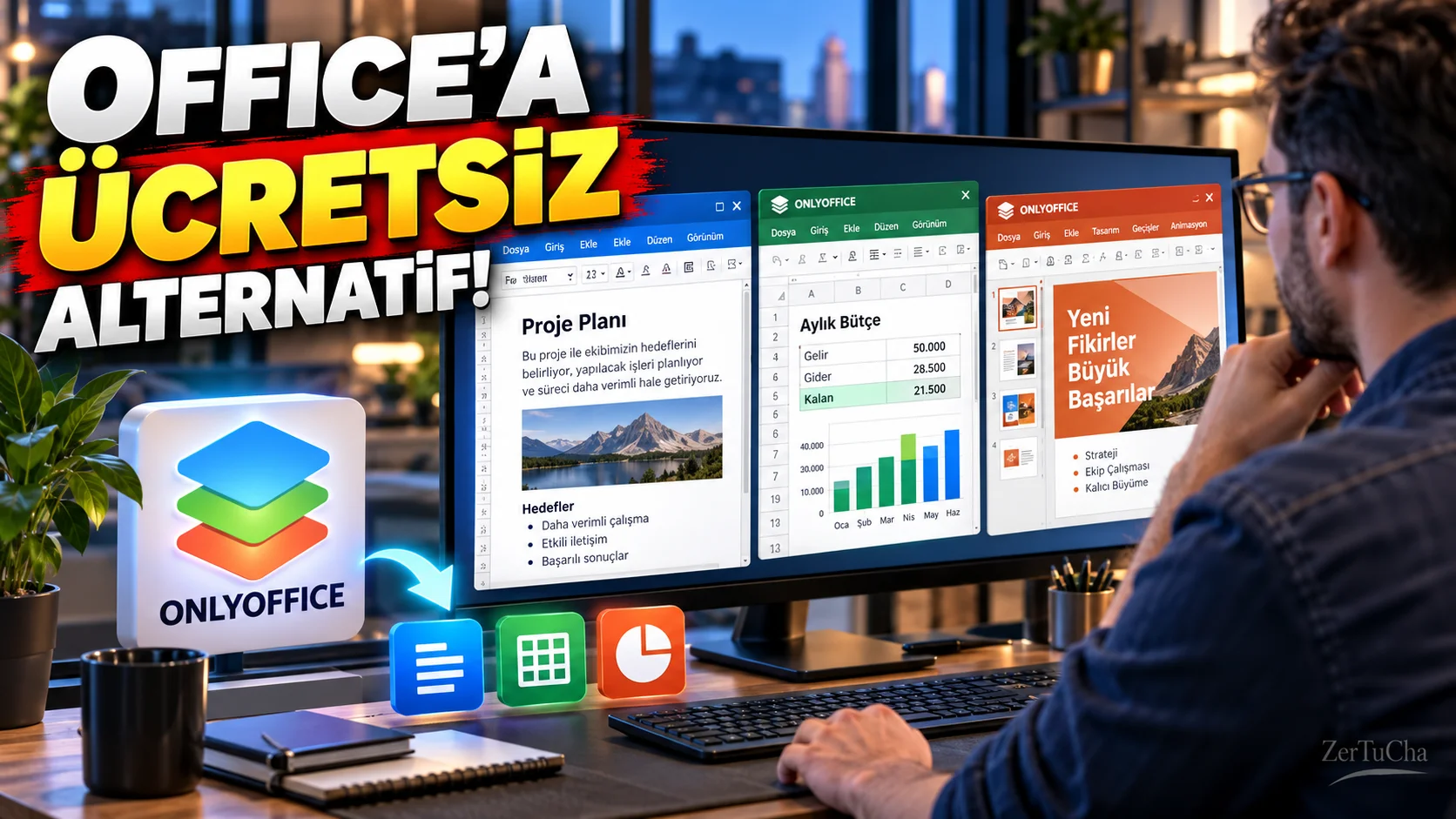
Main Program/Application: Microsoft Office
Recommended Alternative: ONLYOFFICE Desktop Editors
Supported Systems
ONLYOFFICE desktop application Windows, Linux and macOS. Also free mobile apps iOS and Android.
Fee Status
ONLYOFFICE Desktop Editors free and open source. Official sources state that, in addition to desktop applications, iOS and Android mobile applications are also free.
What Does It Do?
Can work with Word-like text documents, Excel-like spreadsheets, PowerPoint-like presentations, forms and PDF files. It supports popular formats like DOCX, XLSX, PPTX, ODT, CSV and so on. It is also possible to work on local files without an internet connection.
Advantages
It is an important advantage that it aims for high compatibility with Microsoft Office formats and provides document, table, presentation and PDF tools in a single package. The fact that it is free is also powerful, especially for individual users. It is also important to have iOS and Android support on the mobile side.
Disadvantages
There may not be a perfect replacement for professionals who use the full Microsoft 365 and are particularly dependent on the very advanced features of Excel, enterprise integrations or the Microsoft ecosystem.
Why Use?
If you say, “I use the basic and mid-level features of Word, Excel and PowerPoint, but I do not want to pay a subscription just for this,” ONLYOFFICE is a very logical option.
Better for Whom?
Students, teachers, home users, bloggers, freelancers, small businesses, and users with basic/mid-level office needs.
🎙️ Detailed;
Now let's come to the trio we see on most computers: Word, Excel and PowerPoint. We use these programs, but many people don't actually need all the features of Microsoft 365. He writes documents, prepares tables, makes presentations and deals with PDFs. This is where ONLYOFFICE comes into play.
ONLYOFFICE has a very nice thing: It's available on Windows, it's available on macOS, it's available on Linux. There are even iPhone and Android applications on the phone. Moreover, the desktop version is free and open source. It can open and edit Word files, Excel files and PowerPoint files. So you don't have a problem like 'I've been using Word for years, how do I open it now?'
Another good thing is that the program does not focus only on writing documents. The same package includes text document, spreadsheet, presentation, form and PDF tools. Moreover, in the desktop version, you can edit your local files without internet.
So who should pass? If you're a student, home user, blogging, running a small business, or using the basic features of office programs, definitely give it a try. But if you say, 'I do very advanced corporate work in Excel, I am connected to all Microsoft services', it may make more sense for you to stay on the Microsoft side.
But let me tell you for the ordinary user: Before you spend money on Word, Excel and PowerPoint, take a look at ONLYOFFICE. Because maybe it already gives you everything you need for free.



Henüz yorum yapılmamış. İlk yorumu siz yapın!
Bir Yorum Bırakın