

PeaZip Instead of WinRAR: Free File Compression
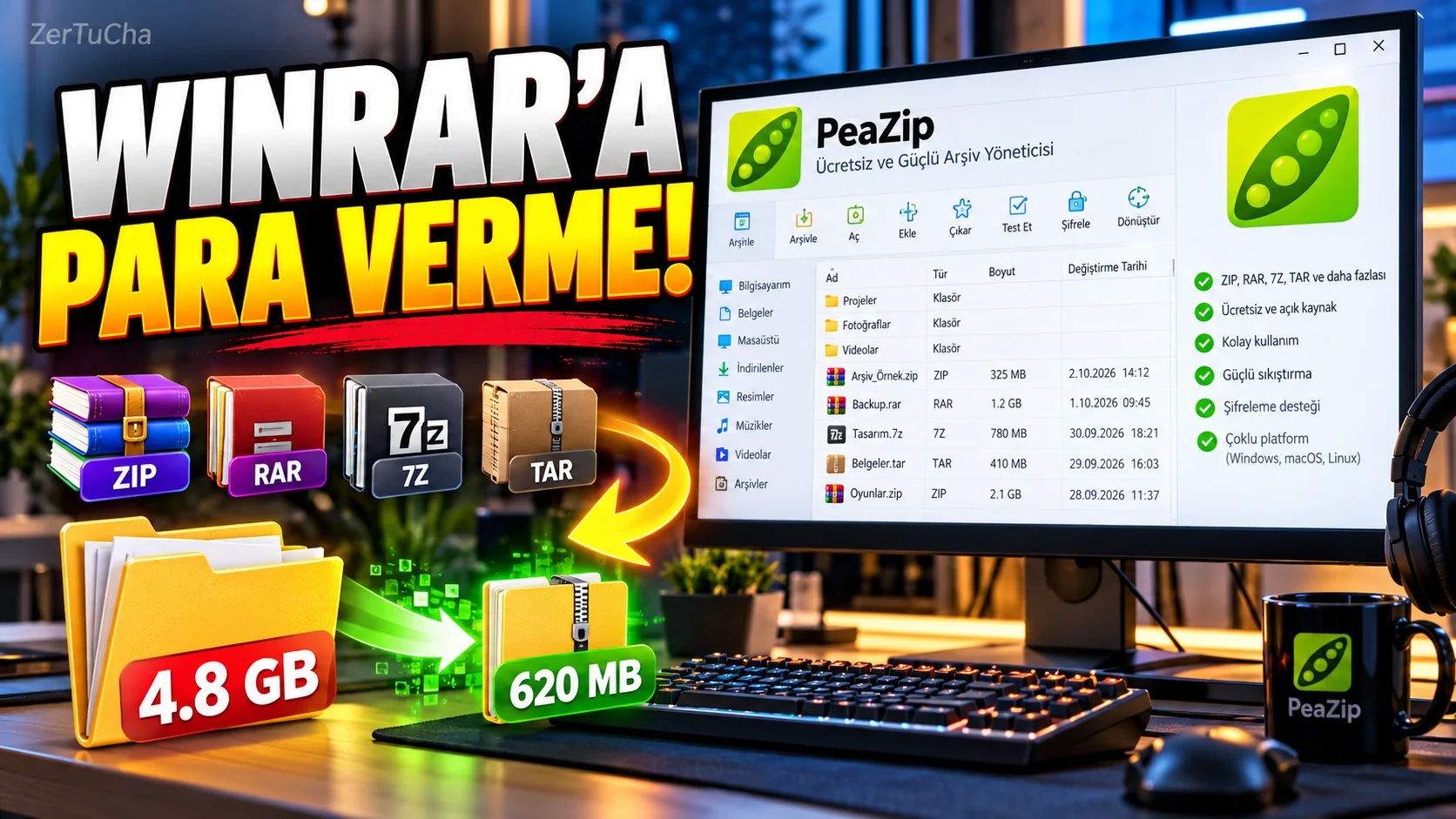
Main Program/Application: WinRAR
Recommended Alternative: PeaZip
Supported Systems
PeaZip Windows, Linux and macOS. It also has portable versions.
Fee Status
Completely free and open source. Distributed under LGPLv3 license; No fee is charged for personal and professional use.
What Does It Do?
Can open ZIP, 7Z, RAR, TAR and many other archive formats. According to the official website More than 200 archive formats and offers features such as file compression, archive management, split/merge and encryption.
Advantages
The fact that it is free, open source and works between Windows/macOS/Linux is a great advantage. Moreover, it is not just a simple tool that opens ZIP; It has features such as large format support, encryption, file management and portable version.
Disadvantages
The interface may seem different to someone using WinRAR for the first time. Additionally, there are license restrictions regarding the creation of the RAR format; PeaZip can open existing RAR archives, but there are limitations on creating RAR independently.
Why Use?
If you say, "I will compress files and open archives, but I do not want to use a paid program for this," PeaZip is quite powerful.
Better for Whom?
Home users, students, technical users, people who work with a lot of archives and people who use Windows/macOS/Linux.
🎙️ Detailed;
Now let's talk about a program that we all use on computers but is not talked about much: WinRAR. We have been using it for years to compress files, open ZIP, and extract RAR files. But there is a free alternative: PeaZip.
PeaZip is completely free and open source. It works on Windows, it works on macOS, it works on Linux. Moreover, it does not only open ZIP files. It can work with more than 200 archive formats. It can perform encryption, split and combine files, and manage the contents of archives.
So why use this? Because as a daily user, what we actually need most of the time is very simple: Compress the file, open the archive, send it to another computer. You don't have to go and pay an extra fee for this.
But there is a small detail: There are license restrictions on the creation of the RAR format. So you won't have any problems opening existing RAR files, but it is not as free as WinRAR when it comes to creating new RAR. However, if you are working with formats such as ZIP and 7Z, PeaZip is more than sufficient. I definitely recommend it, especially to those who constantly deal with archive files on their computers.




Henüz yorum yapılmamış. İlk yorumu siz yapın!
Bir Yorum Bırakın