

If You Use a Mac, You Should See This Program That Automatically Plans Your Day
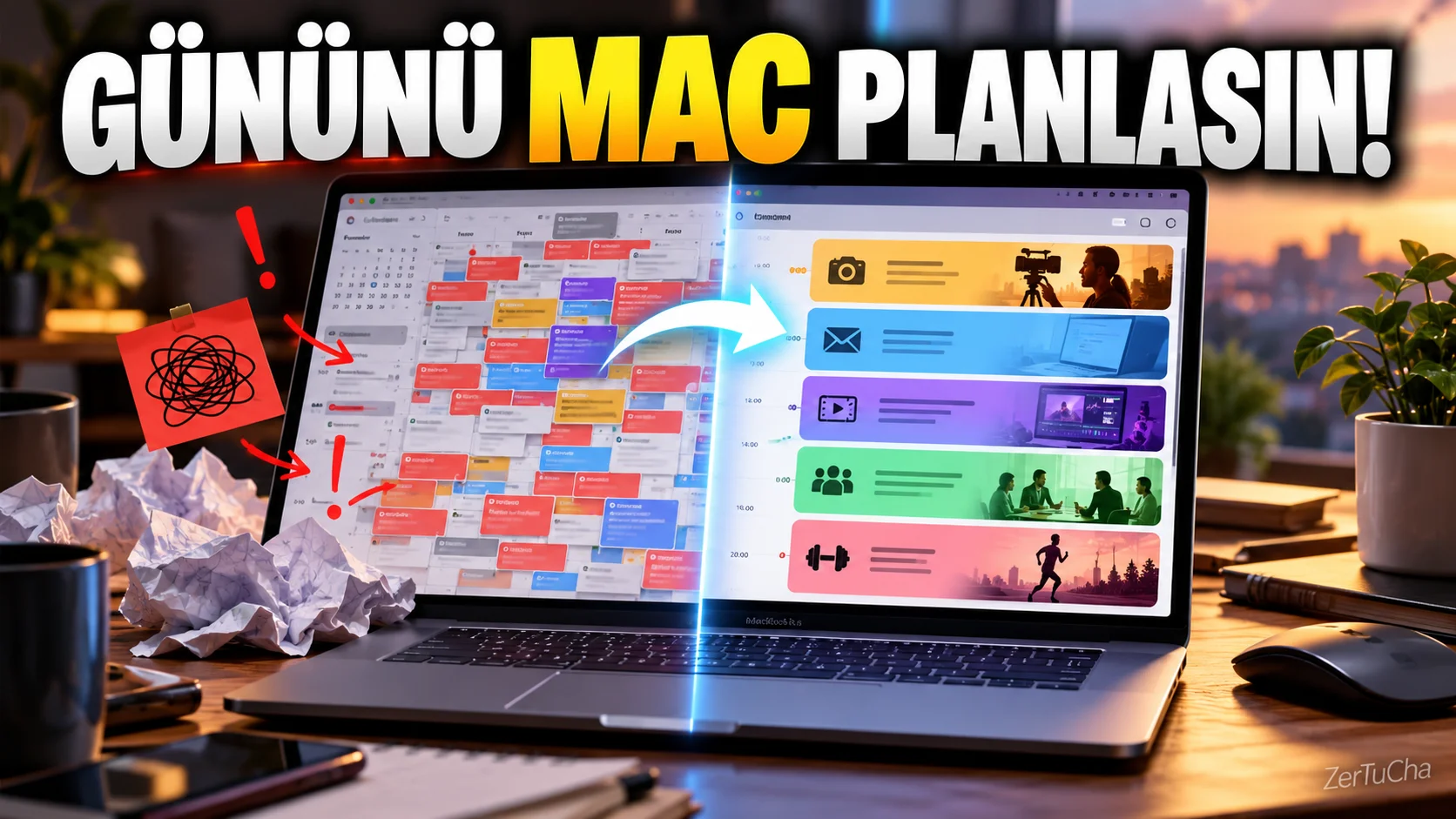
If your day is filled with meetings, to-dos, and personal tasks, the biggest problem is often “What do I do?” not, “When will I do this?” happens.
Chunk is a time blocking application developed for Mac.
The logic is quite simple: You place the tasks to be done in certain time blocks throughout the day.
For example:
09:00–10:30 → Video scenario
10:30–11:00 → Emails
11:00–13:00 → Video editing
14:00–15:00 → Social media
.
The nice thing about Chunk is that it does this in a more visual way than a classic calendar.
It can provide two-way synchronization with Apple Calendar, Google Calendar and Outlook. It can also show Apple Reminders tasks in its task area.
The program runs in the Mac's menu bar. You can quickly open it and organize your day with a keyboard shortcut.
Showing a countdown when a time block starts. It notifies you when the block is finished and you can complete the task or move it to another time.
Another interesting feature is recurring daily/weekly plans.
For example, if you have the same working schedule every Monday, you can turn it into a template and use it over and over again.
The privacy side is also interesting. Chunk notes that scheduling data is kept locally on the Mac and not on its own servers. If synchronization between Macs is used, the transfer is made through your own iCloud account.
Moreover, instead of subscription one-time purchase.
It is quite interesting, especially for content producers, freelancers and those who say, "My day is messy, I cannot spare time for anything."




Henüz yorum yapılmamış. İlk yorumu siz yapın!
Bir Yorum Bırakın