



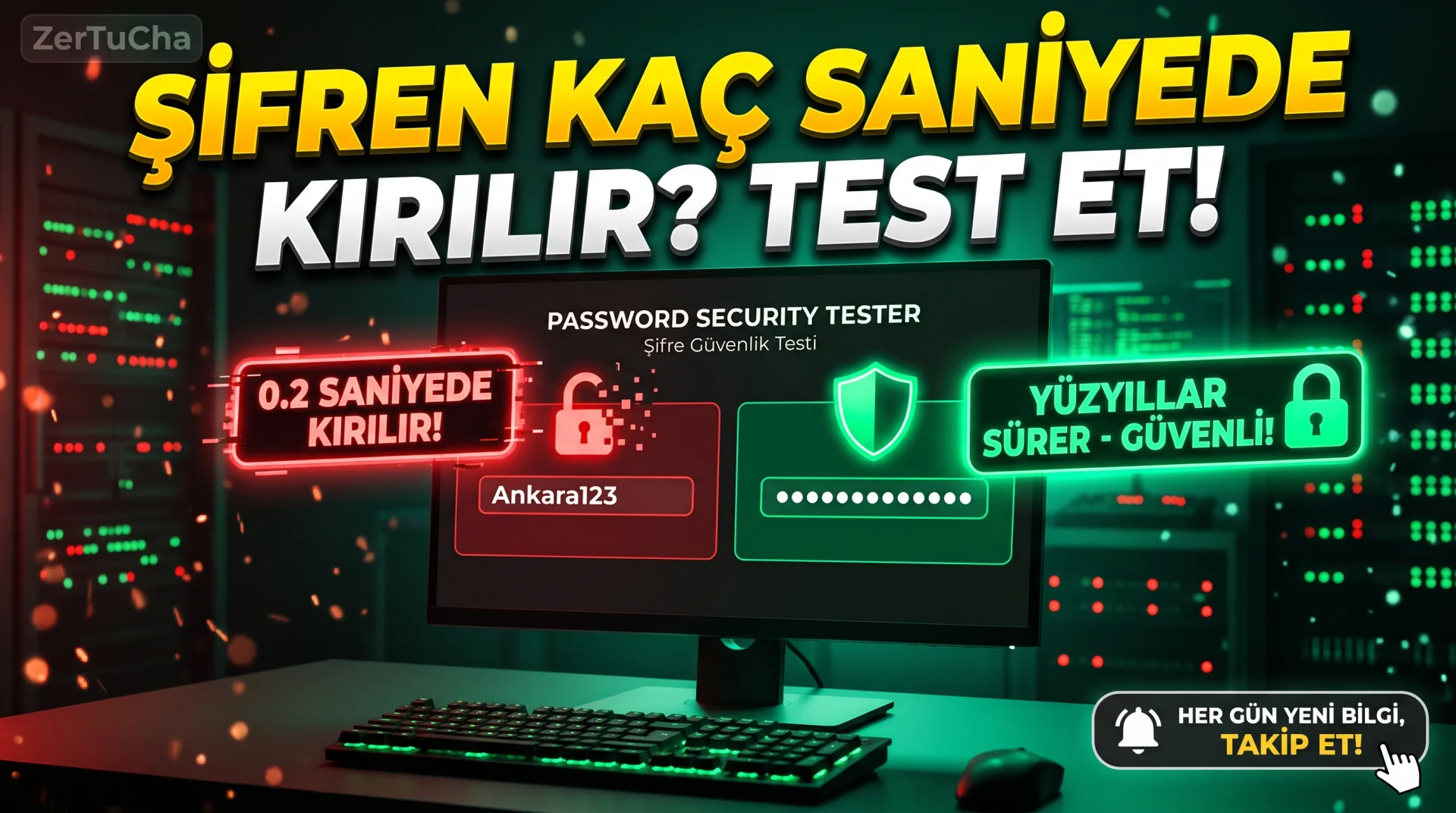
When setting a new password for your email, bank or social media account, you usually add your birth year, the founding year of your favorite team or @123, you will think that that password is now an impenetrable castle. However, modern cyber attackers use high-speed graphics card clusters (GPU) and ready-made dictionary tables consisting of billions of leaked passwords, allowing them to use a 10-digit password with a meaningful word or date in one-thousandth of a second can break! What's even more dangerous is that even a very complex password that you think you made up in your own head is on the first "black list" that attackers try because it has been used millions of times in giant data leaks around the world! Well, did you know about the system that shows the cracking time and whether it is on the leak lists by testing your password entirely in your own browser's memory, without sending it to any server? Safe testing steps are just below!
Leave a Comment to Read the Rest of the Article
Did you find our content useful? We are curious about your thoughts on the subject.
SITE NAME AND LINKS
-
Site Name: Bitwarden Password Strength Testing Tool (and Have I Been Pwned – Pwned Passwords)
-
Official URL: https://bitwarden.com/password-strength/ (Leaked Password Check: https://haveibeenpwned.com/Passwords)
-
Origin / Service Language: USA (
bitwarden.com– open source password manager & Troy Hunthaveibeenpwned.com) / English -
Open Source Security and Privacy Architecture: https://bitwarden.com/privacy/ and https://haveibeenpwned.com/API/v3#PwnedPasswords
Bitwarden Password Strength Tool ([bitwarden.com/password-strength/](https://bitwarden.com/password-strength/)), open source developed by Dropbox security engineers zxcvbn algorithm directly in your browser. For example "Ankara2026!", the system recognizes that it is a city name + year + symbol pattern and brute force tells you to your face that the break time is only a few seconds!
Right next to it Have I Been Pwned – Pwned Passwords ([haveibeenpwned.com/Passwords](https://haveibeenpwned.com/Passwords)) checks whether the password you are trying has been compromised before in the pool of more than 800 million leaked real passwords; moreover k-Anonymity (sending only the first 5 characters of the SHA-1 digest) technology, your password itself never passes through the internet line!
STEP BY STEP USE
-
From your browser https://bitwarden.com/password-strength/ (No memberships or ads).
-
Important Rule: Instead of typing your current active bank/e-mail password verbatim, a sample password pattern that you plan to create new (or a similar test password) into the box.
-
The "Estimated time to crack" line: If "seconds" or "days", that password is definitely weak!
-
Your password should be a long Passphrase (e.g.
BlueCat-WalnutTree-74-Cloud!) and break time "Centuries" level. -
To ensure that the new password you choose does not appear on global leak lists at all https://haveibeenpwned.com/Passwords box and enter the green "Good news — no pwnage found!" approval!
REQUIREMENTS AND LIMITS
No membership or fee required; Works in all browsers. The Bitwarden testing tool only calculates password complexity and entropy; password save/autofill feature requires a separate account.
PRIVACY AND SECURITY
Bitwarden password strength test 100% native JavaScript within your own browser and does not send the characters you type to the remote server. [haveibeenpwned.com/Passwords](https://haveibeenpwned.com/Passwords) receives the SHA-1 hash of the password in your browser and sends only first 5 characters sends the anonymous prefix (so the server mathematically cannot see your real password). However, as a good cyber hygiene rule, it is recommended that you enter your newly created password drafts into the test screens, not your current working real passwords.
ADVANTAGES, DISADVANTAGES AND WHOM IT IS SUITABLE FOR
-
Advantages: Local in-browser testing opportunity without sending the password to the internet, checking 800+ million leaked passwords with k-Anonymity protocol, practical teaching of "Passphrase" logic, free and ad-free.
-
Disadvantages: The interface is in English and the dictionary search of Turkish specific words may not be as extensive as English words (therefore, adding numbers and symbols between Turkish words further increases security).
-
Who is it suitable for: Anyone who wants to strengthen their social media, e-mail and digital banking accounts against cyber attacks, students and employees seeking information security awareness.
BRIEF CONCLUSION
Stop using the first word + birth year combination that comes to your mind as a password today; [bitwarden.com/password-strength/](https://bitwarden.com/password-strength/) screen "Centuries"!




No comments yet. Be the first to comment!
Leave a Comment