

Making Money by Automating Without Writing Code: 6 Services That Can Be Sold to Businesses
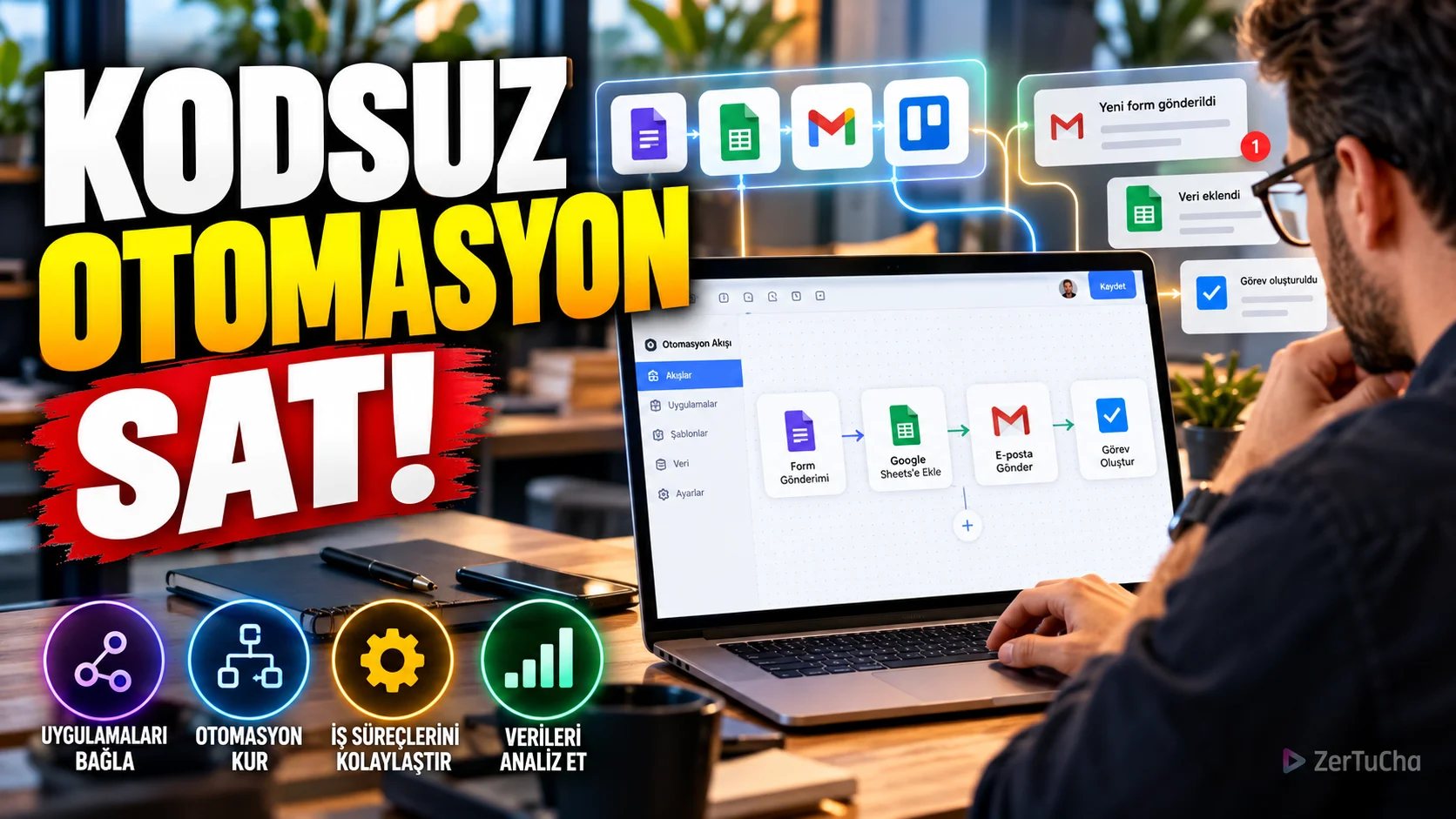
Many small businesses still run their daily operations manually. Copying information from the customer form to the table, sending e-mails for new applications, creating tasks or updating records in different applications can take time.
It may be possible to connect some of these processes and offer installation services to businesses by using automation tools without writing code.
What is sold in this business model is not just software. The real value is in solving a customer's specific problem in a reliable and measurable way.
What automation services can be offered?
1. Automatic posting from form to table:
Transferring customer information from the web form to a suitable table.
2. New application notification:
Sending an e-mail or notification to the responsible person when a new customer request arrives.
3. Create task:
Opening a record in the task management system when a new order or application arrives.
4. Appointment reminder:
Organizing pre-appointment reminder processes with appropriate permissions and systems.
5. Report preparation:
Creating a report draft by bringing together sales or operation data at regular intervals.
6. Sync data between apps:
Synchronizing records in different systems via allowed integrations.
Which tools are available?
Make is one of the tools that allows establishing visual workflows between different applications.
Make's official pricing page states 1,000 credits per month for the free plan and the opportunity to integrate with more than 3,000 applications. The Core plan, which includes 10,000 credits, is shown on the page as 12 USD per month. Current conditions should be checked when planning a customer project, as prices, plans and usage limits may change.
Initially, it might make sense to create a simple demo automation before upgrading to a paid plan.
How to get started?
1. Select a single problem.
For example, a small business manually transfers applications from the web form to the table.
2. Map the current process.
Determine where the information comes from, where it will be transferred, and in which situation a notification will be sent.
3. Create demo automation.
Test the flow using sample data instead of actual customer data.
4. Consider error situations.
Determine what happens if the connection drops, the same form is submitted twice, or a required field remains blank.
5. Package the service.
For example, you can offer a single form integration, a multi-step workflow, or monthly maintenance and monitoring service.
6. Measure the results.
Try to measure how many manual steps automation reduces, what errors it prevents, and how much time it saves the business.
Initial cost
The learning and demo preparation phase can be carried out with free tools. However, when serving the real customer, costs such as software subscription, usage limits, tests, maintenance and error resolution may occur.
The contract should clearly state whose account the subscription to be opened for the customer will be and who will pay the fee.
How much can you earn?
Price per installation may be determined by project scope. Workflows that involve multiple applications with simple automation and require error management and maintenance should not be offered at the same price.
For example, the following elements can be calculated while preparing the offer:
- Analysis and planning time
- Installation and integration time
- Testing and debugging
- Documentation
- Customer training
- Monthly maintenance and support
Revenue depends on the ability to find customers and the quality of the solution. Initial projects can take time and automations may require ongoing maintenance. A specific amount of income cannot be guaranteed.
Data security and legal obligations
Automations can work with personal data such as customer name, email address, phone number or order information. Therefore, it is not enough to create an automation that only works technically.
Personal Data Protection Authority states that appropriate technical and administrative measures should be taken to prevent unlawful processing and access of personal data and to ensure the security of data.
In practice:
- Avoid collecting unnecessary personal data.
- Do not demo with real data without the customer's express permission.
- Limit access permissions as much as possible.
- Keep API keys, passwords and connection information secure.
- Be careful not to reveal sensitive data in error logs.
- Describe data processing responsibilities and scope of support in the contract.
Fraud and operational risks
- Don't promise big results without showing a working demo.
- Conduct a small pilot study before connecting all the customer's systems to a single automation.
- Do not claim that automation will work error-free in all cases.
- Check license and API terms of use.
- Do not automate critical actions such as paying, deleting, or sending a message to the customer without business approval.
Who is it not suitable for? May not be suitable for people who do not like solving problems, testing and tracking technical glitches.
Official sources: Make pricing and usage limits · KVKK data security obligations




Henüz yorum yapılmamış. İlk yorumu siz yapın!
Bir Yorum Bırakın