

KeePassXC: Store Your Passwords on Your Own Computer
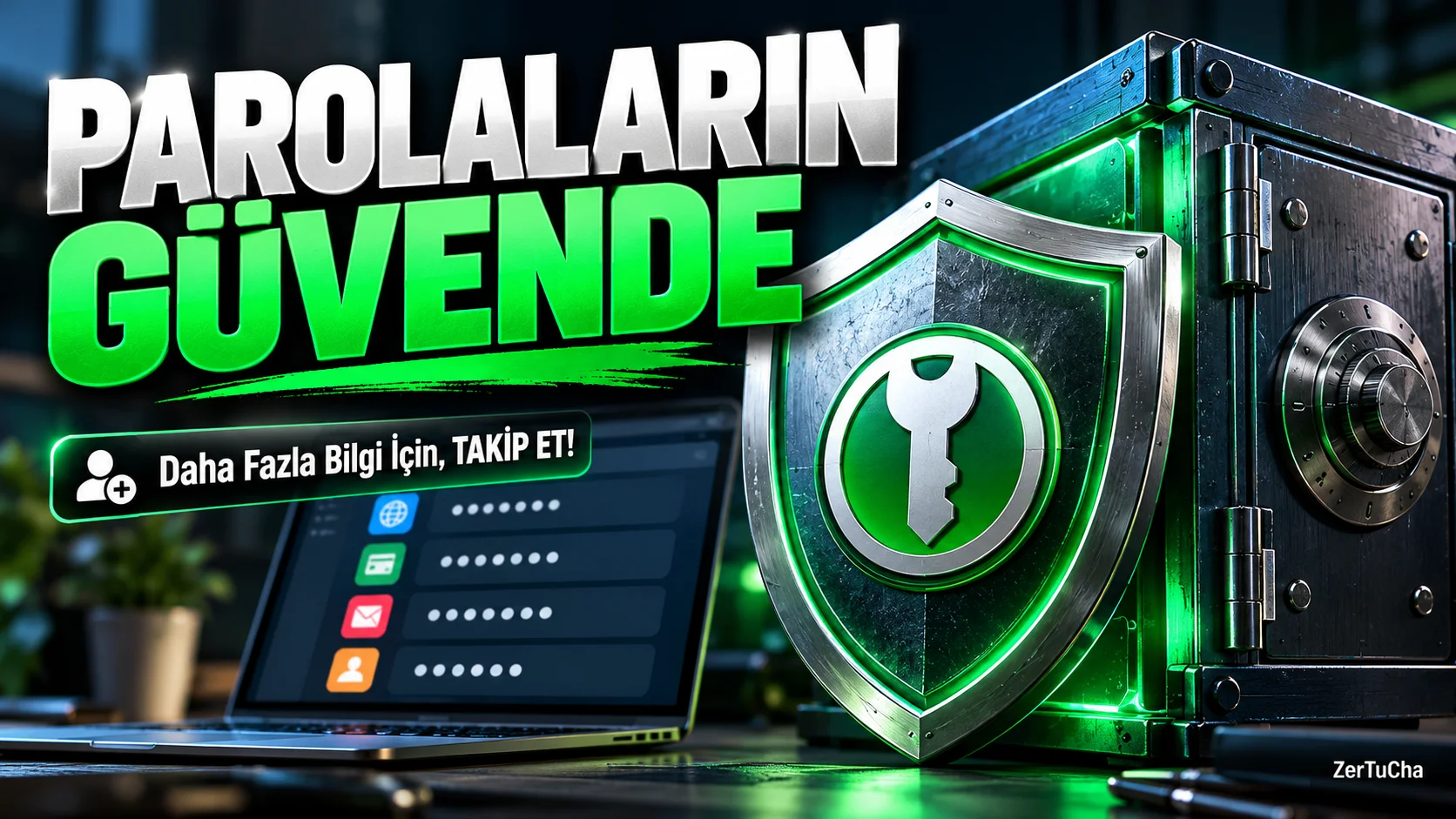
Platforms: Windows, macOS, Linux
Official link: KeePassXC
Free to use: GPLv3 licensed open source software. There is no required cloud account or subscription.
How many different internet accounts do you have? With e-mail, social media, shopping sites, non-bank memberships and business accounts, it can be difficult to remember dozens of passwords. Using the same password everywhere can put other accounts at risk if one account is compromised. KeePassXC solves this problem with a password vault that runs on your own computer.
You can create an encrypted database within the application and keep separate username and password records for each of your accounts. You set a strong master password to open the database. You can search for records whenever you need, copy passwords, or take advantage of an autofill workflow with supported browser integration.
KeePassXC's difference is that you can manage your passwords without entrusting them to a mandatory cloud account. This is especially valuable for users who want to control where their data is stored. The app is open source and the official project page states that there are no ads, tracking or subscriptions.
However, using a password vault does not eliminate the need for backups. If you forget your master password, you may not be able to access your database. Also, if you want to sync between phone and computer, you need to set a reliable file sync method. Configuring this step correctly can be a bit challenging for beginners.
Set a long and unique master password during initial setup, keep a backup of your database in a safe place, and do not share your database file with others. When used correctly, KeePassXC is a powerful, free tool for streamlining account security.
Who is it useful for?
-
Users with many online accounts.
-
Those who do not want to keep their passwords in third-party cloud services.
-
Those who want to manage their accounts regularly in small businesses or personal projects.
-
Users who prefer open source security tools.
Advantages
-
Free, open source and ad-free.
-
The password database can be stored locally.
-
Works on Windows, macOS and Linux.
Disadvantages
-
Losing the master password may result in loss of access.
-
Cross-device syncing may require separate configuration.
-
For first-time password safe users, it may take time to learn the interface.



Henüz yorum yapılmamış. İlk yorumu siz yapın!
Bir Yorum Bırakın