

Camtasia → OBS Studio
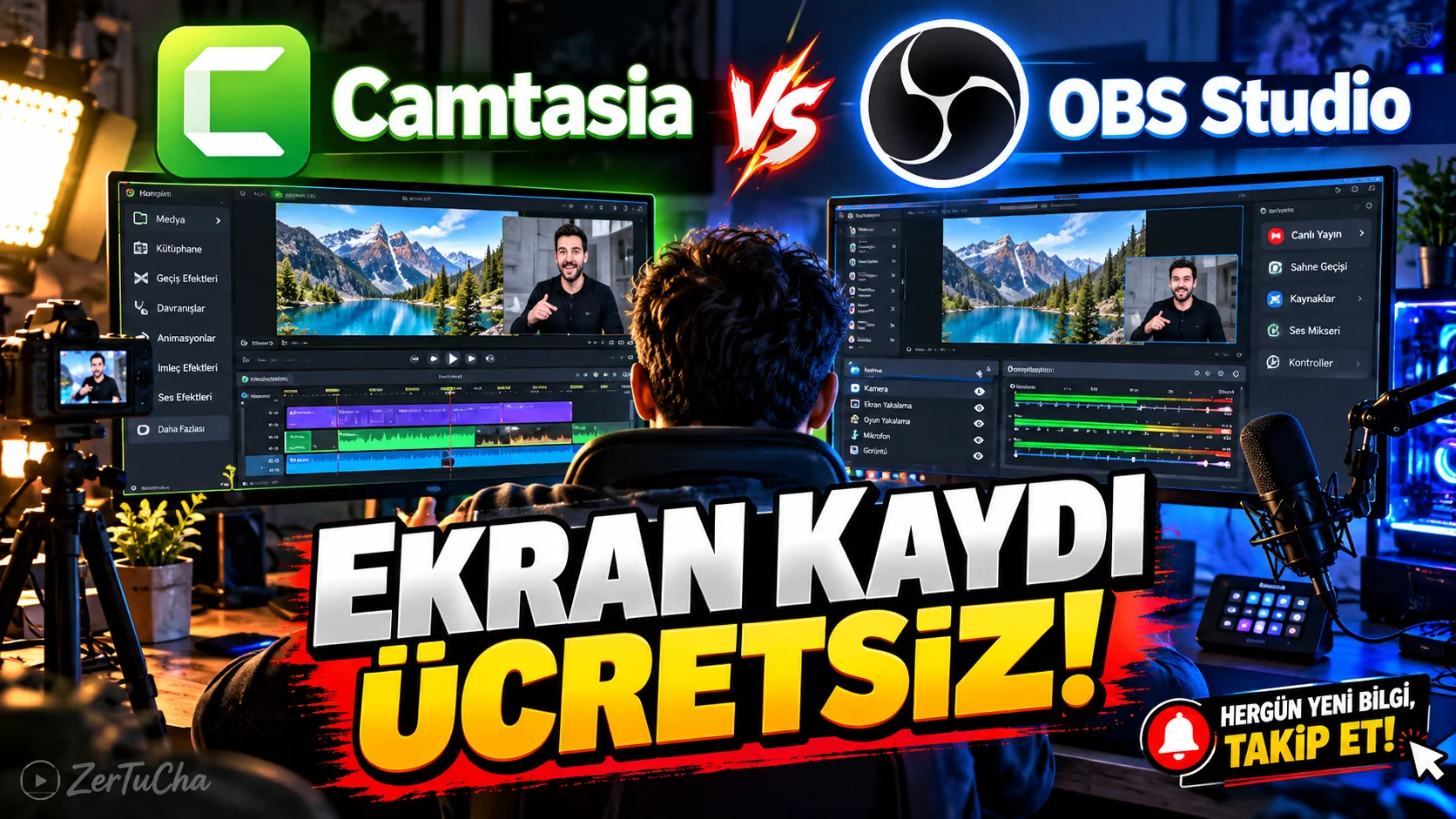
Main Program / Application
Camtasia
Recommended Alternative
OBS Studio
Supported Systems
Windows, macOS and Linux. OBS Studio's official site offers the current version 32.2.2 for these platforms. (obsproject.com)
Fee Status
Free and open source.
What Does It Do?
Used to manage screen recording, camera footage, audio, broadcast and multiple image sources in the same scene.
OBS; It can combine resources such as window, image, text, browser, camera and capture card in the same scene. (obsproject.com)
“You screen record and use Camtasia.
But if you want to try a free option, be sure to know OBS Studio.
Now OBS can be a little intimidating when first opened.
Because there are too many settings.
But once you figure out the logic, it's incredibly powerful.
You are recording the screen.
You are adding the camera.
You are adding the microphone.
You can add a browser window if you want.
If you want, you can combine the images into a single scene.
You can even broadcast live.
And the basic part of them is free.
Furthermore, it works on Windows, Mac and Linux.
So if you are making screen narration for YouTube, shooting training videos or preparing game videos, learning OBS will seriously benefit you.
It's a bit confusing at first.
But once you figure it out, it's hard to let go.”
Advantages
Free, open source, multi-source supported and runs on Windows/macOS/Linux. The current official version is listed as 32.2.2. (obsproject.com)
Disadvantages
It may seem more complicated at first compared to Camtasia. You may also need to do some advanced video editing in an editing program.
Why Use?
For those who want a free yet powerful solution for screen recording and broadcasting.
Better for Whom?
YouTubers, educational content creators, gamers, developers and live streamers.


Henüz yorum yapılmamış. İlk yorumu siz yapın!
Bir Yorum Bırakın