

Convert Paper Documents to Searchable PDF: NAPS2
Platform: Windows 10/11, macOS 12 and above, Linux
Program: NAPS2
Official site: NAPS2 official site
OCR user manual: NAPS2 text recognition guide
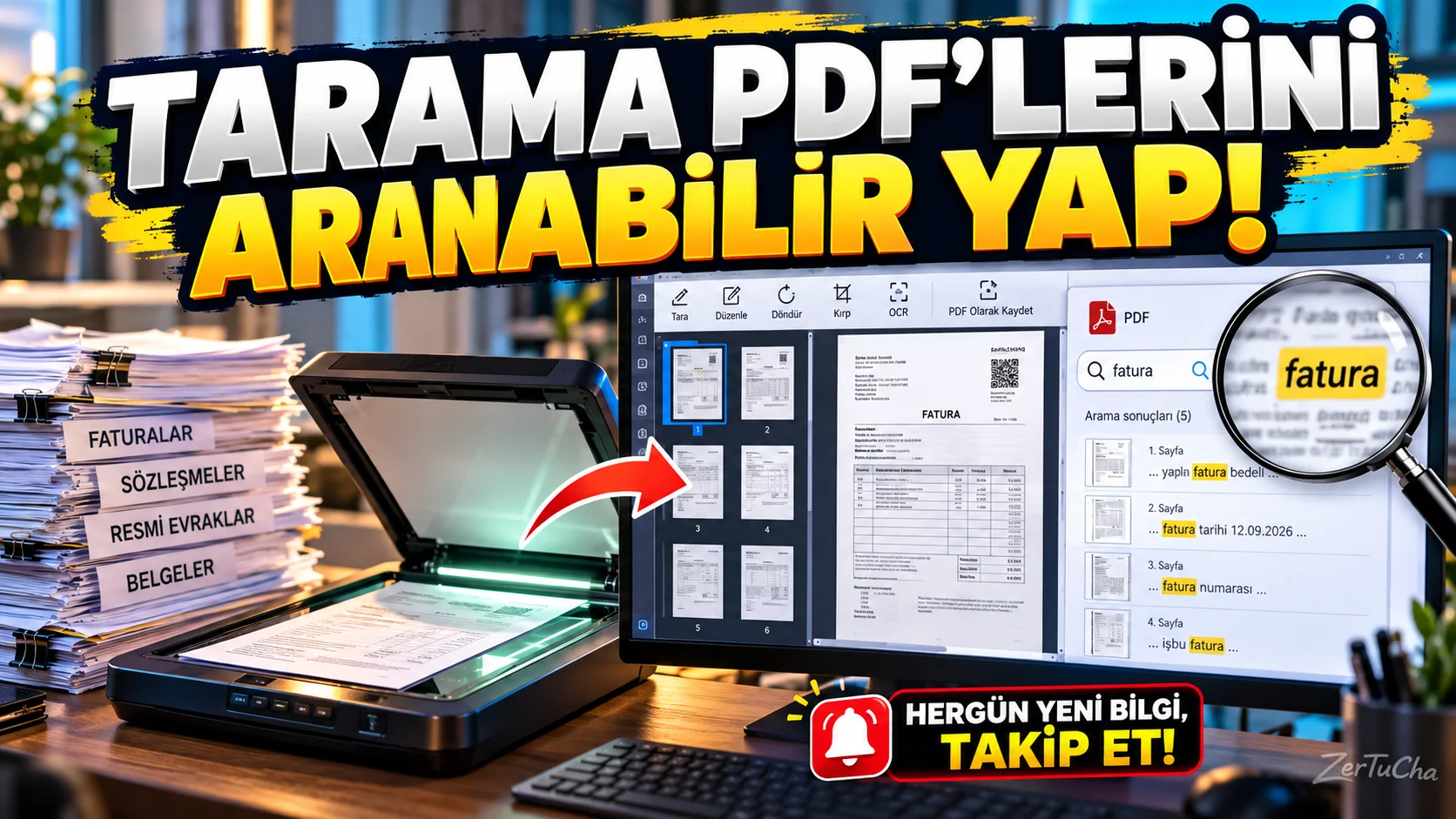
If you have invoices, contracts, paperwork, and old documents that need to be scanned at home or work, PDF files saved as images alone may cause problems after a while. Because it is not always possible to search or select and copy the text in the document.
NAPS2 is a free, open-source program that makes it easy to import documents from the browser, edit pages, and create PDF files. It also helps make the texts in scanned documents searchable thanks to the text recognition feature called OCR. NAPS2
What does OCR do?
Let's say you scanned a 30-page contract. When OCR is not enabled, the PDF may consist of photographs of pages. When OCR is applied, the program tries to recognize the texts in the images. So you can search and select text in compatible PDF readers.
How to use?
- Install NAPS2 on your computer.
- Select your browser and adjust settings such as page size and resolution.
- Scan one or more pages.
- Rotate, crop or rearrange pages if necessary.
- Download the appropriate language pack from the OCR section and enable text recognition.
- Save your PDF file.
Program; Useful for creating archives, digitizing documents, organizing invoices and easier searching through old documents.
Advantages: It combines multi-page scanning, page editing and searchable PDF creation. It can be used on different computers thanks to Windows, macOS and Linux support.
Attention: The accuracy of the OCR result depends on the clarity of the document, proper scanning of the page, and the selected language. It is necessary to check the text, especially in old, faded or handwritten documents. NAPS2
Fee status: It is free and open source.



Henüz yorum yapılmamış. İlk yorumu siz yapın!
Bir Yorum Bırakın