



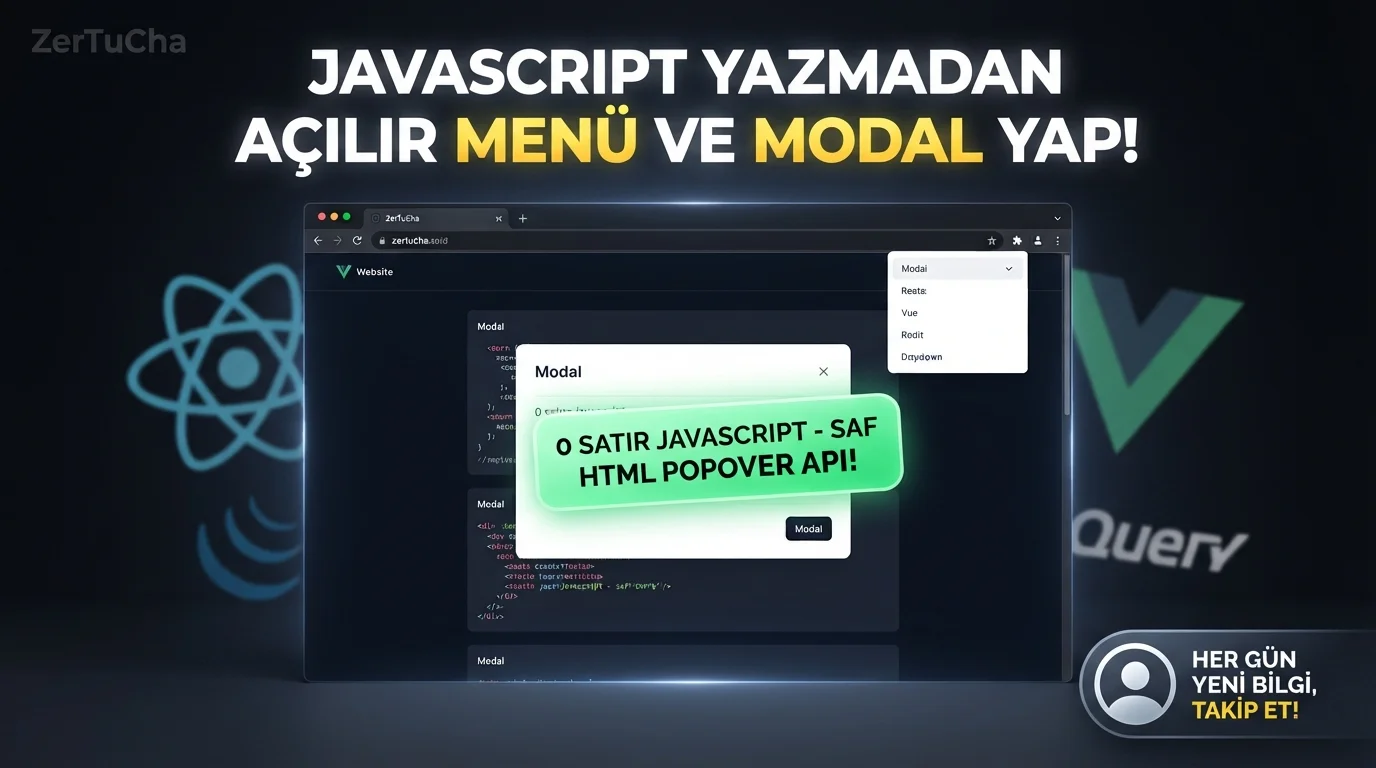
What have you done so far when you want to create a simple information window (Modal), pop-up menu (Dropdown), notification box (Toast) or tip bubble (Tooltip) on a website, blog or e-commerce page? It either installs heavy JavaScript/Bootstrap libraries of 30–50 KB in size, or z-index: 99999 wars you were trying to prevent the box from falling under another div, or writing dozens of lines of accessibility code so that the box would close when the user pressed ESC and clicked outside the window! Here is the brand new HTML Popover API standard takes all this trouble 0 lines with JavaScript is making history! With just one HTML attribute (popover) is right below this modern web standard that opens on top of everything, closes with the ESC key and doesn't slow down your site at all!
Brief Summary: HTML Popover API justpopoverandpopovertargetis a modern web standard that allows you to create pop-up menus, informational windows and tooltips.z-indexconflicts and works in all current browsers.
Leave a Comment to Read the Rest of the Article
Did you find our content useful? We are curious about your thoughts on the subject.
What is the HTML Popover API and Why is it Important?
HTML Popover API, when a button is clicked it pops up on the top layer of all other elements on the page (Top Layer) appears when clicked out or ESC is a native HTML mechanism that light-dismisses when the key is pressed.
Older methods used the overflow: hidden is truncated or incorrect due to rule z-index values. These errors are completely eliminated because the Popover API moves the element directly to the top layer of the browser.
Traditional JS Modal/Dropdown vs HTML Popover API
You can see the difference in code load and speed of the two methods when developing the interface in the table below.
| Feature | Classic JS / Bootstrap Modal | Native HTML Popover API |
|---|---|---|
| Required JavaScript Code | Tens of lines JS + external library | 0 lines (Only 2 HTML attributes!) |
z-index and overflow Conflict |
Occurs frequently | Never happens (Top Layer) |
| ESC and External Click Shutdown | Manual event listener is written | Built-in by default |
| INP / PageSpeed Performance | Creates additional JS processing cost | Zero JS cost (Maximum speed) |
Create a Modern Popover Window with Zero JavaScript in 5 Steps
Follow these steps to add a working popup to your WordPress Custom HTML block or your own web project in 30 seconds:
- Will create your popup window
<div>tag aid(e.g.id="info-box") andpopoverattribute. - Will open and close the window
<button>tagpopovertarget="info-box". - If you want the window not to close when clicked outside (for example if it is a consent form)
popover="manual"; standard for easy closing onlypopover(auto). - Add
#infobox::backdrop { background: rgba(0,0,0,0.5); }. - Refresh the page and click the button;
ESCVerify that your modern window compatible with key and external click is working!
Working 0 Line JavaScript Popover Example
<button popovertarget="quick-info">See Details</button>

<div id="quick-info" popover>
  <h3>Opened with Zero JavaScript!</h3>
  <p>Click outside or press ESC to close.</p>
  <button popovertarget="quick-info" popovertargetaction="hide">Close</button>
</div>
Zertucha Frontend Engineering Perspective
As Zertucha Creative Studio, we aim to achieve 95–100 points in Core Web Vitals (especially INP and LCP) scores in modern websites, by cleaning unnecessary JavaScript libraries and using Popover API, <dialog> and View Transitions. For high-speed enterprise web interfaces Zertucha portfolio.
Frequently Asked Questions
Does the HTML Popover API work fine in Chrome, Safari and Firefox?
Yes. Natively supported in all current versions of Chrome, Edge, Safari (including iOS and macOS), and Firefox (as Baseline standard).
What is the difference between the HTML Popover API and the <dialog> tag?
<dialog> completely locks the background page when opened modally (ideal for payment or deletion confirmation, for example); Popover, on the other hand, is lightweight for pop-up menus, notifications and information cards, and closes instantly when clicked out.
Can a smooth animation be given with CSS when opening and closing a popover?
Yes. :popover-open pseudo class and @starting-style rule.




No comments yet. Be the first to comment!
Leave a Comment