

Use Your Internet Speed More Efficiently! Does IDM Really Speed Up Downloads?
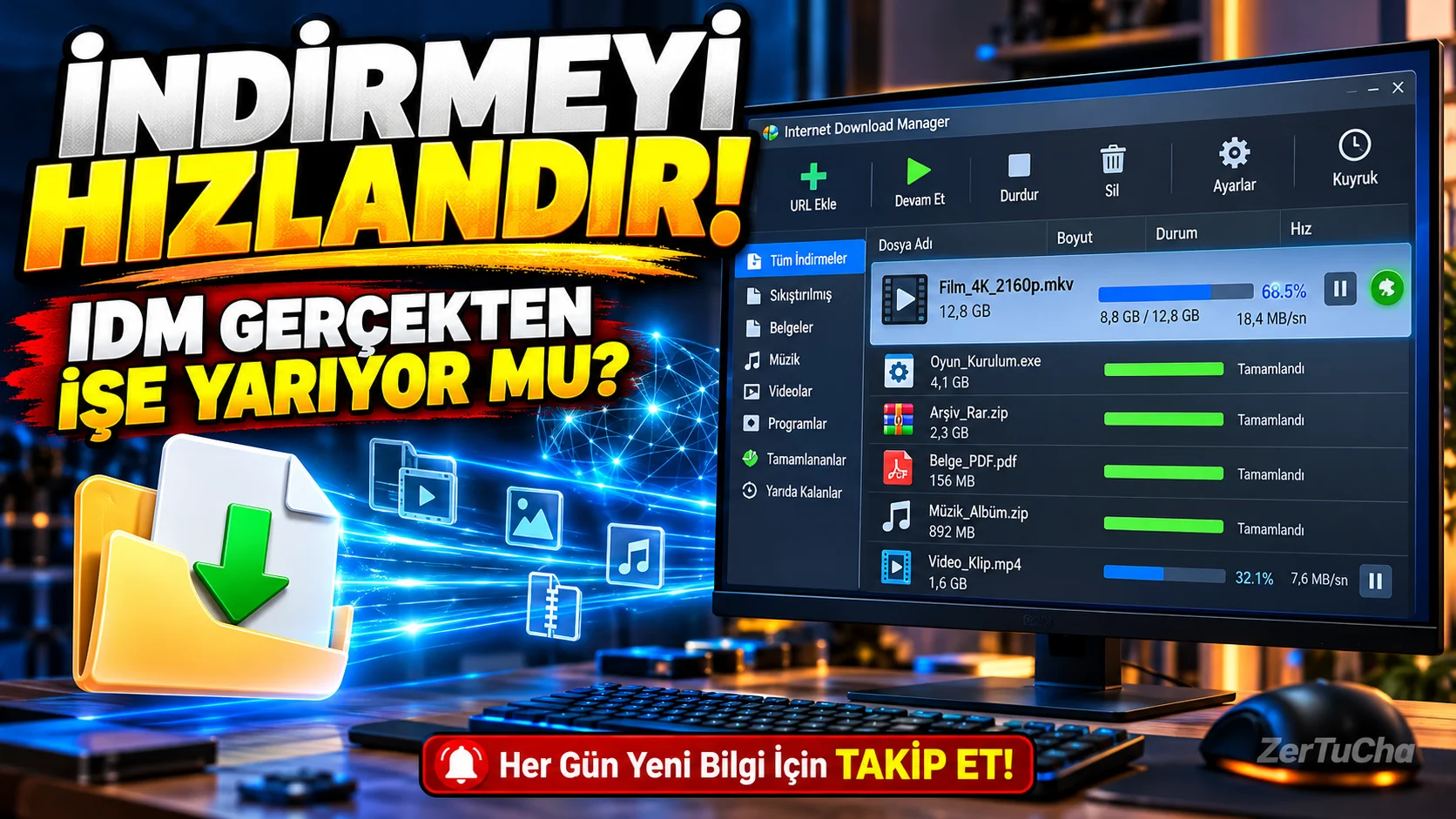
You are downloading a large game, program or video from the Internet. When the download is almost finished, the internet cuts out and the whole process starts over again!
Or you are downloading files from your browser, but the download speed does not reach the level you want. Moreover, if you have dozens of files, you have to manage them all one by one.
The Internet Download Manager we will examine today, or IDM for short, is a download manager designed to solve exactly these problems.
So does IDM really increase internet speed? How does it capture videos? Free or paid? And is it worth paying for this program when Windows has its own download system?
Let's take a look at its features one by one!
🖥️ What is Internet Download Manager?
Internet Download Manager is a program used to manage and accelerate file downloads from the internet on Windows computers.
Normally, you can download files with the browser's own download system. However, a separate manager may be more useful for operations such as pausing downloads, resuming after disconnection, queuing large numbers of files, and starting downloads at certain times.
IDM can capture download links by integrating with supported browsers such as Chrome, Microsoft Edge, and Firefox. So, when you click on a file, you can start the download process via IDM.
The most important advantage of the program is that you can control the downloading process, not just download the file.
Official specifications: https://www.internetdownloadmanager.com/features2.html
🚀 1. Does IDM really increase download speed?
This is the most talked about feature of IDM.
The program can divide the downloaded file into multiple parts and download these parts simultaneously via appropriate connections. Thanks to the dynamic fragmentation method, it tries to use connections more efficiently during the download process.
So what does this mean?
Let's say you're downloading a large file. IDM can reduce the total download time by trying to download different parts of the file with parallel connections.
However, there is a very important detail here: IDM does not increase the speed of the internet package.
Download speed; It depends on your internet connection, the server where the file is located, the number of connections the server allows and network density. Some servers do not allow multiple connections or limit download speed.
Therefore, IDM does not show the same performance in every file. It wouldn't be right to say "it definitely speeds up every download by eight times." The manufacturer's stated acceleration of up to eight times is a top claim that can be achieved under favorable conditions; It is not a warranty.
In short: IDM can make a significant difference for some downloads, but for others it may not be faster than your browser.
🔄 2. If the internet goes down, you can continue downloading from where you left off
I think this is one of the most useful features of IDM.
You are downloading a large file and your connection is lost. The computer shut down or the download was interrupted for another reason.
IDM can continue downloading the remaining portion of the file if the server supports it and the download link is still valid.
This way you don't have to start over every time.
But there is no guarantee of continuation in every file. Some servers may not support download resumption. You may need to restart the download if temporary connections, session times, or access permissions change.
This feature is a serious convenience, especially for those who download large files.
🌐 3. Integrates with the browser, making downloading easier
After installing IDM, you can add the IDM Integration Module extension to the supported browser.
When enabled, this extension can push download links to IDM and show the download panel in some supported web players.
For example, when you click on a file link, you can have the download automatically switch to IDM.
But don't think the download button will work on every site. Some websites deliver files via private sessions, protected streams, or other techniques. The browser extension must also be up-to-date and active.
Installation tip: If IDM does not capture files from the browser, first check the browser integration in the program's options. Then check whether the IDM extension in the relevant browser is enabled.
Official support: https://www.internetdownloadmanager.com/support/
🎬 4. Can offer download panel for videos
One of the most interesting features of IDM is that it can display a video download panel in supported web players.
When watching a video on a web page, IDM may offer a download option if it can recognize the video stream.
This feature can be useful for saving content that you want to watch offline and that is allowed to be downloaded.
But here it is necessary to set the expectation correctly.
IDM cannot download every video from every website. Especially content protected by DRM, some fragmented video streams and frequently changing player systems may cause problems. Just because you can download a video from a site does not mean that you have the right to use that content as you wish.
You should pay attention to copyrights, the terms of use of the platform and the permissions of the content owner.
⏰ 5. You can queue and schedule downloads
Let's say you have five large files you want to download. Instead of starting and following them one by one, you can take advantage of IDM's queue feature.
You can add your files to a download queue, schedule downloads, and launch them at specific times with appropriate settings.
The timer feature can also enable the computer to shut down when downloads are completed.
For example, if you plan to download a large file at night, you can prepare the queue and schedule the download.
However, if your computer is turned off, the download will not work normally. The computer must be on, the internet connection must be maintained, and the relevant download links must remain valid.
📂 6. You can automatically organize your downloaded files
IDM doesn't just focus on download speed. It also helps you manage the files you download.
Can specify categories based on file type; You can direct your documents, programs, compressed files and videos to separate folders.
You can also bulk download multiple files from supported links on a web page.
These features can save time for content creators, software downloaders, and researchers who work with large numbers of files.
⚙️ How to install Internet Download Manager?
If you are going to use it for the first time, you can follow these steps:
1. step: Open IDM's official download page:
https://www.internetdownloadmanager.com/download.html
2. step: Download and run the installation file. Follow the on-screen instructions during installation.
3. step: Install the IDM Integration Module extension on your supported browser. Make sure you are using the official and up-to-date version of the extension.
4. step: Open IDM and check the browser integration settings in the Options section.
5. step: Test that the program is working properly by downloading a small file from a reliable source.
6. step: Set download queue, destination folder and scheduler if necessary for large files.
Prefer the official source instead of getting the installation file from random download sites or packages with broken licenses.
💰 Is IDM free?
Internet Download Manager is not a free program. However 30-day free trial is available.
During the trial period, you can test the features of the program and see if it really makes a difference in your connection. The official site states that no email or credit card is required to start the trial.
After the trial period ends, you need to purchase a license to continue using it.
Check the current price and license conditions on the official page before purchasing:
https://www.internetdownloadmanager.com/
Since prices, license types and campaigns may change, it would not be correct to give an exact TL amount without verification.
✅ What are the advantages?
-
Download acceleration: Can reduce download time with parallel connections on suitable servers.
-
Incomplete downloads: Helps resume download on supported connections.
-
Browser integration: Can capture download links automatically.
-
Video download panel: May offer download option in supported web players.
-
Timer and queue: You can download multiple files on a scheduled basis.
-
File editing: You can sort your downloads into categories.
-
Windows support: A suitable option for those using Windows 10 and Windows 11.
❌ What are the disadvantages?
-
Paid: License required after trial period ends.
-
Windows only: There is no native desktop version for macOS and Linux.
-
No speed guarantee: It does not increase speed on every server or every file.
-
Dependent on browser extension: Download capture features may not work if the extension is disabled.
-
Cannot download every video: Protected or unsupported streams may not be downloaded.
-
May be unnecessary: For a user who rarely downloads files, the browser's own download system may be sufficient.
👥 Who should use it?
Content creators: Frequent downloaders of allowed video, images, audio and other media files.
Cast: Downloaders of major game installation files and updates.
Developers and technical users: Works with large installation packages, archives and different software files.
People who frequently download large files: Those who do not want to be affected by connection interruptions and want to queue their downloads.
So who might not need it? Users who only download a few small files a day, use macOS or Linux, or have no particular need for download management do not need to install an extra program.
🏁 Final verdict: Is IDM worth buying?
My view is that Internet Download Manager's real strength lies in the way it manages downloads rather than speeding up the internet per se.
This can be very useful if you download large files, get disconnected frequently, or want to queue up dozens of files.
But if you only download files occasionally, you don't have to buy a paid license. Use the 30-day trial version first and see if it makes a difference on your own internet connection and the files you download.
One last reminder: If your internet speed has already reached the upper limit allowed by the server where the file is located, IDM cannot work a miracle for you.
So, do you use IDM? Do you think it really adds speed, or is the browser's download system sufficient? Write it in the comments!
Follow ZerTuCha! Every day we come across new programs, free tools and discoveries that will be useful in the digital world.




Henüz yorum yapılmamış. İlk yorumu siz yapın!
Bir Yorum Bırakın