

Don't Use WhatsApp to Send Files Between Two Windows Computers: Nearby Sharing
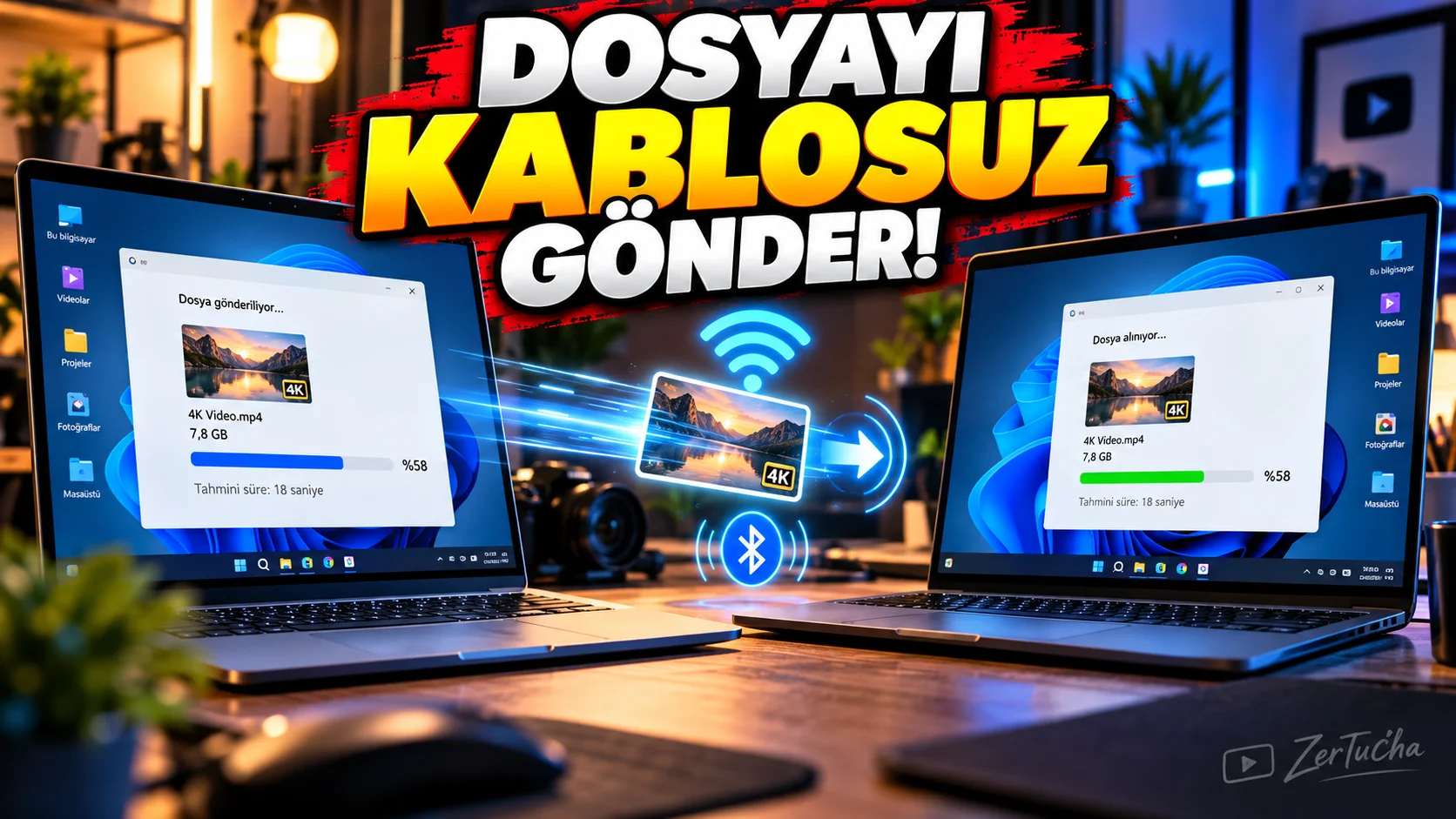
You need to send a file from one computer to another.
First things that come to mind:
- Telegram
- Google Drive
- USB memory
happens.
But if two computers are side by side, Windows has its own Nearby Share feature could be much more practical.
According to Microsoft's current documentation, Nearby Sharing is supported on supported Windows devices:
- File
- Photo
- Web link
can share.
Bluetooth or Wi-Fi can be used for connection. Microsoft Support
What is Nearby Sharing?
Basic idea:
Computer → Nearby computer
.
For example:
On Laptop A:
2 GB video file
You can send it to Laptop B.
How to open?
On Windows:
Settings → System → Nearby sharing
.
Then you can determine with whom the sharing can be done.
Open on both computers
On the device sending and receiving files:
Nearby Share
must be enabled.
Bluetooth must also be turned on.
How to send the file?
To file:
right click
.
Share
.
Select the target computer in the nearby devices list.
A sharing notification appears on the other party.
Once accepted, the transfer begins.
Wi-Fi may be faster in Windows 11
According to Microsoft's current documentation, if the sending device is on the current Windows 11 version and the target Windows 10/11 computer is the same to private Wi-Fi network is connected, file sharing can be done over Wi-Fi.
Otherwise Bluetooth can be used. Microsoft Support
This is important.
Because with large files Bluetooth is usually much slower.
For example, 10 GB video
YouTube:
10 GB 4K video
file to another computer.
Instead of installing it on an app like WhatsApp and downloading it again:
Nearby Share
might be a more direct solution.
Is an internet connection required?
Here it is necessary to distinguish “internet” from “network connection”.
Having two computers on the same local Wi-Fi network is different than uploading and downloading files to a server over the Internet.
Microsoft's current statement states that it is possible to share Wi-Fi from the current version of Windows 11 to the Windows 10/11 target device over the same private Wi-Fi network. Microsoft Support
Which Windows versions?
In Microsoft's current documentation:
Windows 10
and
Windows 11
.
On Windows 10 at least 1803 required. Microsoft Support
But there is an important note as of 2026:
Official support for Windows 10 ended on October 14, 2025. Microsoft Support
Therefore, even if the feature technically works, switching to the supported Windows version should be considered separately for security reasons.
When does it make sense to use it?
Specifically:
- Two laptops side by side
- Desktop + laptop
- Two Windows computers at home
- Two Windows PCs in the office
- Large photo/video files
- Situations when you do not want to carry a USB memory
.
Why is it beautiful on large files?
Because:
upload → send to cloud → download
.
This can save serious time, especially for content creators.

Henüz yorum yapılmamış. İlk yorumu siz yapın!
Bir Yorum Bırakın