

Make Your Accounts More Secure: Aegis Authenticator
Platform: Android
Application: Aegis Authenticator
Official project and download information: Aegis Authenticator official GitHub page
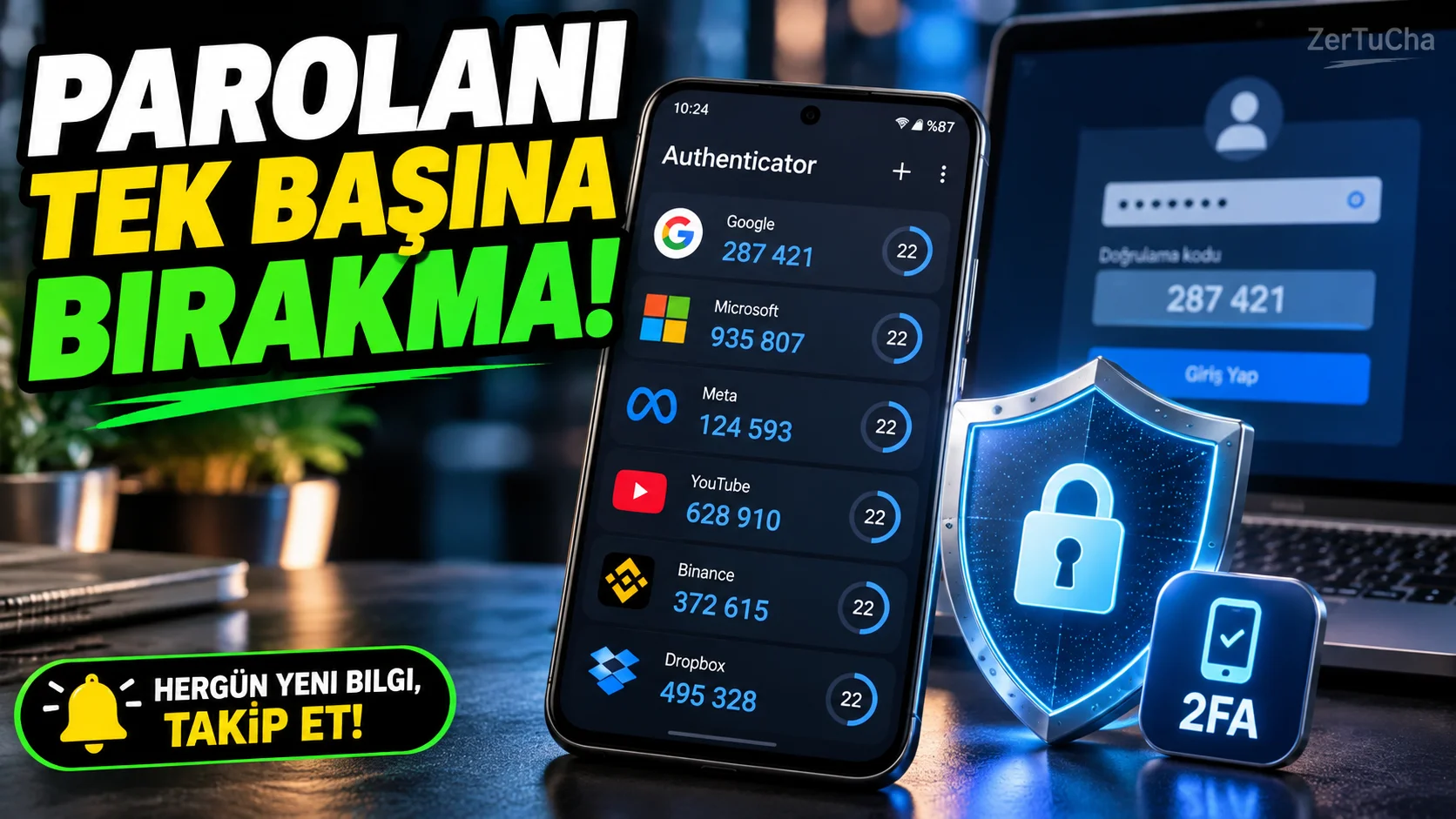
When someone who knows the password to an account tries to log into the account, a password alone is not enough to provide an additional layer of security. Two-step verification apps help you use a second verification code other than your password.
Aegis Authenticator is a free and open source authentication application developed for Android. Can generate time-based or meter-based single-use codes for compatible services. It stores verification records in an encrypted vault and offers password or biometric protection options. It also features encrypted backup and import from some other authentication apps. GitHub
How to use?
- Get Aegis from the official project link or from trusted stores where it is officially listed.
- Open the app and set a strong password to protect your vault.
- Enter the account settings of the service whose security you want to increase.
- Turn on the verification application option in the two-step verification section.
- Scan the displayed QR code with Aegis.
- Complete the installation by entering the generated code on the service's verification screen.
- Also keep the recovery codes provided by the service in a safe place.
- Create an encrypted backup of the Aegis vault and store it in a secure location.
This method allows you to use additional verification on compatible accounts instead of relying on a password alone.
Advantages:
- It is free and open source.
- Verification records can be stored in an encrypted safe.
- Supports standard verification codes used by many services.
- Provides backup and import options. GitHub
Fee status: It is free and open source.
Important notice: If you lose your phone, your access to verification codes may also be lost. Therefore, you should keep your recovery codes and encrypted backup securely beforehand. According to Aegis' own statement, the app does not directly access the internet; automatic backup scenarios depend on the compatible storage provider on the device. GitHub
Platform note: Aegis is for Android; It is not an iPhone application.



Henüz yorum yapılmamış. İlk yorumu siz yapın!
Bir Yorum Bırakın