

Not Every USB-C Cable is the Same! This Might Be the Reason Why Your Phone and Laptop Are Charging Slowly
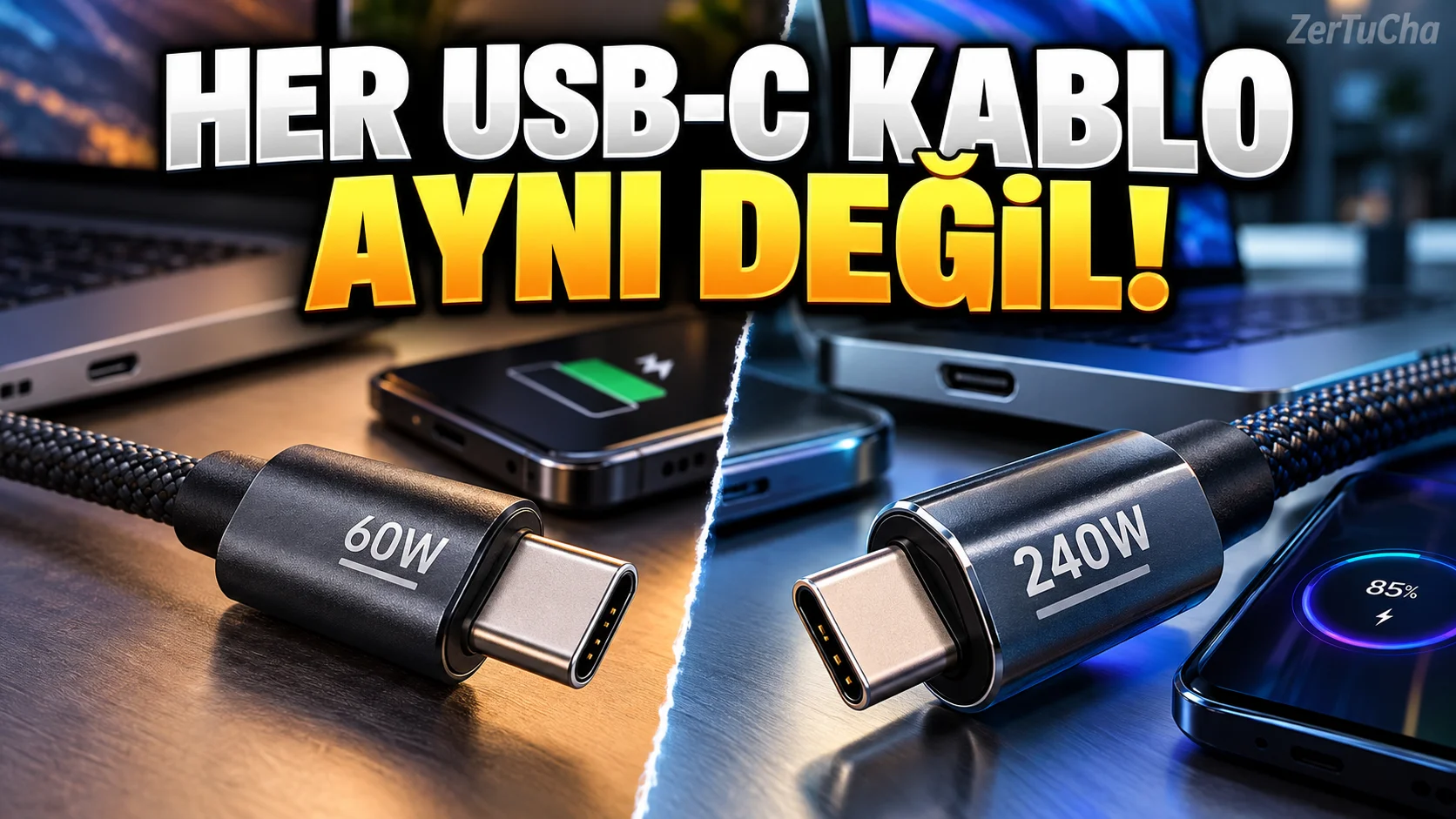
You are receiving a new charging cable.
Connected to USB-C.
You plug it into your phone.
Working.
Then you plug the same cable into the laptop. Charging is either very slow or the computer warns that it is not receiving enough power.
So why?
Because USB-C is primarily the name of a connection format. Power and data capabilities of cables and devices do not have to be the same.
USB Implementers Forum's official documentation explains that USB Power Delivery technology supports different power levels between compatible devices, and that suitable USB-C cables are divided into different classes in terms of power capacity and data transfer capabilities. usb.org
1. USB-C and USB Power Delivery are not the same thing
Let's first separate the two concepts.
USB-C: Refers to the physical form of the cable and port.
USB Power Delivery (USB PD): It is the technology that enables compatible devices to manage power transfer by agreement.
Just because a cable has USB-C ends does not mean it supports all power and data features.
Therefore, when choosing a cable, it is not enough to just look at the shape of the end. usb.org
2. What does the charger's wattage mean?
Chargers usually have:
- 20 W
- 30 W
- 45W
- 65 W
- 100 W
.
Watt refers to the electrical power that the device can provide.
But Purchasing a 65W charger does not necessarily mean that your phone will charge at 65W.
Actual charging power depends on:
- Highest power supported by the phone
- Power profiles offered by the charger
- Power capacity of the cable
- Charging protocol used by devices
- Battery temperature and charge level
USB Power Delivery allows compatible devices to determine the power level they need. usb.org
For example, if your phone supports a maximum of 25 W, using a 65 W adapter alone will not provide 65 W charging.
3. Why is the cable important?
According to the official documentation of USB-IF, the power capacity and data transfer capabilities of compatible USB-C–USB-C cables may differ.
The USB-IF compliance program uses markings indicating 60 W or 240 W power capacity for the relevant cables. Supported data rates can also be marked according to the relevant cable class. usb.org
This means:
A cable can charge, but it may not support the power your laptop requires or the data speed you need.
This distinction becomes important, especially when using an external SSD.
Physically connecting the cable does not prove that it supports high-speed data transfer.
4. What does 60 W and 240 W cable mean?
In the USB-IF documentation:
- 60W: Indicates the specified power class of the relevant cable.
- 240W: Refers to the class that supports higher power transfer in suitable cables and compatible systems.
Up to 240 W power transfer is possible in systems compatible with USB Power Delivery 3.1. usb.org
But just buying a cable labeled 240 W is not enough.
The charger, cable, and connected device must support the relevant specifications.
5. How to choose the right cable for your laptop?
Check the specifications of your laptop first.
For example, if the manufacturer recommends a 65 W USB-C PD adapter:
- Verify that the laptop supports charging via USB-C.
- Find out the recommended power rating.
- Select a charger with appropriate USB PD support.
- Make sure the power capacity of the cable is sufficient.
- Check the data transfer rate of the cable if necessary.
The cable's other capabilities are also important, especially if you're using both a laptop charger and an external display or storage connection via USB-C.
6. If your phone is not charging fast
Proceed in this order:
Step one: Find out which charging technology your phone supports.
Second step: Check the compatible power profiles of the charger.
Third step: Make sure the cable has sufficient power capacity.
Fourth step: Check that the phone is not overheating.
Step five: Test with compatible adapter and cable recommended by the manufacturer.
If fast charging does not appear on your phone's screen, it does not always mean that the cable is defective. The protocol or temperature conditions supported by the device may also be effective.
7. Why is it important to choose certified products?
USB-IF offers an official product search system that lists products that have passed compatibility testing.
You can check certified products here:
USB-IF certified product search
USB-IF also publishes power and data capacity marking guidelines for eligible USB-C cables. usb.org
The important detail here is this: Not every cable on the market is certified. Therefore, any claim written on a product alone does not constitute certification evidence.
8. What should you pay attention to when buying cables in Türkiye?
Use this listing before purchasing:
- Find out the power value required by the phone or laptop.
- Check the power capacity of the USB-C cable.
- If data transfer speed is required, verify this separately.
- Buy from trusted manufacturers and sellers.
- Do not rely solely on the phrase “fast charging” unless the product specifications are clearly stated.
- Be careful with products that are very cheap and whose technical information is unclear.
Result: The end of the USB-C cable may be the same, but the performance does not have to be the same. Choosing the right cable is important for both charging and data transfer.

Henüz yorum yapılmamış. İlk yorumu siz yapın!
Bir Yorum Bırakın