Turn Your Photo into a Professional Passport Photo
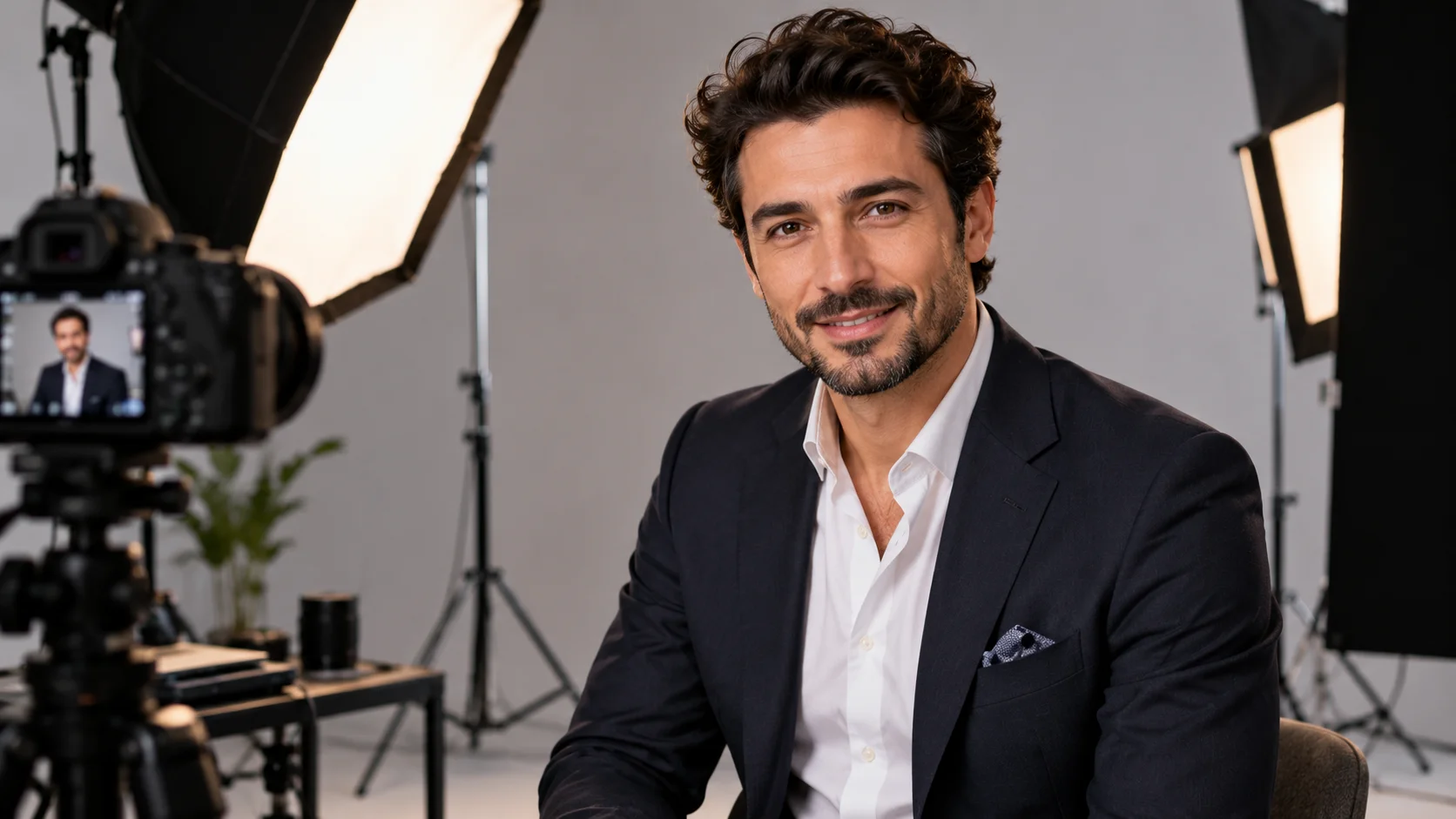
If you do not want to go to a professional studio for a passport or official profile photo, you can turn a decent portrait into a more formal look with artificial intelligence.
The purpose of this prompt is to not changing his face and identity is to make the background, light, framing and photo quality more professional.
It is a practical method especially for CV, LinkedIn or unofficial corporate profile uses.
How to use?
Upload a photo where your face is clearly visible to the AI tool that supports visual editing and use the following command.
The prompt you can use:
"Transform the uploaded portrait into a professional studio headshot while preserving the person's exact identity, facial features, natural skin texture, hairstyle and recognizable appearance. Use a clean neutral light gray background, centered head-and-shoulders composition, straight camera angle, soft evenly distributed studio lighting, natural facial expression and realistic skin tones. Improve image clarity and sharpness without excessive retouching. Create a clean professional photographic suitable for a formal profile, with realistic proportions, natural details and no facial alterations."
Changeable fields:light gray background section white background or soft blue background.
Usage tip:
If you really want the photo to look like you, click “preserving the person's exact identity” and “no facial alterations”. Giving the AI expressions such as “perfect face” may unnecessarily alter the face.