

Make Professional Advertisement Video from Product Photo: Ready AI Prompt
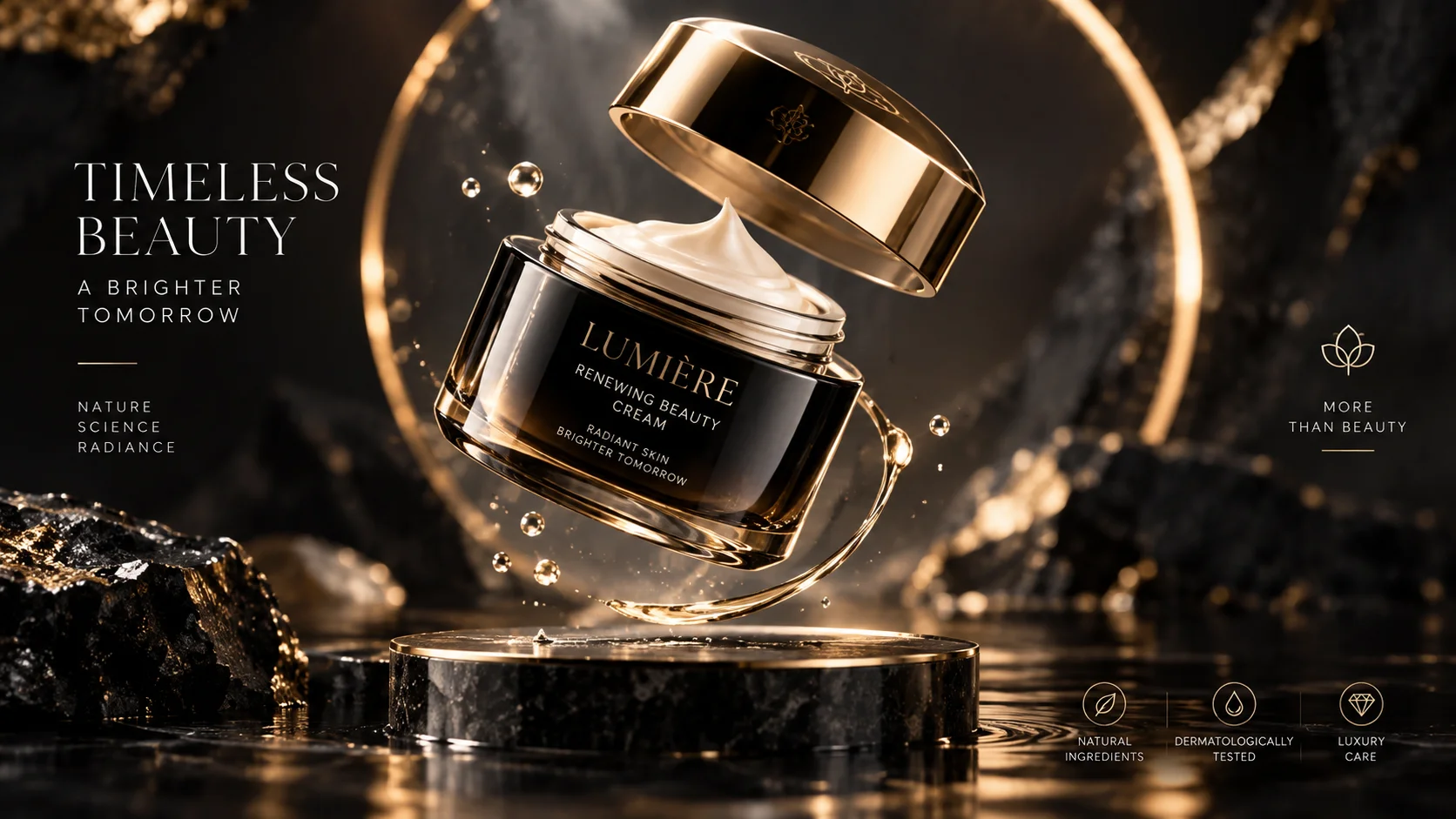
Instead of just sharing a photo of a product, a short and moving commercial can provide a much more eye-catching presentation in social media content.
For example, instead of showing a perfume bottle fixed on the table, you can create a premium advertising scene where the camera moves slowly around the product and the light moves over the product.
This prompt specifically cosmetics, perfumes, technology products, jewelry and accessories.
How to use?
Upload the product photo as reference and use the prompt. Since we specifically want the design of the product not to change, there are expressions in the prompt to protect the product.
What does the Video Prompt do?
Used to turn a single product photo into a premium advertising video scene of approximately 10 seconds that can be used on social media.
Video Prompt:
"Create a 10-second premium commercial video using the uploaded product image as the exact visual reference. Preserve the product's original shape, proportions, colors, materials, branding and every visible detail. Place the product on an elegant dark studio surface. The product slowly rotates while the camera performs a smooth cinematic arc around it. Soft dramatic studio lighting moves subtly across the product surface, creating realistic highlights and reflections. Add gentle atmospheric particles in the background, shallow depth of field, luxury advertising aesthetic, realistic physics, smooth motion, photorealistic product materials, no product deformation, no new logos, no altered text, vertical 9:16 composition."
Changeable fields:elegant dark studio surface section according to the style of your product.
For example:
luxury marble surfaceminimal white studiofuturistic metallic surface
Usage tip:
If you do not want the text and logo on the product to change “no altered text, no new logos”. This is especially important in AI video production, as it is possible for small details on the product to change.

Henüz yorum yapılmamış. İlk yorumu siz yapın!
Bir Yorum Bırakın