

Edit Only the Part of the Photo You Want: Selective Raw Editing with Darktable AI Object Mask
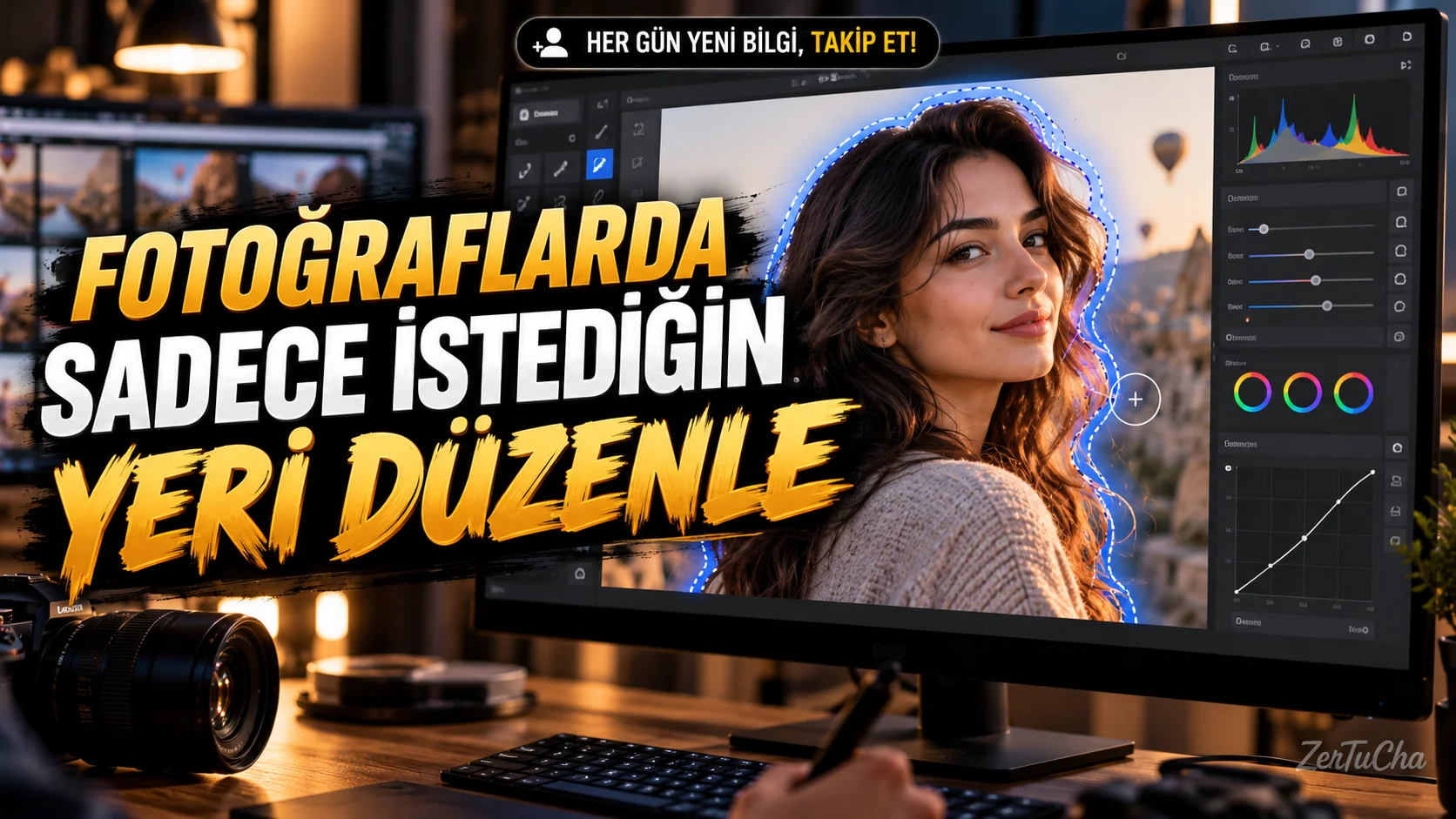
You want to brighten a person's face in a photo, but you don't want the brightness of the background to change. Or you want to highlight the color of a product, but you don't want to leave the rest of the photo untouched.
darktable is an open source photo processing tool used to enhance RAW photos. AI Object masking feature can help you select a prominent object in an image and apply the editing effect to that area only. This feature requires enabling AI tools and configuring a model for the relevant masking task. darktable
Step by step usage
-
Import RAW photo. open darktable and add your photo to the Lighttable section. Keep your original RAW file; You can make your first try on a separate photo.
-
Switch to Darkroom section. Open the photo you want to edit. Select exposure, color balance, or another appropriate editing module.
-
Check AI features. Open AI settings in Preferences. Verify that AI masking is enabled and the appropriate model is configured for the object mask task. If the model is not available, the AI Object option may not appear. darktable
-
Initialize AI object mask. Select the AI Object tool from the editing module's mask options. Click on the object you want to edit in the photo.
-
Correct selection. If the mask does not cover the entire object, refine the selection by clicking on the missing parts of the object. To exclude background areas that accidentally enter the selection, hold down the Shift key and click on the relevant area.
-
Apply mask. When the selection is sufficient, right-click to apply the mask. darktable converts AI-generated selection into editable vector shapes; so you can make additional corrections to the mask later. darktable
-
Apply edit. You can now apply exposure or color adjustment to the selected area. For example, you can brighten only the product or make the color of the subject more prominent.
-
Check and export the result. Zoom in and examine the edges of the mask. Correct mask selections if unwanted areas are affected. Export the result to a new output file.
Expected result
You can make more controlled edits only on the object or area you select, without changing the entire photo. It is especially useful for product photography, portraits and social media images.
What should you do if it doesn't work?
- If the AI Object is not visible, check the AI properties and configuration of the required model.
- If the model selects only part of the object, expand the mask with a few additional selection points.
- Specify the area to exclude with Shift if the background is selected by mistake.
- If the mask edges appear incorrect, correct the selection and check the result at different magnification levels.
Security, privacy, pricing and licensing
- darktable is free and open source; The official manual specifies the GPL-3.0 license. darktable
- AI masking requires model configuration. Before using it in private photos, check the official AI documentation where the relevant model is running; Don't assume all AI processes work the same way. darktable
- Create a new output file instead of overwriting the RAW file. Backup your photo library when upgrading the program between major versions.
- darktable 5.6.2 release notes state that the fixes will be preserved when upgrading from the 5.4 series, but the new library and configuration cannot be used with the older version. Therefore, it is important to take a backup before upgrading. darktable
Official sources:

Henüz yorum yapılmamış. İlk yorumu siz yapın!
Bir Yorum Bırakın