

Use KiCad Instead of Altium to Design Electronic Circuits!
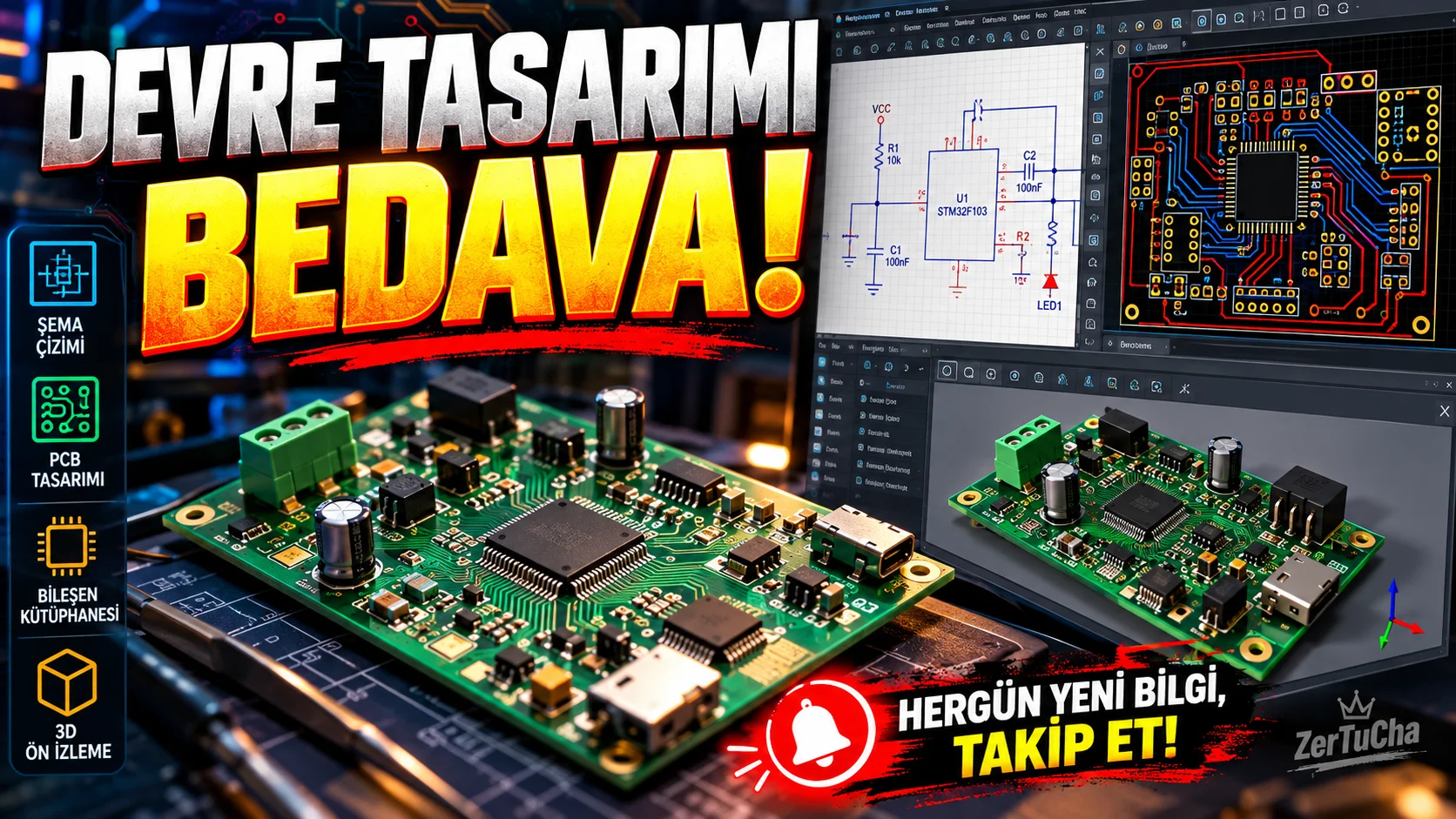
Main program and free alternative
- Paid product: Altium Designer and Altium's professional design packages.
- Free alternative: KiCad
- Supported systems: Windows, macOS and Linux.
Fee and license status
KiCad is free and open source; The majority of the program is distributed under the GPL v3 or newer license. KiCad 10.0.7 stable version was released on October 7, 2026.
Altium's official pricing lists the Altium Develop package with Altium Designer Author at $1,990 per year. Free evaluation access is also offered; This does not mean a perpetual free commercial license. KiCad
What does it do?
KiCad is a software package used to design electronic circuits and convert them into printed circuit boards that can be prepared for production.
For example:
- You can design a sensor circuit.
- You can connect the electronic components together on the schematic.
- You can place components on the physical card.
- You can edit the copper paths.
- You can prepare output files like Gerber for production.
- You can examine the three-dimensional view of your design.
In KiCad 10, improvements have been made to the circuit diagram and board design; New import options and features for editing design rules have been added. KiCad
Advantages
- No license fee required.
- Available on the three major desktop operating systems.
- Circuit diagram, board design and production outputs are located in the same ecosystem.
- You can take advantage of community-developed component libraries.
- You can work on your own electronic projects without purchasing a commercial software license.
Disadvantages
- There may be a learning curve for those new to professional electronic design tools.
- Altium's ecosystem may be advantageous in terms of advanced collaboration, enterprise management, and supply chain features in large teams.
- You should definitely check the electrical design rules and component footprints before production.
- Using free software does not guarantee that the design will function physically correctly.
Better for whom?
A very powerful option for electronics hobbyists, engineering students, independent hardware developers and small electronics production teams. Teams dependent on Altium-specific enterprise processes should not migrate without testing all workflows.
Recommended initial use
- Install the stable version from KiCad's official download page.
- Create a new project.
- Add a few key components in the schematic editor.
- Connect components and check electrical rules.
- Selectively transfer component footprints to the printed circuit board.
- Edit copper paths and run design rule check.
- Review all warnings before creating production files.
Official sources:
You want to design electronic circuits, but the license fees of professional software scare you. So, do you have to spend thousands of dollars to start the same business? No.
Our tool today is KiCad. With this program, you can prepare a circuit diagram, place electronic components on the board, arrange copper paths and create production files.
Moreover, KiCad is free and open source. So you don't have to buy an expensive license just to develop a few electronic projects. It offers a serious working area for sensor circuits, microcontroller cards and various electronic projects.
On the Altium side, there are features that meet the needs of professional teams, such as collaboration and corporate design management. Therefore, it would not be correct to accept the two programs as completely the same.
But if you want to design your own card, learn electronics or develop small projects, be sure to check out KiCad. The fact that it's free doesn't make it a toy only for amateurs.




Henüz yorum yapılmamış. İlk yorumu siz yapın!
Bir Yorum Bırakın