

One of the Tools Used by Digital Forensics Experts! OSForensics Review
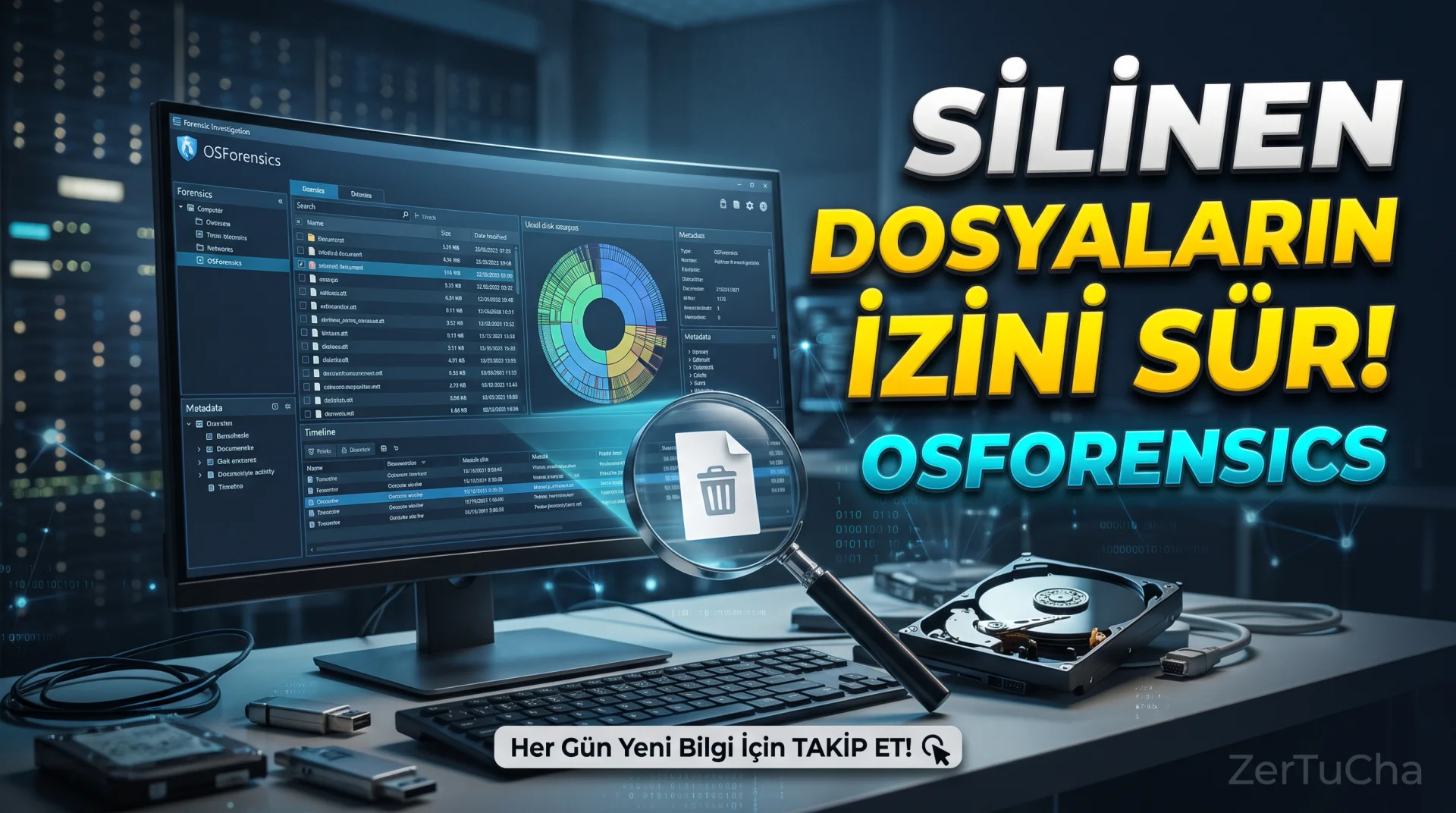
You deleted a file. So, is that file really completely gone?
A USB memory stick is inserted into the computer. Do you remember which devices are connected? Is it possible to investigate a previously opened document, a visited website or a suspicious activity on the computer?
Here is PassMark OSForensics, which we will review today, a professional digital forensics tool developed to find answers to exactly these types of questions.
This program is not an ordinary file manager. A comprehensive set of tools used to examine data on computers, analyze digital traces, attempt to recover some deleted files, and report the findings.
But let's warn from the beginning: Not every deleted file can be recovered, and not every trace found by the program can definitively prove what a single person did.
So what tasks can OSForensics do, who should use it and how much does this professional software really cost? Come, let's examine it together!
🔎 What is PassMark OSForensics?
OSForensics is a digital forensics and computer inspection software developed by PassMark Software.
Digital forensics is the process of systematically examining data on computers and storage devices and evaluating relevant findings.
For example, a suspicious file may have been found on a computer. An organization may suspect that malware is running on its computer. A technical professional may want to investigate whether files on a disk have been modified.
OSForensics helps in such investigations by searching for files, evaluating traces of system activities, analyzing disks and reporting findings.
The current product family of the program is introduced as OSForensics 11. The software has different license versions and a bootable option to perform some operations without the operating system running.
Official product page: https://www.osforensics.com/osforensics.html
🗂️ 1. You can quickly search files on the computer
Let's say there are thousands of files on a computer and you need to find a certain document among them.
Windows' standard search feature may be sufficient for daily tasks. However, in judicial investigations, knowing the name of the file is not always sufficient. You may also need to investigate the file's content, type, date, or other characteristics.
OSForensics can speed up searches by indexing files. You can search for words or phrases in the content of supported document types, narrow results by date range, and try to find related files in large data sets.
And it's not just limited to Word documents or PDF files. The formats supported by the program include e-mails, archives, images and other file types.
This feature is especially important in corporate investigations, technical analysis and digital evidence research where large numbers of files are examined.
However, the indexing process may take time depending on the disk capacity, number of files and computer hardware.
🗑️ 2. It can help recover deleted files
Let's talk about one of the most curious features.
When you delete a file, the operating system may mark the space used by the file as reusable. This may mean that the contents of the file may remain on the storage device for a while.
OSForensics can search for remnants of deleted files and help recover some files that are recoverable.
For example, you may want to investigate a document that was accidentally deleted or any remnants of the existence of a file.
But there is an important detail: Just because the file has been deleted does not necessarily mean that it can be recovered.
If the file has been overwritten with new data, the chances of recovery may be reduced. Mechanisms such as TRIM on SSDs can also affect the likelihood of recovery. File system, storage type, and elapsed time may also change the outcome.
Important advice: If you are trying to recover a deleted file, avoid saving new files to the same disk. If possible, perform the analysis on a disk image and save the recovered files to another drive.
🕵️ 3. You can research past events on the computer
One of the strengths of OSForensics is that it can examine not only the files themselves, but also some traces of activity left on the system.
Depending on supported data sources, data such as previously accessed files, recently downloaded content, logs of connected USB devices, wireless network information, and browser activities can be investigated.
For example, you want to investigate which USB memory may have been connected to a computer before. If relevant Windows records still exist, OSForensics can help you review them.
However, this feature does not provide a complete record of every transaction made on the computer.
Some records may have been deleted, overwritten, or never created. Additionally, a record that a device is connected does not prove that all files on that device have been opened.
Therefore, it is necessary to examine the findings together with other evidence rather than evaluating them as a definitive conclusion alone.
🔐 4. You can trace files and passwords
OSForensics also offers password recovery and password analysis tools on supported data sources.
For example, in a forensic investigation, you may need to analyze credentials or password-protected files stored in a system you are authorized to do.
Some versions of the program include inspection tools for login information stored in browsers, wireless network passwords, Windows credentials and different password protection mechanisms.
But there is an important limit here: These features do not mean that every password will be found for sure. Results depend on the protection method used, password strength, accessible data and license version.
Password recovery tools should only be used on systems that you own or have authority to review. It is not appropriate to use them to access someone else's accounts or personal data without permission.
🧾 5. You can check if the files have been modified
One way to tell if a file is really the same file is to compare cryptographic hash values.
OSForensics can calculate hash values of files and help you compare them with algorithms such as MD5, SHA-1 and SHA-256.
Let's give a simple example.
You have an installation file. You want to check if the file is the same as the version you saved before. By comparing the hash values of both files, you can perform a strong check on whether their contents have changed.
It is also possible to match known files with hash sets and identify suspicious files.
Merely matching the hash value does not in itself prove that a file is trustworthy. The meaning of the result depends on which source the compared value comes from and which algorithm is used.
💽 6. You can examine disks and create disk images
OSForensics also offers tools for disk imaging and analyzing storage devices used in digital investigations.
A disk image is a copy of data on a storage device obtained by a specific method. Working from this image rather than performing the analysis directly on the original disk can reduce the risk of altering the original data.
The program also offers tools to examine file systems, view raw disk data, and search for some hidden or deleted data remnants.
These are especially important features for digital forensics experts.
However, creating a disk image alone is not enough to protect evidentiary data. The method used, acquisition process, hash verification and transaction records are also important.
📊 7. You can report the findings
At the end of an investigation, simply finding the files may not be enough. It is necessary to explain what was found, what actions were taken and what results were achieved.
OSForensics helps organize investigation files on a case-by-case basis, aggregate findings, and prepare customizable reports.
For example, during an examination of a computer, you obtained findings regarding specific files, system activity, and hash comparisons. You can organize and report these under a single case.
This feature is useful for experts and institutions conducting multiple investigations.
However, the report produced by the software does not mean that the findings will automatically be considered legally definitive evidence. The method of collecting evidence, its integrity and the conditions of the examination are also important.
⚙️ How to use OSForensics?
Since the scope of this program is wide, it is best to determine a single purpose when first using it.
1. step: Download the program only from the official PassMark/OSForensics site.
https://www.osforensics.com/download.html
2. step: Install the free trial version and review the case management options on the main screen of the program.
3. step: Create a new case. Regularly record the information of the computer or disk image you will examine.
4. step: Choose the appropriate tool according to your purpose. If you want to search for files, use indexing and file search tools; If you are going to examine the disk image, use the file system browser; If you are going to check the integrity of files, use hash tools.
5. step: Review findings and compare as necessary. Do not reach definitive conclusions by looking at a single record; Evaluate different data sources together.
6. step: Report the results of the review and ensure that the original data is preserved.
If this is your first time, I recommend working on a test disk or sample dataset rather than an actual investigation or important files.
💰 Is OSForensics free?
OSForensics has a free trial version. A 30-day trial option is stated on the official price page.
In addition, there are feature and usage limits between the free version and paid licenses. There may be limitations in some functions of the free version, such as the number of cases, number of files that can be indexed, export of results and advanced analysis options.
Paid versions offer more comprehensive review tools and support options.
Prices appearing on the official price page are as follows:
-
Monthly subscription: $95.
-
Annual subscription: $945.
-
Perpetual license with 12 months of support and updates: $1,680.
-
Perpetual license with 36 months of support and updates: $3,675.
These are the prices listed on the official page; Check the current license terms before purchasing. Taxes, payment terms and support time may affect the total cost.
The thing to note here is that this is not a cheap utility that the average home user would buy to recover a few files. A tool aimed more at professional review and digital evidence analysis needs.
Official price page: https://www.osforensics.com/pricing.html
✅ What are the advantages?
-
Comprehensive review tools: It combines many functions such as file search, indexing, hash analysis, disk inspection and activity traces.
-
Deleted file search: Can help examine recoverable files and deletion traces.
-
Advanced search: Makes it easy to search through large numbers of files and different data types.
-
Integrity check: You can compare the hash values of files.
-
Case and report management: You can collect and report findings regularly.
-
Professional use options: Alternatives such as advanced licenses and bootable version are available.
❌ What are the disadvantages?
-
May be expensive: Professional license prices are high for ordinary users.
-
There is a learning curve: The large number of modules and review methods can challenge beginners.
-
No recovery guarantee: It cannot recover all deleted files.
-
Findings require comment: The traces found by the program do not always correspond to a definitive result.
-
Free version limited: Some advanced features are dependent on paid licenses.
-
Care required: Performing incorrect operations on the original disk may change the data being examined.
👥 Who should use it?
Digital forensics experts: Professionals who examine digital evidence on computers and storage devices.
Cyber security experts: Those who investigate suspicious files, system activity, and possible traces of events.
Enterprise IT teams: Those who want to investigate technical problems and suspicious activities on computers in more detail.
Forensics students: Those who want to learn digital evidence analysis, hash control and disk inspection methods.
Technical researchers: Those who conduct systematic reviews of large numbers of files and data sources.
So for whom might it be unnecessary? For casual users who just want to recover a few deleted photos, clean up storage space, or speed up their computer, such a comprehensive and expensive program can often be overkill.
🏁 Final verdict: Is OSForensics worth using?
My assessment is that OSForensics is a powerful toolkit for professionals who want to delve into computers and digital storage devices.
It is an important advantage that it gathers features such as indexing files, searching for traces of activity, comparing hashes and reporting findings in the same environment.
However, this should not be seen as an ordinary file recovery program or computer cleaning tool. Especially the cost of the paid license clearly reveals the professional use purpose of the program.
If you are interested in digital forensics, first test the tools you need by using the trial version. If you just want to recover deleted files, it might make more sense to start with a simpler alternative.
So, have you ever investigated deleted files or traces of past transactions on a computer? Write it in the comments!
Follow ZerTuCha! Every day we come across new programs, security tools and useful discoveries in the world of technology.




Henüz yorum yapılmamış. İlk yorumu siz yapın!
Bir Yorum Bırakın