



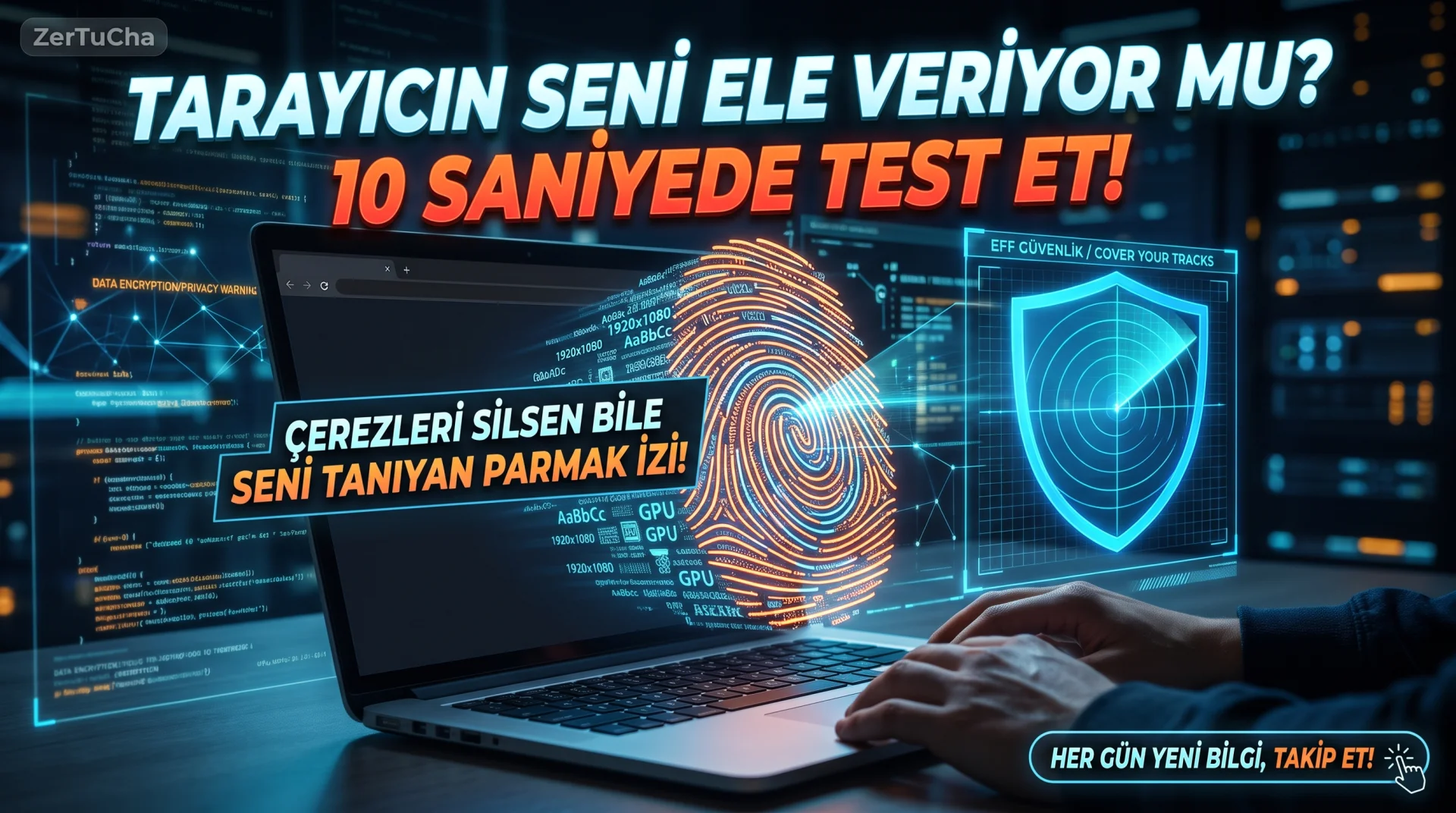
Do you think that websites and ad networks can no longer recognize you when you open an "Incognito" tab in your browser or clear all cookies? Unfortunately, modern internet tracking no longer relies solely on cookies! Invisible scripts running in the background the millisecond you enter a website; a unique "Browser Fingerprint" is outputting! Thus, even if you turn on a VPN or delete cookies, your digital shadow can be monitored step by step. Well, have you tried the official tool developed by the world-famous digital rights organization EFF, which tests in 10 seconds how unique and vulnerable your browser is to fingerprint tracking? Details below!
Brief Summary: Browser Fingerprinting is an invisible tracking method that uniquely recognizes you from your device's screen, font and video card features, even if you delete cookies. EFF's coveryourtracks.eff.org tool.
What is Browser Fingerprinting?
Browser Fingerprinting is when websites combine your browser's technical parameters (User-Agent,
Leave a Comment to Read the Rest of the Article
Did you find our content useful? We are curious about your thoughts on the subject.
Canvas graphics drawing, WebGL video card information, installed fonts, language and screen resolution) without using cookies and assign you a unique digital identification number.
This technique is so sensitive that a browser used with standard settings can be detected among hundreds of thousands of computers on the Internet "Unique" and your profile may be aggregated across all sites you visit.
Fingerprint Protection Comparison of Popular Browsers
General protection profiles in the Cover Your Tracks test of different browsers with default settings are summarized in the table below.
| Scanner / Setting | Tracker Blocking | Fingerprint Protection |
|---|---|---|
| Standard Chrome / Edge | Weak (Open to ad followers) | None (Usually outputs "Unique") |
| Firefox (Strict Mode) | Strong (Advanced Tracking Protection) | Good (Blocks known fingerprint scripts) |
| Brave Browser (Shields On) | Very Powerful (Embedded) | Very Strong (Randomized fingerprint) |
| Mullvad / Tor Browser | Maximum | Maximum (Shows all users identically) |
Test Your Browser with Cover Your Tracks in 5 Steps
Follow these steps to see in 10 seconds how well the browser you use protects you from ads and data trackers:
- From the browser you want to test https://coveryourtracks.eff.org/.
- Orange "TEST YOUR BROWSER" button (If you wish, leave the box at its default state to see a real site experience).
- Examine the 3 main items in the results summary that opens: Blocking tracking ads (Blocking follower ads), Blocking invisible trackers (Invisible followers) and Protecting you from fingerprinting (Fingerprint protection).
- If at the bottom red "Your browser has a unique fingerprint" (Your browser has a unique fingerprint) appears, "Show full results for fingerprinting" link to see which feature (e.g. unique graphics card or rare fonts) gives you away.
- In your browser to increase your protection Strict Tracking Protection, open source uBlock Origin or Privacy Badger or Brave / Firefox to verify that you have achieved the green result!
Balance of Privacy and Usability
EFF's tool is a nonprofit education and safety testing; It does not record your personal identity. Complex graphical verifications (Captcha) on some banks or e-commerce sites may appear a little more frequently when overly aggressive fingerprint blocking is turned on in your browser; Therefore, the most comfortable approach is to use balanced protection (e.g. Firefox Strict or Brave Standard Shields) in your daily main browser.
Frequently Asked Questions
Does the Chrome Incognito browser hide my fingerprint?
No. The Incognito tab only deletes history and cookies on your computer at the end of the session; It does not prevent fingerprint tracking because your screen resolution, video card and installed fonts remain the same.
Does my browser fingerprint change when I turn on VPN?
No. VPN only hides your IP address and location; The fingerprint, which consists of your browser's hardware and software features, remains the same even when VPN is turned on.
Will I be more private if I install 15 privacy extensions on my browser?
On the contrary! Installing lots of rare plugins makes your browser more easily distinguishable (more unique) from the crowd; A single reliable blocker and built-in protection is the cleanest method.


No comments yet. Be the first to comment!
Leave a Comment