

How do I do it?
Software, SEO, web automation, and digital tool usage step-by-step guides. Practical manuals prepared to solve technical issues you encounter and optimize your projects.
Kategori İçeriğini Sırala
Bu kategoriye ait yazıları en güncel ya da en çok görüntülenen içeriklere göre yeniden listele.
## Technical Solutions and Step-by-Step Implementation Guides
The fastest way to overcome technical obstacles encountered in the digital world is to follow clear and proven steps. Our "How To" category is a practical solution hub brought together for everyone from developers to business owners to use web technologies, automation tools, and software infrastructure in the most efficient way.
### Breaking Down Complex Processes into Steps
A web application’s installation, server optimization, or API integrations may seem complex from the outside. However, with the right methodology, even the toughest processes can be solved easily when they are organized into a logical sequence. In our guides, we adopt a narrative style that eliminates error by focusing directly on code blocks, terminal commands, and screen configurations, avoiding theoretical explanations.
### Performance, Security, and Optimization Practices
Knowing how a system is set up is not enough in modern web standards. The system must be SEO-friendly, perform well in Core Web Vitals scores, and be protected against GDPR/security vulnerabilities. In the guides we publish on Zertucha.com, we share every step you’ll take through a technical optimization lens. Here you can find the best practices for critical processes such as running software tools at full capacity, database cleanup, or configuring automation scripts.
Bu Kategorideki Yazılar

Double Tap on the Back of iPhone and It's Done: How to Set Up Back Tap?
Did you know that you can initiate an action by double or triple tapping the back of iPhone? Apple's Back Tap feature c...

Your Windows Computer Can Connect to the Phone's Internet Without Asking for a Password: Instant Hotspot
You are out. Laptop cannot connect to the internet. There is mobile internet on your phone. Normally: Turn on the ph...

You Can Turn on Rain Sound on Your iPhone and Focus: How to Use Background Sounds?
If outside sounds distract you while working on your phone, iPhone has a separate feature for this. Apple's Background ...

Know This Before Controlling a Computer Remotely: How to Use Windows Quick Assist?
There is a problem with your mother, father, friend or customer's computer. By phone: “Now go to Settings, from ther...

Check This Setting If Chrome Eats RAM and Slows Down Your Computer
If your computer becomes sluggish after opening 20–30 tabs in Chrome, the problem may not only be the amount of RAM of y...

What Happens If You Accidentally Post the API Key to GitHub? This Protection Could Stop You
One of the most dangerous mistakes when developing software is: Writing an API key or access secret into the code. Aft...

You Can Bring Back Lost Notification on Your Phone: Android Notification History
You received a notification on your phone. You scrolled by mistake. After: “I wonder what it said?” . On supported ...

Point the iPhone Camera at Something and It Tells What It Is: How to Use Visual Intelligence?
Point your phone camera at an object and say: “What is this?” it's no longer science fiction to ask. In Apple's curre...
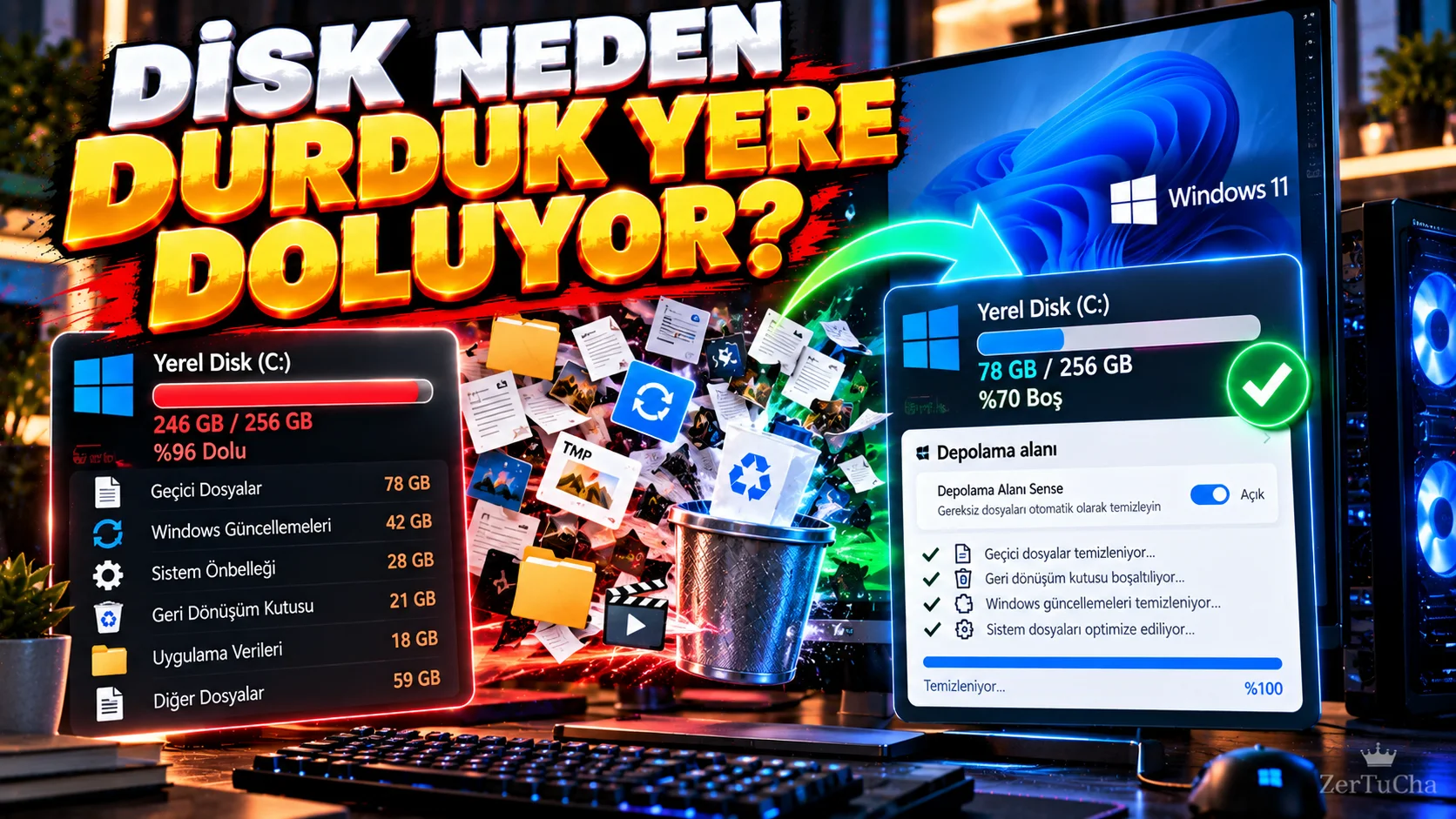
If Your Windows Disk Is Filling Up Without Any Reason, Turn On This Feature: It Cleans Files By Its Own
Is the free space of the C: drive constantly decreasing even though you think you haven't downloaded anything on your co...

Protect Your GitHub Account with Only a Password: How to Set Up 2FA and a Security Key
The account of a developer who uses a GitHub account does not only store code. Via account: Private warehouses ...

You Don't Have to Say the Wi-Fi Password on iPhone: Share It with a Single Tap
It is quite unnecessary to tell the Wi-Fi password letter by letter when a guest comes to the house. According to Apple...

The Linux 'sudo' Command Has Arrived on Windows 11: Here’s How to Use It for Administrative Tasks
Well known to Linux users sudo command is now available in Windows 11. According to Microsoft's current documentation s...
