



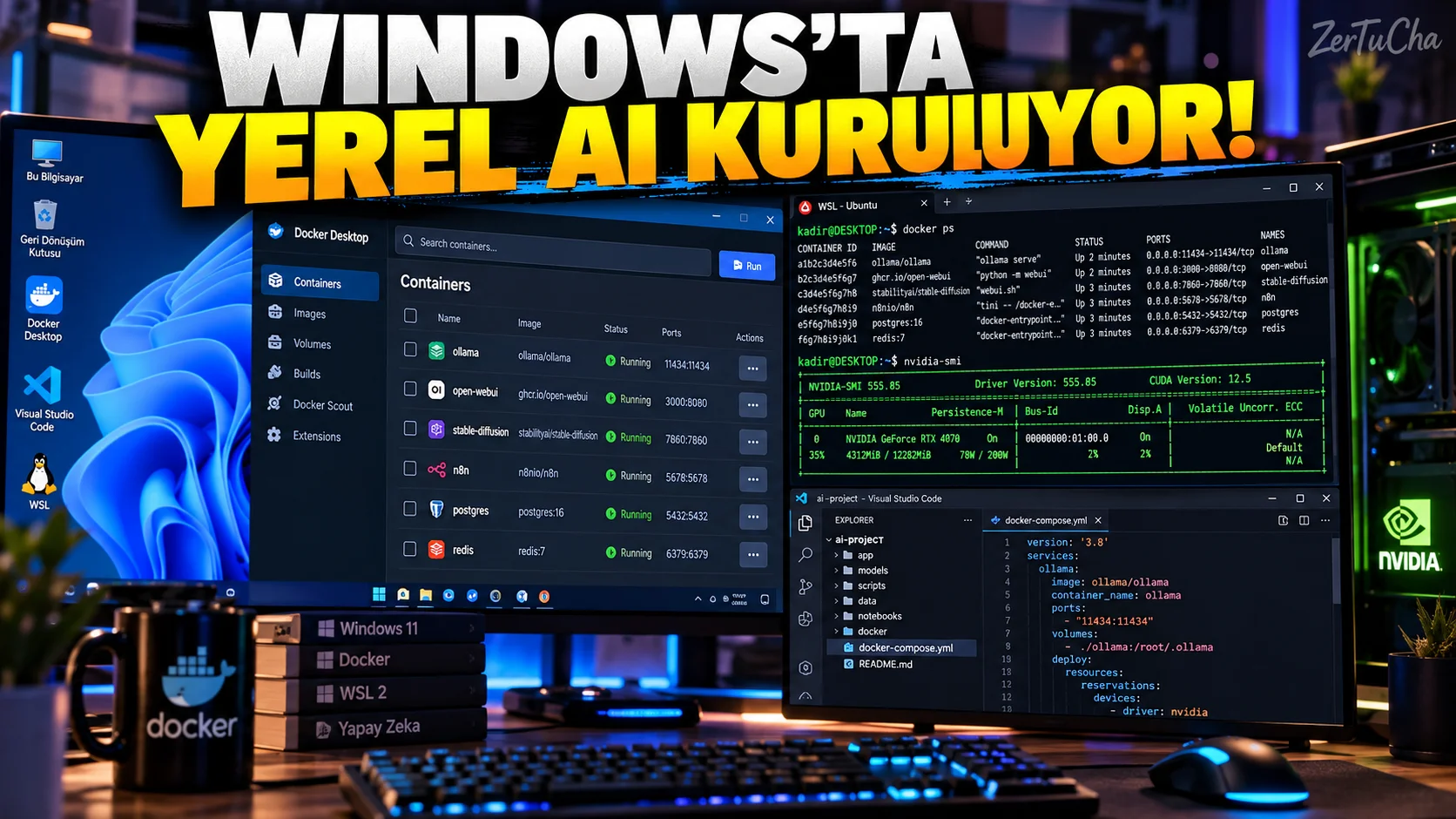
If you have started dealing with artificial intelligence, it is inevitable that you will encounter these words after a while:
Docker
WSL 2
Container
GPU
At first glance, these seem like complicated things that software developers talk about among themselves.
But today, Docker is seriously involved in building local artificial intelligence applications.
Specifically:
- AI tools
- Local models
- Visual production systems
- Web applications
- Databases
- Development environments
.
What is Docker?
In its simplest form:
It is a system that allows you to package and run an application with the environment it needs.
For example, an AI application:
- Python version
- Libraries
- Linux packages
- Web server
- Database
.
Docker makes it easy to manage them in isolation from each other.
Why does Docker on Windows use WSL 2?
According to Docker Desktop's current Windows documentation WSL 2 is the default and recommended backend for most users for running Linux-based containers on Windows. Docker Documentation
WSL 2:
Running the Linux kernel in Windows
Leave a Comment to Read the Rest of the Article
Did you find our content useful? We are curious about your thoughts on the subject.
provides.
This makes it seriously easier to run Linux-based AI tools on Windows.
What are the requirements?
In Docker's current documentation, in supported versions for Windows 11:
- 64-bit processor
- At least 8 GB RAM
- Hardware virtualization turned on in BIOS/UEFI
- WSL 2
How to install Docker Desktop?
Download the official Docker Desktop installer.
During installation:
Use WSL 2 based engine
option.
According to Docker's current documentation, per-user installation is recommended for most users and no administrator privileges are required to install/update in this mode. Docker Documentation
Check your WSL version
Open PowerShell or Command Prompt:
wsl --versionAccording to Docker's current documentation at least:
WSL 2.1.5
required.
Enhanced Container Isolation:
WSL 2.6 or above
required. Docker Documentation
WSL update
If required:
wsl --updatecommand.
If WSL is not installed:
wsl --installavailable. Docker Documentation
Docker's important side for AI: GPU
Using the GPU instead of the CPU can make a big difference when using native AI.
According to Docker's current Windows documentation, GPU access to Linux containers can be provided with NVIDIA GPU paravirtualization over WSL 2. Docker Documentation
For this:
- NVIDIA GPU
- Current Windows
- Compatible NVIDIA driver
- Current WSL 2 kernel
- Docker Desktop WSL 2 backend
required. Docker Documentation
Why is Docker consuming RAM?
While Docker Desktop is running, there is a Linux environment in the background.
But in current Docker Desktop Resource Saver feature is available.
According to Docker's current documentation, Resource Saver stops the Docker Desktop Linux virtual machine when the container is not running Can reduce CPU/RAM usage by 2 GB or more. Docker Documentation
Where is Resource Saver?
Docker Desktop:
Settings → Resources
section.
Enabled by default. Docker Documentation
An important detail when developing AI
When building an AI application with Docker, running your code on the Linux file system within WSL rather than keeping it in random Windows folders can work better in most development scenarios.
Docker's own current development guide also recommends keeping the code within the default Linux distribution. Docker Documentation
For example:
/home/kadir/projects/ai-assistancan be used.
Using with VS Code
Install WSL extension to VS Code and:
wsl
cd project-folder
code .This is a very comfortable working arrangement, especially for AI developers.




No comments yet. Be the first to comment!
Leave a Comment