

Adobe Lightroom → Darktable
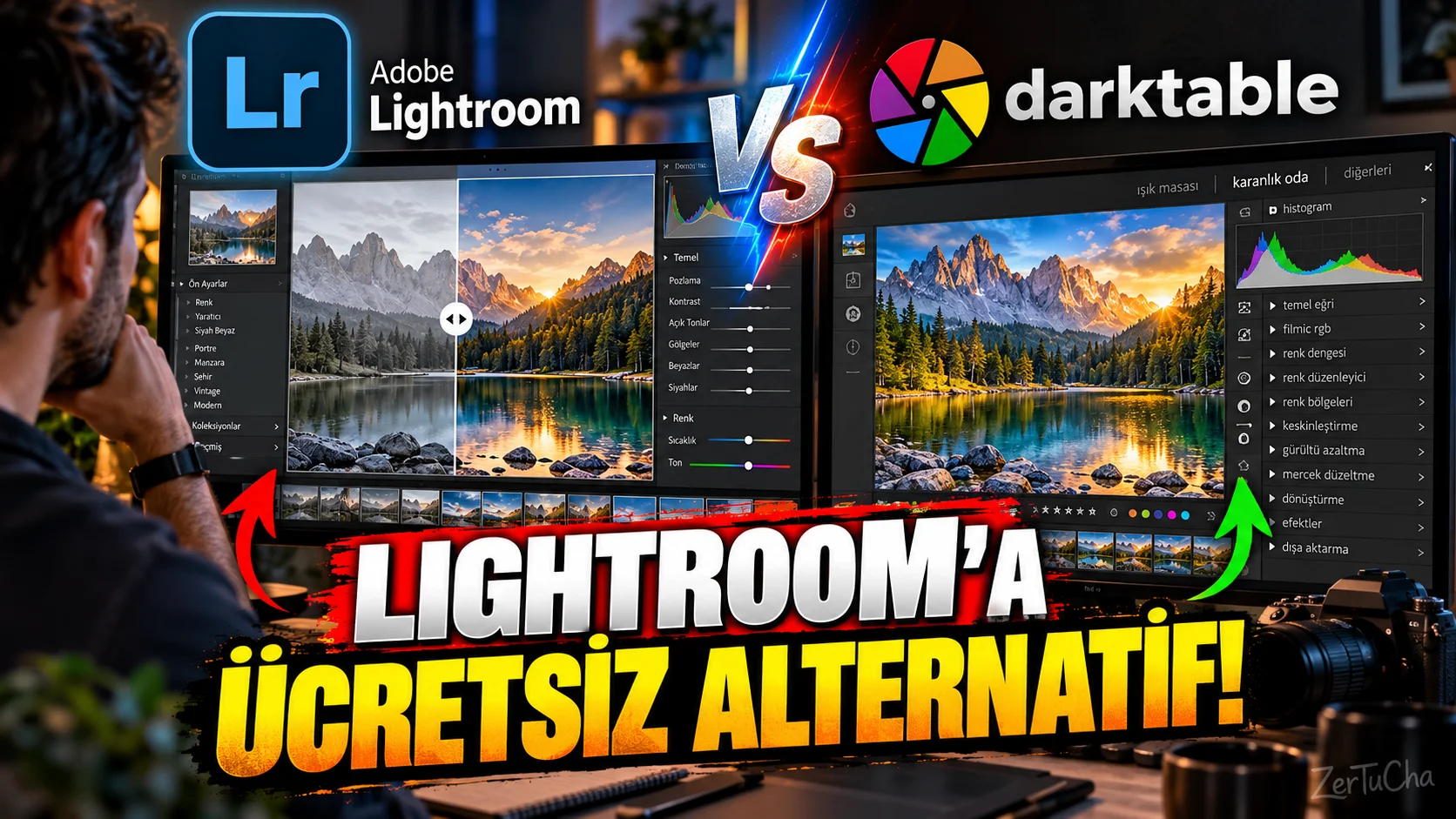
Main Program / Application
Adobe Lightroom
Recommended Alternative
darktable
Supported Systems
Windows, macOS and Linux. darktable's official download page includes up-to-date Windows and macOS packages; Packages are also offered for Linux distributions. As of October 2026, version 5.6.2 has been released.
Fee Status
Free and open source.
What Does It Do?
Can be used specifically for processing RAW photos, color editing, photo management and professional photo enhancement workflows.
“Photographers come here now.
You use Lightroom but are you a little bored with the subscription system?
Then I suggest you look at darktable.
Because darktable is a free and open source photo processing program.
Moreover, it can be used not only on Windows, but also on Mac and Linux.
We also see that current versions of the program are still actively published. Version 5.6.2 was released in October 2026.
Now of course let's be honest here.
It wouldn't be right to say 'Forget Lightroom, Darktable does everything exactly the same'.
It may take time to get used to the interface.
Some operations may not be as easy as Lightroom.
But if you say, 'I process my photos as RAW, play with colors and I don't want to pay a subscription for this every month', darktable should definitely be tried.
Especially if you use Linux, the options become even less.
So darktable is a really valuable alternative here.”
Advantages
It is free and open source. There is support for Windows, macOS and Linux. It is actively updated; Version 5.6.2 has been released on the official site as of October 2026.
Disadvantages
There may be an adjustment period for the user coming from Lightroom. The interface and workflow are different. On the Linux side, the features of some packages may vary depending on the distribution; for example, the official darktable FAQ states that as of September 2026, the Flatpak package does not include AI features.
Why Use?
For users looking for a subscription-free, open-source option for photo editing.
Better for Whom?
Photographers, RAW users, Linux users and those who prefer open source software.


Henüz yorum yapılmamış. İlk yorumu siz yapın!
Bir Yorum Bırakın