

Adobe Illustrator → Inkscape
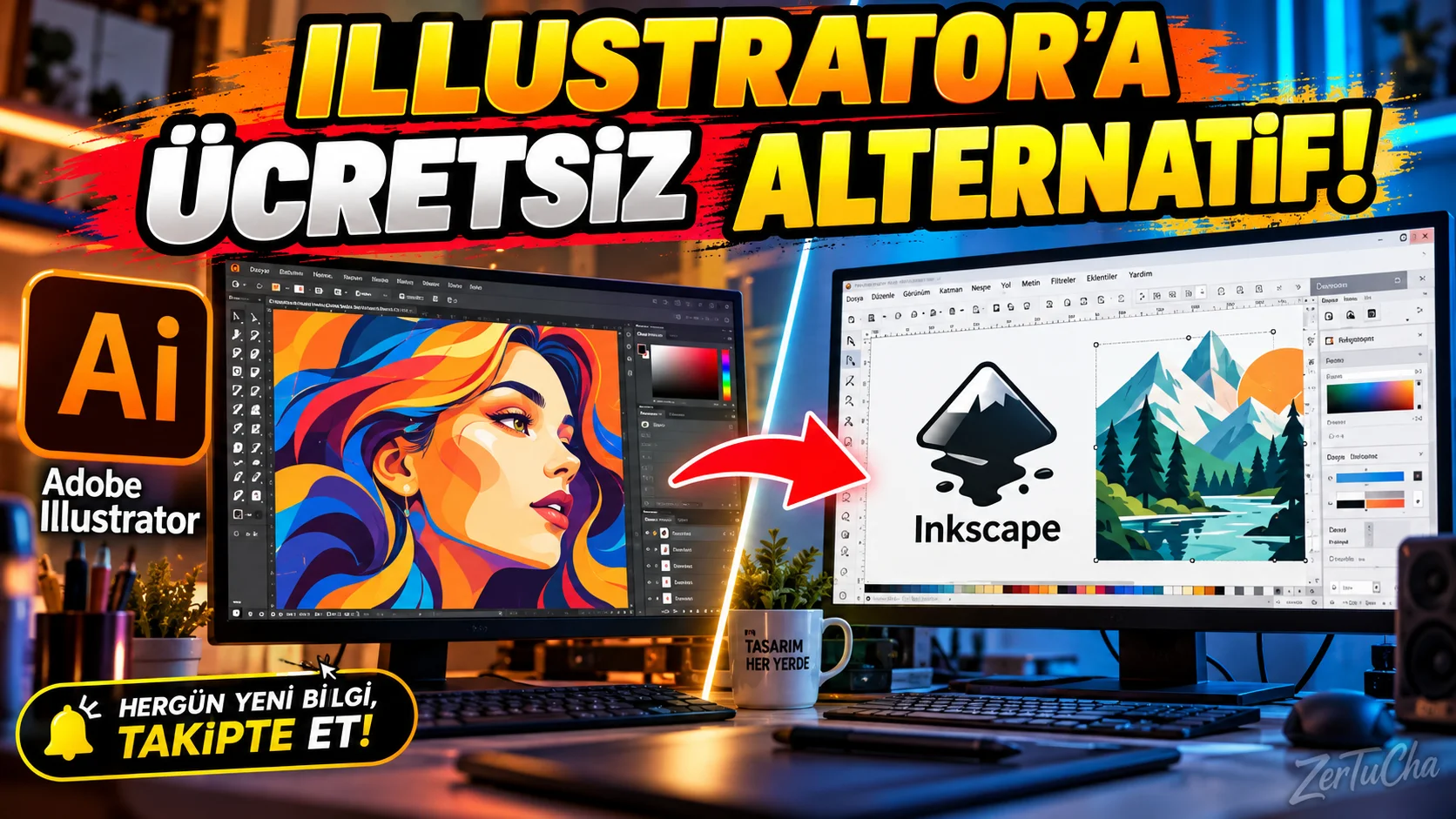
Main Program / Application
Adobe Illustrator
Recommended Alternative
Inkscape
Supported Systems
Windows, macOS and Linux. Inkscape version 1.4.4 was released for these three platforms in 2026. (inkscape.org)
Fee Status
Free and open source.
Inkscape is a free and open-source vector graphics editor that uses SVG as its main file format. (inkscape.org)
What Does It Do?
Used to create logos, icons, vector art, illustrations, diagrams, print design and SVG-based graphics.
“Now designers here.
You use Adobe Illustrator, but the subscription model bothers you.
I'll show you a free alternative:
Inkscape.
Now I'm not saying 'it copies Illustrator exactly'.
The interface is different.
There are some things you need to get used to in the operating logic.
But you can make vector designs.
You can draw logos.
You can work with SVG files.
You can prepare illustrations.
And most importantly, the program is free and open source.
Moreover, it works on Windows, Mac and Linux.
So if you are using Linux, it is one of the programs you should add to your list.
I think it makes a lot of sense, especially for students or those new to design.
If you want to learn vector design before paying, try Inkscape.”
Advantages
It's free, open source, and runs on Windows, macOS, Linux. Version 1.4.4 was released in 2026. (inkscape.org)
Disadvantages
It may take time for Illustrator users to get used to it. Some professional Adobe workflows and integrations may not be available verbatim.
Why Use?
For those who want to start vector design without paying.
Better for Whom?
Students, new designers, logo makers, SVG users and Linux users.

Henüz yorum yapılmamış. İlk yorumu siz yapın!
Bir Yorum Bırakın