

Don't Search Everything You Copied in Windows: There's a Hidden History
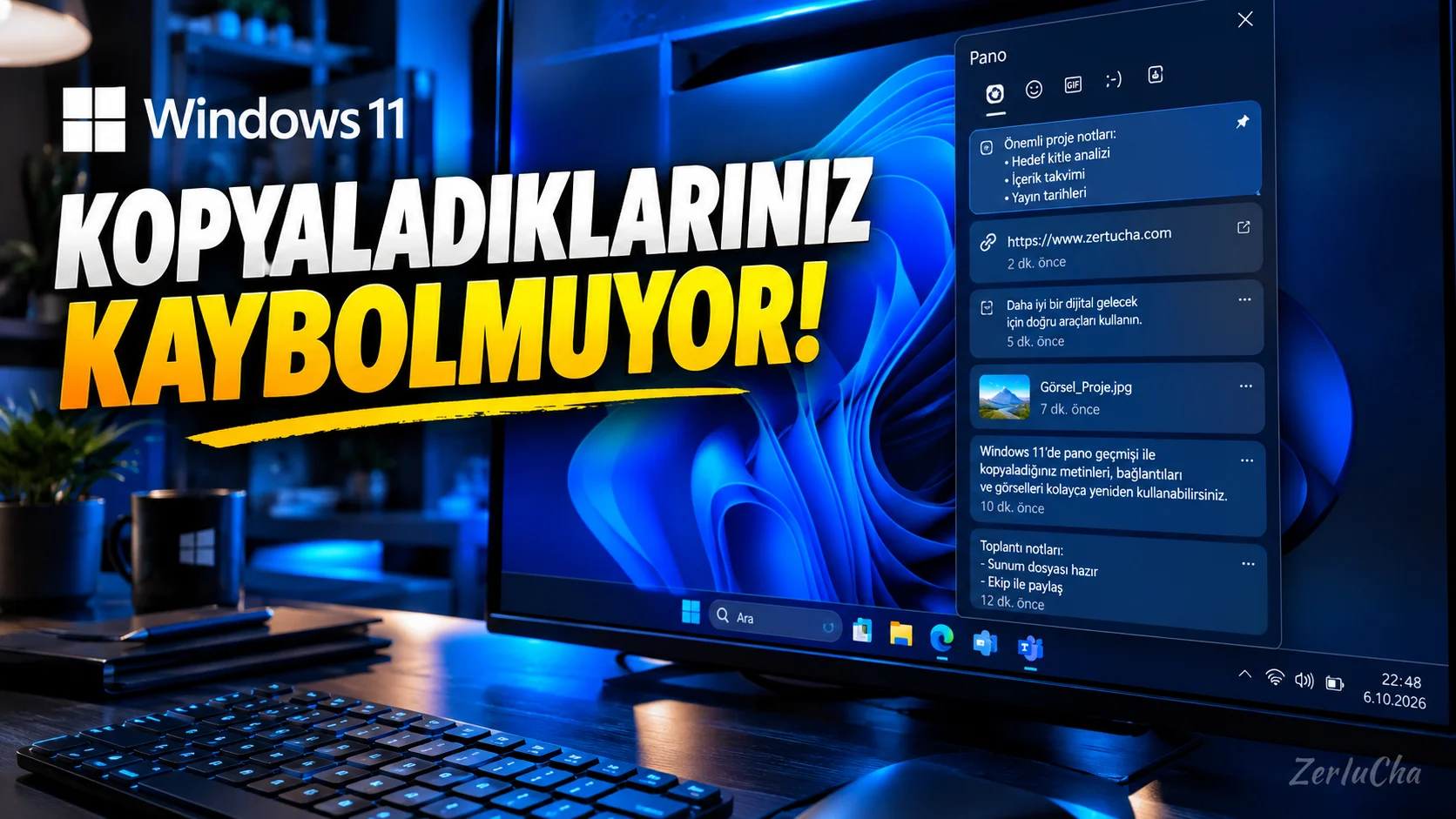
On Windows Ctrl + C, most people think that only the last thing they copied remains in memory.
Whereas Windows 11's Clipboard History feature, you can reuse multiple texts and some contents that you have previously copied.
Even more interesting:
It is also possible to synchronize clipboard history between different Windows devices.
According to Microsoft's current documentation, clipboard history in Windows 11 Windows + V and supported text contents can be synchronized between devices with a Microsoft account. Microsoft Support
How to open clipboard history?
From keyboard:
Windows key + V
hotkey.
If you are using it for the first time:
Open
The content you copied will now be kept in the past.
How do you find the old text you copied?
For example:
- You copied a phone number from a website.
- Then you copied another text.
- You needed the phone number again.
Windows + V
keys.
Select previous content from clipboard history.
Windows pastes the content you selected into your current area.
Very important: Not everything is kept forever
Clipboard history according to Microsoft's current documentation:
Up to 25 copied items
held.
Older items are automatically removed if not pinned. Microsoft Support
Pin an important text
Favorite:
- Address
- IBAN
- E-mail address
- Reply
- Command
- Favorite text
in the clipboard history.
So the pinned content is preserved even if the normal history is cleared.
Using the clipboard on different computers
According to Microsoft's current Windows documentation:
Settings → System → Dashboard
from:
Clipboard history across your devices
Then you can sync the clipboard contents on supported Windows devices signed in with the same Microsoft account.
Auto sync
In the same section:
Automatically sync the text I copy
option available. Microsoft Support
If you want, you can synchronize manually instead of automatically.
Caution here for safety
To clipboard history:
- Password
- Card information
- Single use code
- Private information
copying is not a good idea.
Note that sensitive text you copy may be transferred to your other devices, especially if clipboard synchronization is turned on.
Microsoft also states that clipboard synchronization works via the cloud. Microsoft Support
How do you clear clipboard history?
Settings → System → Clipboard → Clear clipboard data
option.
Alternatively:
Windows + V → Clear all
Deleting a single item
Windows + V
→ next to the item you want to delete
ellipsis
→
Delete
Why is it so useful for content creators?
For example, you are preparing a YouTube video.
Continuous:
- Title
- Description
- Label
- Source link
- Video description
- Social media text
clipboard history saves serious time if you're copying.




Henüz yorum yapılmamış. İlk yorumu siz yapın!
Bir Yorum Bırakın