

Foxit PDF Reader / PDF Editor Instead of Adobe Acrobat
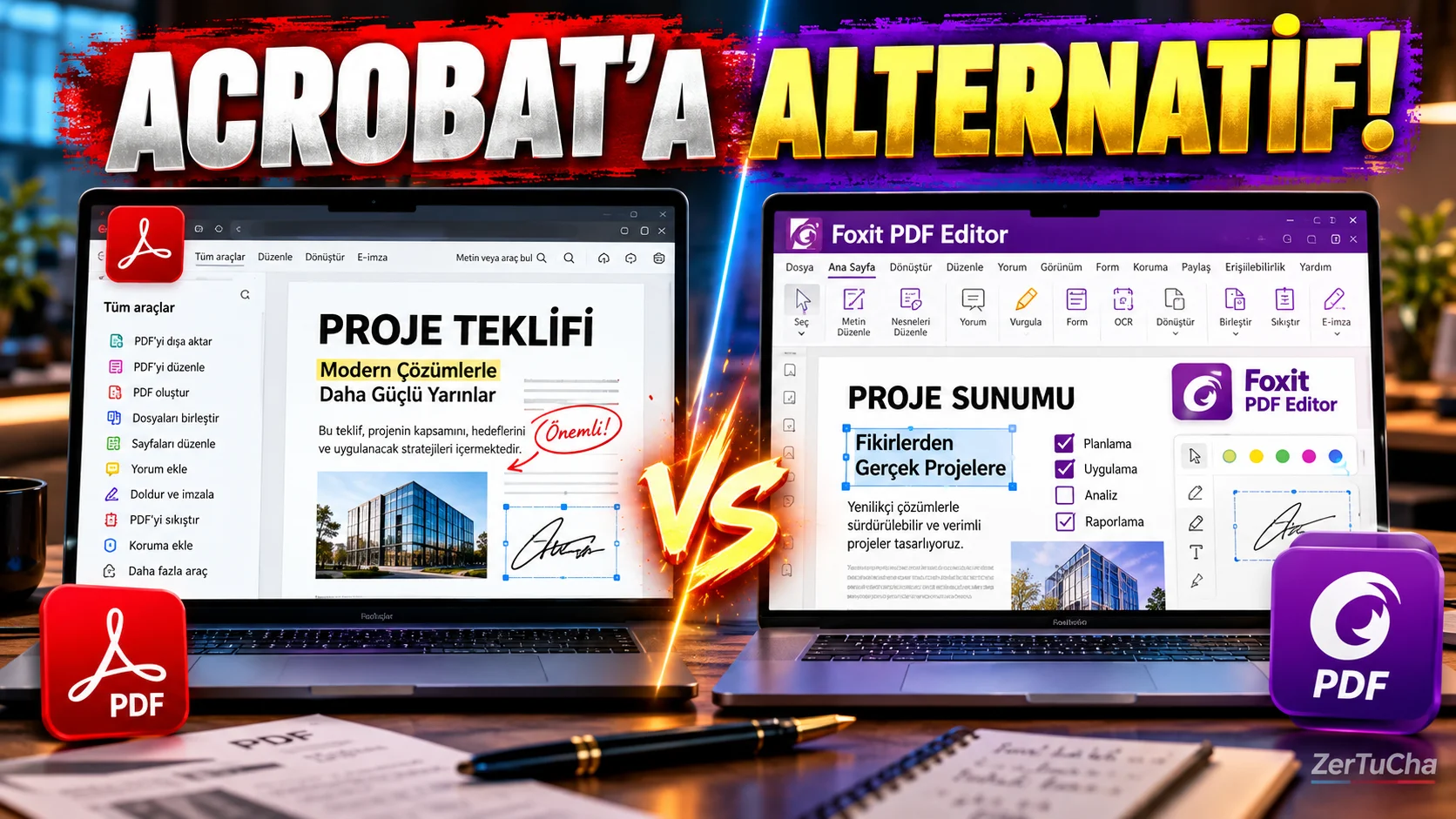
Main Program/Application: Adobe Acrobat
Recommended Alternative: Foxit PDF Reader / Foxit PDF Editor
Supported Systems
Foxit PDF Reader; Windows, macOS, iOS, Android and web. The free Reader version offers basic tasks such as viewing PDFs, annotating, filling out and signing forms. The full PDF editing side comes with Foxit PDF Editor.
Fee Status
Foxit PDF Reader: Free.
Foxit PDF Editor: Paid. Foxit's current US list price includes PDF Editor per year $129.99, PDF Editor+ annually $159.99. There's also a 14-day free trial of the full-featured PDF Editor+.
What Does It Do?
The free Reader version may be sufficient to open, read, annotate, fill out and sign a PDF. The Editor version is used to edit text and images in PDF, convert PDF to Word/Excel/PowerPoint, use OCR and make more advanced edits.
Advantages
One of the biggest advantages of the Free Reader is that it is quite comprehensive for basic PDF tasks. It also has wide platform support on desktop and mobile. The full version includes PDF editing, OCR, conversion, form and security features.
Disadvantages
Full PDF editing is not free. So, there is no problem for someone who only wants to read PDFs, but the professional user who constantly edits PDFs may still need a paid plan. It should not be forgotten that advanced features on the mobile side also come with PDF Editor+.
Why Use?
If you don't use Adobe Acrobat's paid features every month, Foxit's free Reader may be a more logical option for daily PDF work.
Better for Whom?
An especially good alternative for students, office workers, PDF form fillers, PDF signers, and users who constantly read and annotate documents.
🎙️ Detailed;
Friends, if you use Adobe Acrobat for PDF work but do not want to pay money every month, let me show you a good alternative: Foxit. Now there is an important distinction here. Foxit has a free PDF Reader application, and with this version you can open PDFs, read documents, add comments, fill out forms and sign. So, if you say 'I will open the PDF, read it, add a few notes', you can do your job without paying any money.
But if you say, 'I will change the text in the PDF, convert it to Word, do OCR, and edit the pages more professionally', then you need to switch to Foxit PDF Editor and that part is paid. So actually the nice thing here is that subscriptions are not imposed on everyone. Basic user can stay in the free version.
I think you should definitely check out Foxit, especially if you are a student, constantly dealing with PDFs at work, or if you do not use all the features of Acrobat on your computer. But if you say, 'I edit PDF professionally, I prepare documents every day', the paid Editor version makes more sense. In short, before paying for Acrobat just to read PDFs, try Foxit.


Henüz yorum yapılmamış. İlk yorumu siz yapın!
Bir Yorum Bırakın