

DON'T DEAL WITH THE KEYBOARD! Speak, Let Your Computer Write — And It's Open Source
Platform: Windows
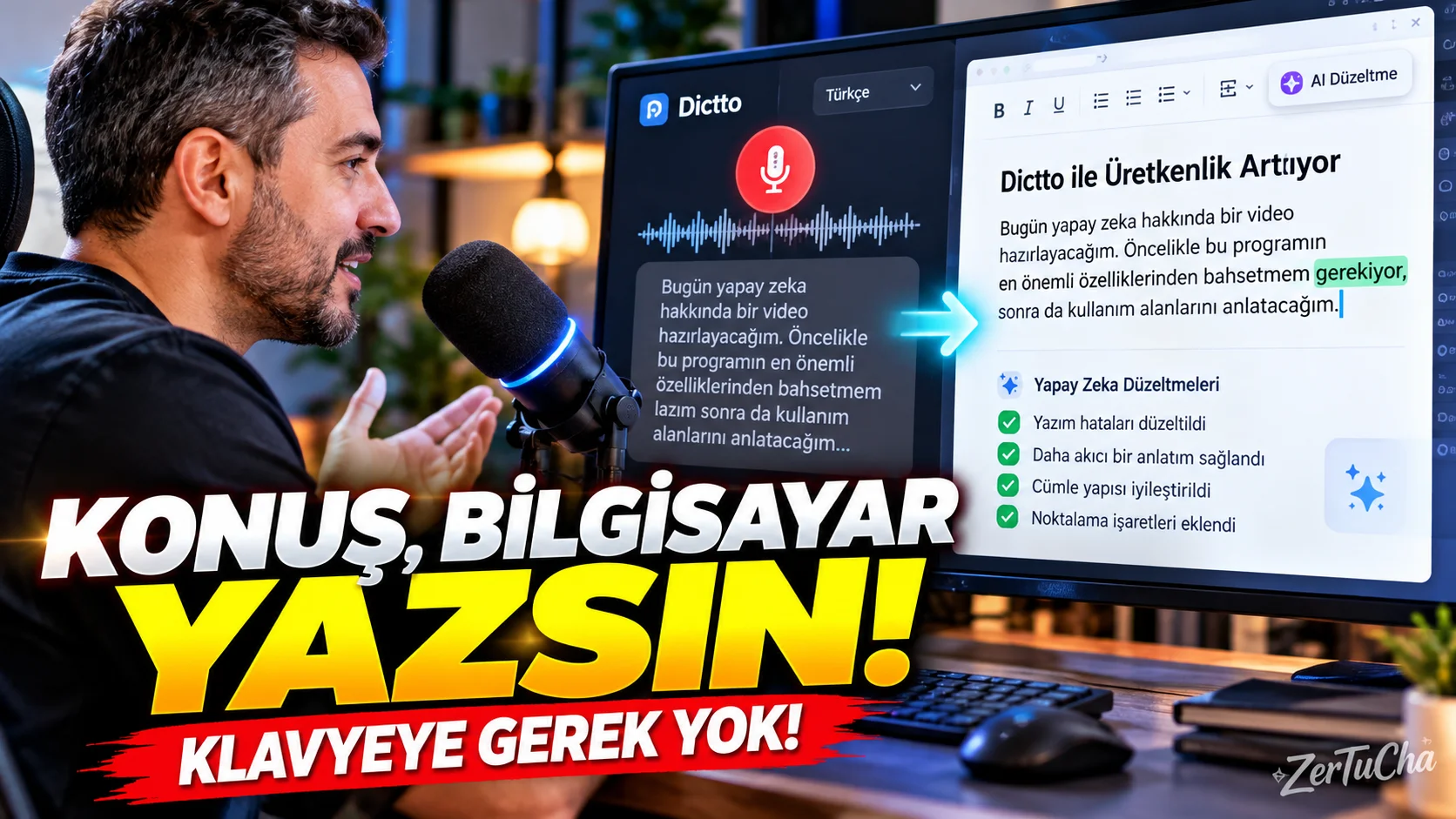
Dictto is an open source voice typing tool that allows you to type by speaking in Windows.
The logic is quite simple:
Ctrl + Win shortcut, you speak, and when you release it, the text you spoke is written in the area where your cursor is located. GitHub
So it can be used in Word, Chrome, Slack, Notepad, Telegram or any other application where you can write.
The important point here is the privacy approach.
According to Dictto's GitHub page, the app does not feature telemetry, analytics, or user accounts. You can also use your own OpenAI API key, and the audio is intended to be sent directly to OpenAI without going through Dictto's servers. GitHub
With AI after conversation:
- “iii”
- “thing”
- Unnecessary repetitions
- Grammatical errors
can be cleared.
What does it do?
Reduces keyboard use for people writing long texts, preparing e-mails or taking quick notes.
Especially someone who is used to voice typing on the phone can experience the same comfort on the computer.


Henüz yorum yapılmamış. İlk yorumu siz yapın!
Bir Yorum Bırakın