

Guide to Creating YouTube Videos from Scratch with Artificial Intelligence (2026)
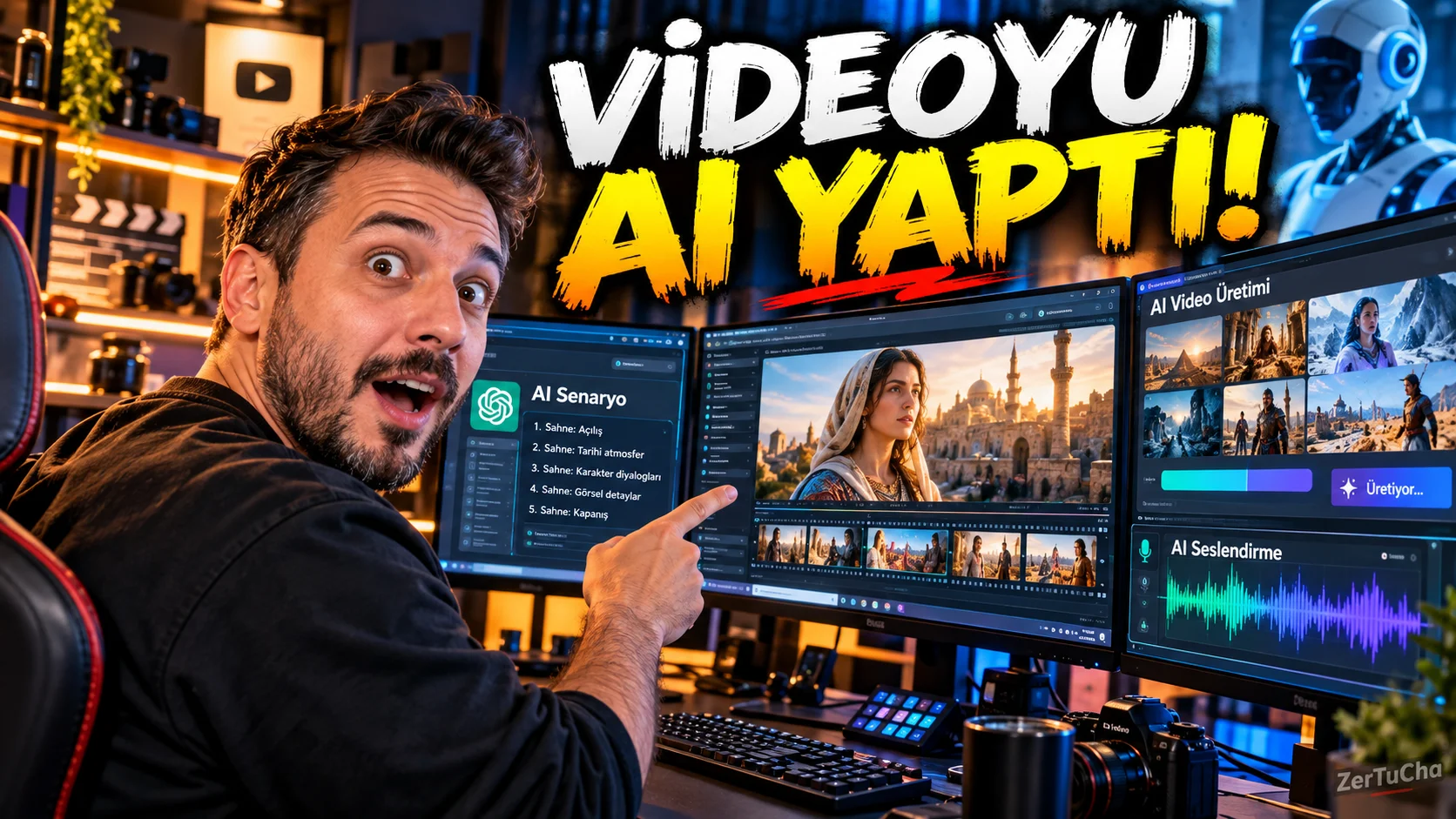
In the past, to prepare a YouTube video, you had to set up a small production company with a camera, microphone, lighting, editing program, actor and studio.
But things have changed dramatically in 2026.
On your own today; You can come up with the idea, prepare the scenario, produce the images with artificial intelligence, create the voice-over, add music and effects, edit the video and finally create content ready to be uploaded to YouTube.
But there is a very important distinction here.
“Artificial intelligence makes videos.” It's one thing to say, "making a good YouTube video using artificial intelligence" is another.
Because when you tell artificial intelligence "make me a YouTube video", the result can be content that is often similar to each other, soulless, and drives away the audience in the first 10 seconds.
In this guide, we'll start from the beginning.
We'll start with how to find the topic, talk about how to prepare the script, show how to produce the images, explain how to do the voice-over, and finally, we'll set up step by step how to combine all of this and turn it into a real YouTube video.
And most importantly, it's not just about "which button to press?" not as with the logic of a YouTuber.
Now friends, let me tell you something very clear.
In 2026, you no longer have to turn on the camera and face it to make a YouTube video.
You don't even have to show your face.
Thanks to artificial intelligence, today you can create a YouTube video completely from scratch.
But there's a catch to this.
Don't go and type "make me a 10-minute YouTube video" on the first artificial intelligence tool you see.
Because it will probably produce a video for you, but not a video to actually watch.
What we will do is a little different.
We will divide the video into parts.
Idea first.
Then the scenario.
Then scenes.
Then sound.
Then editing.
Finally, the title and cover.
So we will not use artificial intelligence as a single magic machine.
It's a teammate.
Let's think about this through a real example.
For example, we have a technology channel and the subject of the video is:
“How to make a virtual assistant that manages its own computer with artificial intelligence?”
Our first job is not to produce videos immediately.
First find out why the viewer will click on this video.
Because one of the most important things on YouTube is:
The moment you appear in front of the audience, you need to give them a reason.
For example, the entry could be:
“Imagine your computer organizing files for you, searching the internet, preparing your daily plan, and even managing your workflow by talking to you. It sounds like science fiction, but now there are systems that can actually do this.”
This is where the viewer thinks:
“How so?”
This is exactly what we want.
Curious.
Because a good AI video should not just give information.
The audience may wonder “wait, how does he do that?” It should create a feeling.
Then we have the scenario prepared by artificial intelligence.
But here again, instead of giving a one-sentence command, we explain the structure of the scenario.
For example:
“Write this video like a technology content creator speaking on YouTube. Create a strong element of curiosity in the first 15 seconds. Explain technical terms in simple language. Do not repeat unnecessaryly. Let each section make you wonder about the next section. Speak naturally, as if you were explaining it to your friend.”
Look, there is a very important point here.
You should give artificial intelligence not only the subject but also the style of expression.
Because the same subject can be written like an official article or like a YouTuber.
If it were me, I would especially use spoken language.
“Now there is something like this.”
“Look, this part is important.”
“This is the mistake most people make here.”
“Let me show this with a real example.”
These make the video less robotic.
So how do we create images?
Now we come to the most fun part.
Our script is ready.
But we don't have any images yet.
This is where artificial intelligence video production tools come into play.
By 2026, Google Flow has turned into a very comprehensive creative workspace on the video production and editing side. Flow includes visual and video creation, editing and more advanced scene control tools. In Google's August 2026 update, features such as more controlled transitions with start and end frames, 1080p and 4K export, and fast draft generation at low resolution were announced.
And here let me give you a small but very important advice.
Do not try to produce 10 minutes of video at a time.
Split the video into scenes instead.
For example:
Scene 1: Person sitting at the table in front of the computer.
Scene 2: Artificial intelligence assistant working on the computer screen.
Scene 3: The assistant automatically organizes the files.
Scene 4: User giving voice command.
Scene 5: Automatic creation of the daily work plan.
Scene 6: In the evening, the user sees that all his work is completed.
When you do this, your visual control increases and the story of the video progresses much more smoothly.
Google's own Veo prompt guide also recommends that details such as framing, camera movement, style, lighting and character be clearly stated in the prompt for more controlled results.
So instead of typing “man at the computer” and leaving it at that, think like this:
“35-year-old man sitting at a modern home office desk at night, realistic computer monitors, subtle blue monitor glow, medium shot, cinematic depth of field, slow camera push-in, natural facial expression, realistic hand movement, premium technology documentary style.”
See.
Same scene.
But a lot more control.
Next comes the voice-over
Now we have the image.
But the video is still a little quiet.
This is where we can use artificial intelligence voice tools.
For example, ElevenLabs' current Eleven v4 model focuses on producing more natural results in intonation, tempo, emotion, context, and interaction between different speakers.
The classic mistake made here is:
They read the text and say "ok".
No.
The voice-over is half of the video.
Imagine that the speaker in a technology video always speaks in the same tone.
“Today we will talk about artificial intelligence. Artificial intelligence has developed in recent years. You can create videos with artificial intelligence.”
For God's sake, who would watch this until the end?
You have to talk like a human.
For example:
“Now I'm going to show you something very interesting. Look… I didn't shoot any of the footage for this video with a camera.”
Slight pause.
After:
“Yes, you heard right.”
Here the viewer looks at the screen again.
Because the voiceover no longer reads information.
Tells stories.
Use this specifically for AI voiceover.
Short sentences.
Natural pauses.
Highlights.
Don't talk a little too fast sometimes.
Sometimes don't wait at the end of the sentence.
These are small details, but they seriously change the feel of the video.
With ElevenLabs' current text-to-speech tools, it is possible to create a voice file directly by entering text, selecting the voice, and changing the settings.
Don't forget the music and sound effects
Now the image is ok.
Sound OK.
But there's still something missing.
Atmosphere.
This is where background music and sound effects come into play.
For example, a small electronic sound when the computer starts up.
Slight transition effect as the AI assistant kicks in.
A small highlight sound when important information appears on the screen.
The purpose of these is not to listen to music.
To move the audience's attention to the right place.
Do not make the mistake of turning the music on at full volume here either.
Voice main character.
Music is in the background.
It's that simple.
There's no point in having great music if the audience doesn't understand the sentence being spoken.
So how do we put all these pieces together?
Now we have:
There is a scenario.
There are video scenes.
There is voice-over.
There is music.
There are effects.
Now we combine all of these in a video editing program.
Our goal here is not to “use too many effects”.
On the contrary.
Making the video as smooth as possible.
For example, if a person is talking on the screen, you may not leave the same image for 8 seconds.
You can switch to close-up.
You can display a relevant image on the screen.
You can show a scene produced by artificial intelligence.
You can display a word in a large size.
You can use a chart.
So the viewer's eye does not have to constantly focus on the same point.
Especially on YouTube, the first episode is very important.
Viewer enters the video and:
“What is this?”
, that's good.
But:
“He'll probably tell you soon…”
, get well soon.
The real bomb: Cover and cap
Now we made the video.
Most people here think they're done.
Actually, it's not finished.
Because even if you prepare the best video in the world, you cannot see the performance of that video if no one clicks on it.
Therefore, the cover image and title are as important as the video itself.
For example the title:
“I Made a YouTube Video from Scratch with Artificial Intelligence!”
could be.
But to create a stronger element of curiosity:
“Artificial Intelligence Made This Entire Video!”
could be used.
Instead of filling too much text on the cover:
“AI DID IT ALL!”
may be used.
The cover image can use a strong visual that evokes the result of a computer, artificial intelligence interface, dramatic lighting and video.
The rule is simple here too:
The title will make you wonder, the cover will increase your curiosity.
No two will repeat the same sentence.
There is also an important AI rule of YouTube
Know this part specifically.
For content that looks realistic and has been created or meaningfully modified with AI, YouTube asks creators to disclose the use of AI where necessary.
For example, this may include showing a real person as if he said something he never said, changing a real event, or creating a realistic scene that did not actually happen. YouTube Studio has a description area for this regarding the use of AI.
Moreover, according to YouTube's statement in May 2026, this AI tag alone does not automatically reduce the video's recommendation or monetization eligibility.
But there is a more important issue here.
Original content.
YouTube clearly states that content that is too similar to each other, mass-produced, low-value, or entirely prepared with template logic may have problems in terms of monetization. Especially content produced with AI but that does not add creative contribution, commentary, narrative or unique value to the audience is risky.
So the "AI did it, I installed it, it's done" period is not actually very advantageous for those who want to establish a good channel.
My advice is this:
Use artificial intelligence as a supporting team, not as a producer.
You choose the idea.
You decide the point of view.
You shape the scenario.
Let the artificial intelligence create the image.
Help with the vocalization.
Shorten editing time.
But let the spirit of the video come from you.
That's how AI speeds up your content production.
It does not manage your channel for you.
Sample working system from start to finish
Now let's summarize the whole system in one sentence.
First we determine the topic.
Then we prepare research and scenarios with artificial intelligence.
We are translating the script into YouTube spoken language.
We divide the script into scenes.
We prepare separate video prompts for each scene.
We produce images with artificial intelligence.
We are creating the voiceover.
We add music and effects.
We combine them all in the video editing program.
Then we design the title and cover.
Finally, we check the upload, description, tags and necessary AI descriptions through YouTube Studio.
And the video is ready.
Now let me say this specifically.
Your first video may not be perfect.
In fact, it probably won't happen.
The purpose of the first video is not to win an Oscar.
Learning the system.
You will be faster in the second video.
In the third video, you will understand how to write a prompt better.
In the fifth video you will notice which image works better.
In the tenth video, your own production system will now be created.
The best part starts right here.
Because after a point you won't say "I want to make a video".
You will say, “I need to produce this video today.”
And you'll be able to complete a few hours' work in much less time with the right AI workflow.
So friends, the real advantage for YouTube in 2026 is not just having access to artificial intelligence.
Being able to use artificial intelligence in the right order.
Because you can have all the tools at your disposal.
But if the script is bad, the video is bad.
The image is good, but if the narration is bad, the video is bad.
The explanation is good, but if the introduction is boring, the video will not be watched.
Video is great, but if the title and cover are bad, no one will click on it.
So think of the whole system as a chain.
Idea → Script → Image → Sound → Editing → Cover → Title → Release
When you do every link of this chain properly, you can work like a small content studio on your own.
And I think that's exactly the biggest thing about AI on the YouTube side.
Now it's a question of "Can we do this?" not.
Issue:
“How well can we do this?”
In summary, which tool can be used for what?
Script and idea: Artificial intelligence chat assistants
Image and scene production: Current video production tools such as Google Flow / Veo
Voiceover: AI voice tools like ElevenLabs
Video editing: Desktop or mobile video editing tools
Cover design: Canva and similar design tools
Release and optimization: YouTube Studio
Google Flow is positioned as an advanced creative studio for image production, video creation and video editing in 2026.
Note: I do not recommend Sora as the main tool in this workflow; OpenAI's official page states that the product has been discontinued as of April 26, 2026.
Who is this guide for?
This method specifically:
Those who want to open a YouTube channel,
content producers who do not want to appear on camera,
Shorts and long videos creators,
Those who want to produce story videos with AI,
technology channel founders,
those who prepare news and information videos,
those who want to promote products,
training content creators
.
The best part is:
This system does not depend on a single topic.
You can also make a technology video.
History video too.
Story video too.
Documentary style content too.
Product introduction too.
Tutorial video too.
So when you set it up correctly, you don't just have a video, a content production system that you can use over and over again occurs.



Henüz yorum yapılmamış. İlk yorumu siz yapın!
Bir Yorum Bırakın