

Ready Prompt to Produce Realistic Cinematic Video with Artificial Intelligence
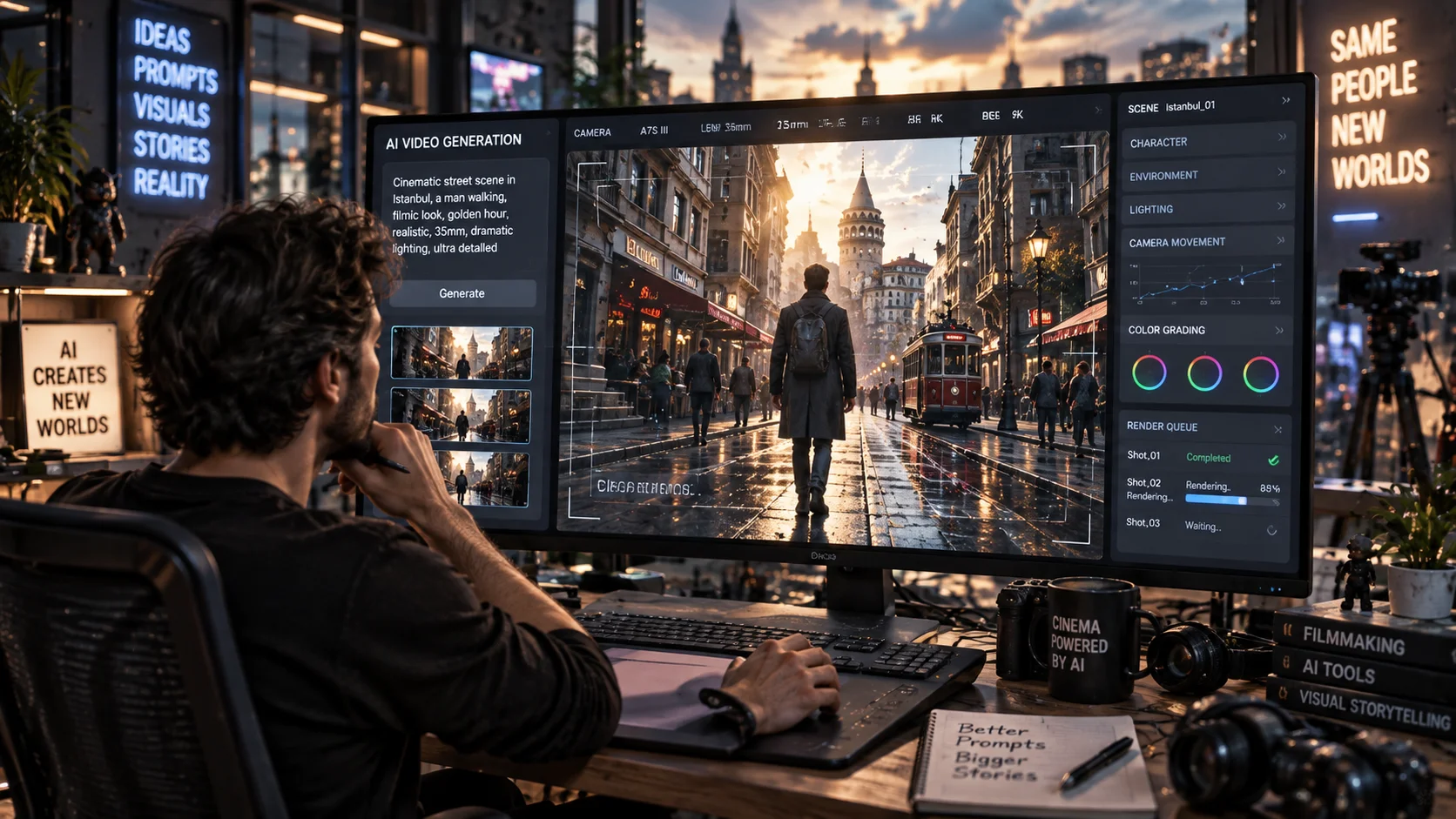
When producing videos with artificial intelligence, simply writing "man walking in a city" is often not enough to fully describe the image you want.
To get more controlled results character movement, camera movement, lighting, environment and video atmosphere prompt.
The following example demonstrates realistic video rendering logic that can be used specifically in social media videos or short cinematic scenes.
How to use?
Enter the artificial intelligence tool that supports video production and change the character, location and time information in the prompt according to your own idea.
The prompt you can use:
"A cinematic realistic video of [SUBJECT] walking through [LOCATION] during [TIME OF DAY]. The subject moves naturally and confidently while the environment reacts realistically to the movement. The camera slowly tracks backward in front of the subject with smooth stabilized motion. Natural environmental movement, realistic shadows, subtle wind, authentic reflections and detailed textures. Cinematic lighting, shallow depth of field, realistic motion blur, natural human movement, professional filmmaking style, photorealistic, immersive atmosphere, high detail."
Changeable fields:
[SUBJECT]→ Character or main object[LOCATION]→ Venue[TIME OF DAY]→ Time information such as morning, sunset, night
For example [LOCATION]in its placea crowded Istanbul street.
Usage tip:
Not only the image in the video prompts how to move the camera. Expressions such as “slowly tracks backward”, “smooth stabilized motion” allow the camera movement to be described in a more controlled manner.




Henüz yorum yapılmamış. İlk yorumu siz yapın!
Bir Yorum Bırakın