

Instantly Convert AI Outputs into Professional Diagram: Mermaid Live Editor!
SITE NAME AND LINKS:
-
Site Name: Mermaid Live Editor
-
Official URL: https://mermaid.live/
-
Origin / Service Language: Open Source (Knut Sveidqvist & Mermaid community) / English
-
Official Documentation and GitHub: https://mermaid.js.org/ and https://github.com/mermaid-js/mermaid-live-editor
-
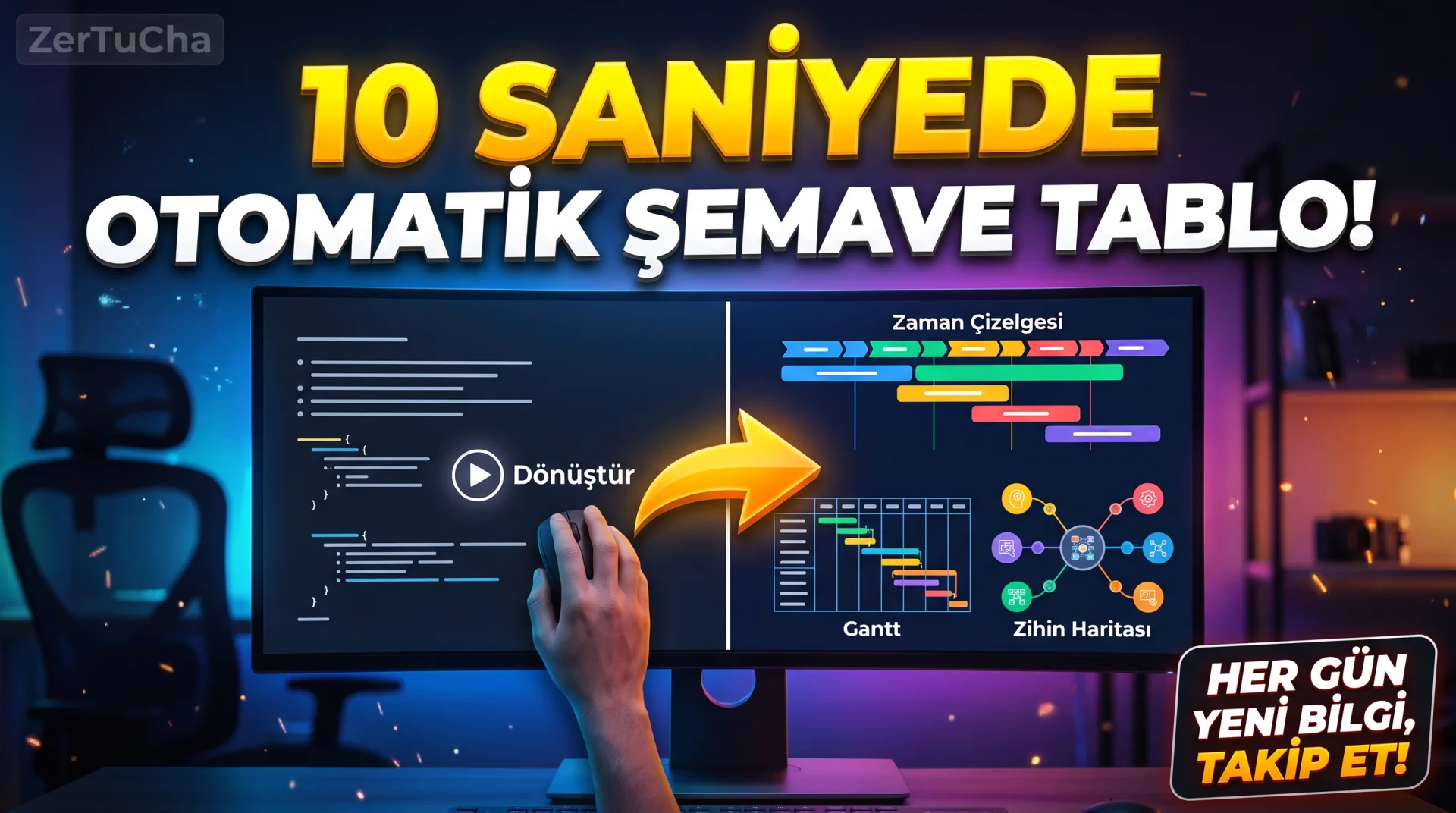
For freehand whiteboards that previously had a hand-drawn appearance Excalidraw; what about when preparing a thesis, formal business report, project calendar (Gantt chart), historical timeline (Timeline) or mind map without the hassle of aligning boxes one by one with the mouse, did you know that with just a few lines of text (or schema code you copied from Gemini/ChatGPT) you can produce pinpoint-aligned, razor-sharp corporate diagrams? Here's GitHub, Notion, and the official standard of the modern documentation world Mermaid Live Editor (
mermaid.live) instantly turns text into flawless graphics!The biggest secret is this: Even if you don't know a single line of code yourself, you can use Gemini or any artificial intelligence you use "Write me an Ottoman ascendancy chronology (or a video production workflow) in Mermaid.js format", copy the 10 lines of text it gives you and type
mermaid.livescreen; Flowchart, Timeline, Pie Chart, Mindmap, User Journey or Gantt Project Calendar is being drawn ready! -
STEP BY STEP USE:
-
From your browser https://mermaid.live/.
-
Top left "Sample Diagrams" box Flowchart, Mindmap, Timeline, Pie or Gantt (Project Calendar) templates.
-
Left side "Code" window, delete the English example words in quotes or square brackets and replace them with your own Turkish titles (paste the Mermaid code you had prepared by an artificial intelligence in یا here).
-
Watch live as boxes, arrows, and colors automatically align and grow in the right-hand preview screen, without any drift, as you type letters; "Config" tab, change the color theme of the scheme (Default, Forest, Dark, Neutral) change with one click.
-
When your drawing is ready, click "Actions" tab and click "PNG" or vector "SVG" button.
-
-
REQUIREMENTS AND LIMITS: No memberships, credits or fees (
mermaid.liveopen source version is completely free). It fully supports more than 20 different diagram types and Turkish characters. There is a separate Mermaid Chart paid service was introducedmermaid.liveare unlimited and free. -
PRIVACY AND SECURITY: Diagram creation and PNG/SVG conversion occurs directly in your browser (client-side); The texts you write are not saved in a database. Even the sharing link of the schema you created encodes the data as compressed (base64) directly into the URL address instead of keeping it on the server.
-
ADVANTAGES, DISADVANTAGES AND WHOM IT IS SUITABLE FOR:
-
Advantages: It eliminates the hassle of aligning boxes with the mouse, works 100% with artificial intelligence (LLM) tools, very rich graphic types such as Timeline and Gantt calendar, free vector (SVG) and PNG output.
-
Disadvantages: No free hand drawing; boxes and links are managed by text lines on the left.
-
Who is it suitable for: White-collar workers who prepare presentations and reports, academics and students who write theses/articles, software developers, content producers who prepare date/chronology charts.
-
-
BRIEF CONCLUSION: Stop wasting half an hour aligning boxes and arrows in PowerPoint; print your topic in Mermaid format and
mermaid.live!




Henüz yorum yapılmamış. İlk yorumu siz yapın!
Bir Yorum Bırakın