

Convert Web Pages to Ad-Free and Clean PDF: PrintFriendly!
SITE NAME AND LINKS:
-
Site Name: PrintFriendly & PDF
-
Official URL: https://www.printfriendly.com/tr (Global: https://www.printfriendly.com/)
-
Origin / Service Language: US / Full Turkish interface support available (
/tr) -
Browser Extension and Information Page: https://www.printfriendly.com/tr/uzantilar/chrome
-
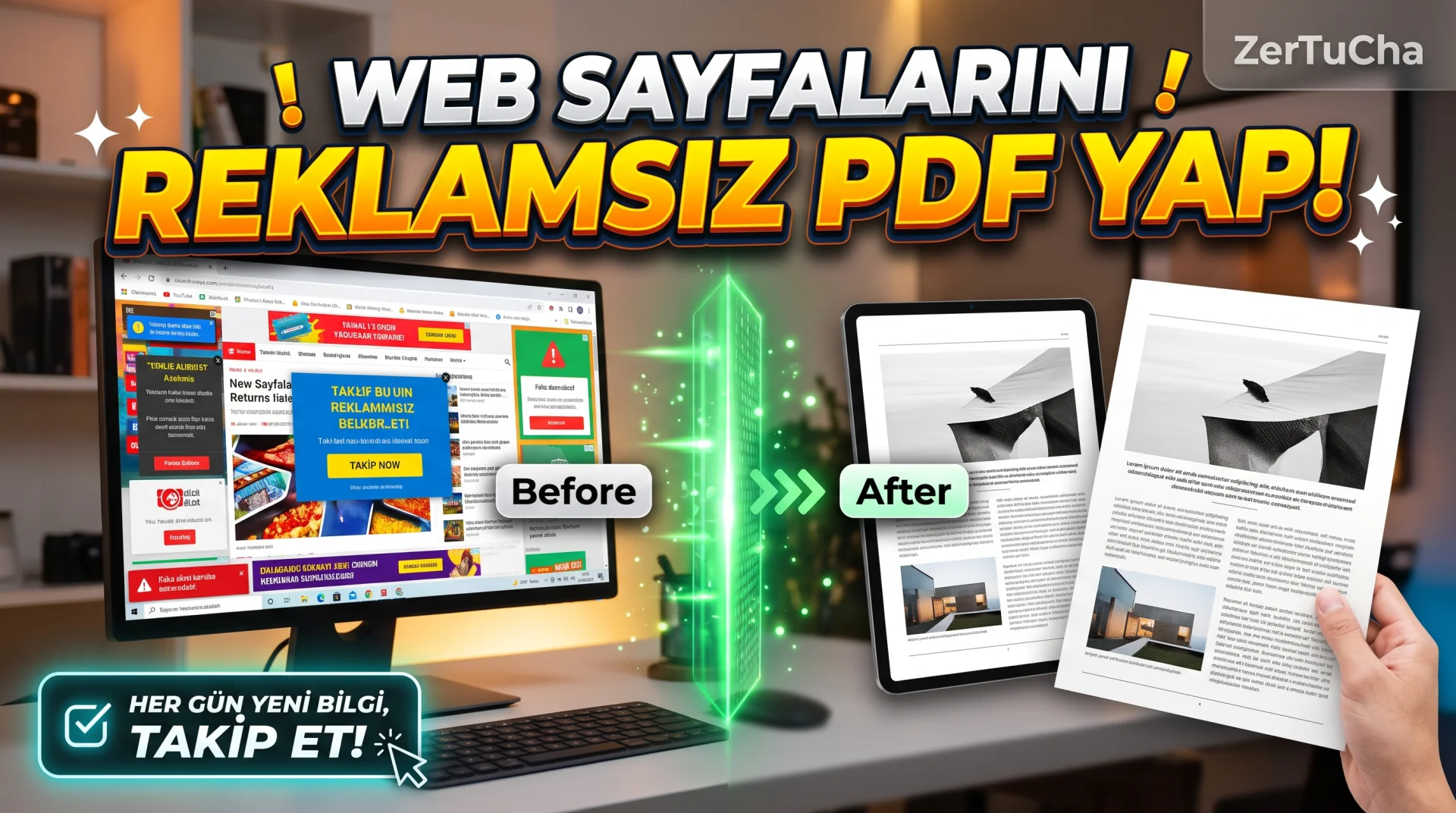
When you find a very useful recipe, an official legislation article, a long blog article or lecture notes on the internet, you can print it out or save it as a PDF on your computer
Ctrl + P(Print)? Because of the ads on the left and right of the page, "Subscribe to us" boxes, irrelevant menus and hundreds of reader comments, a 2-page article suddenly turns into 15 pages; Both paper and ink are wasted and the PDF becomes unreadable! Here PrintFriendly cleans all that garbage from any web page in seconds, leaving you with just the pure article.And it doesn't just clean automatically: you can click on the paragraph, heading or photo you want and delete it from the page with the trash can icon! You can increase the font size, reduce the images with a single click, or remove them completely.
-
STEP BY STEP USE:
-
Copy the address (URL) of the web page you want to save or print from your browser and https://www.printfriendly.com/tr.
-
Paste the link you copied into the box in the middle of the page "Preview / Go" button.
-
Within seconds, a clean preview of the article will open, free of ads, menus and sidebars.
-
From the top toolbar Text Size enlarge or reduce as per your convenience, Images menu and by hovering your mouse over any paragraph or image that you deem unnecessary delete it from the document!
-
When your document reaches the desired consistency, click "PDF" button and download your clean A4 size PDF file with protected clickable links for free (or "Print" button).
-
-
REQUIREMENTS AND LIMITS: There is no membership or login requirement. It supports Turkish characters (ğ, ü, ş, i, ö, ç) 100% without any problems. Closed sites that can only be accessed with a password (for example, your own e-mail box or pages behind a subscription wall) cannot be accessed when you paste the URL from outside; You can use the site's free Chrome/Edge/Firefox extension for such open pages. The site also includes a free QR code generator and basic PDF tools.
-
PRIVACY AND SECURITY: The URL pasting method is extremely practical for cleaning public news, blogs and information pages. However, you should not send pages containing your personal account information, bank screen or private correspondence to any third-party PDF converter server, and you should use your browser's built-in "Save as PDF" feature for such private screens.
-
ADVANTAGES, DISADVANTAGES AND WHOM IT IS SUITABLE FOR:
-
Advantages: Automatic cleaning of ads and sidebars, the ability to delete unwanted paragraphs/images by clicking, saving printer ink and paper, Turkish interface and full Turkish character support, free.
-
Disadvantages: May not be able to pull full content in some very heavy JavaScript-heavy dynamic web applications (works perfectly on standard article, news and blog sites).
-
Who is it suitable for: Students, teachers, researchers, those who put recipes or official writings on paper/PDF, and content creators who want to collect clean PDF resources to upload to NotebookLM!
-
-
BRIEF CONCLUSION: Especially NotebookLM or your own research folder
[printfriendly.com/tr](https://printfriendly.com/tr)now; You will love the feature of deleting unnecessary parts by clicking!


Henüz yorum yapılmamış. İlk yorumu siz yapın!
Bir Yorum Bırakın