

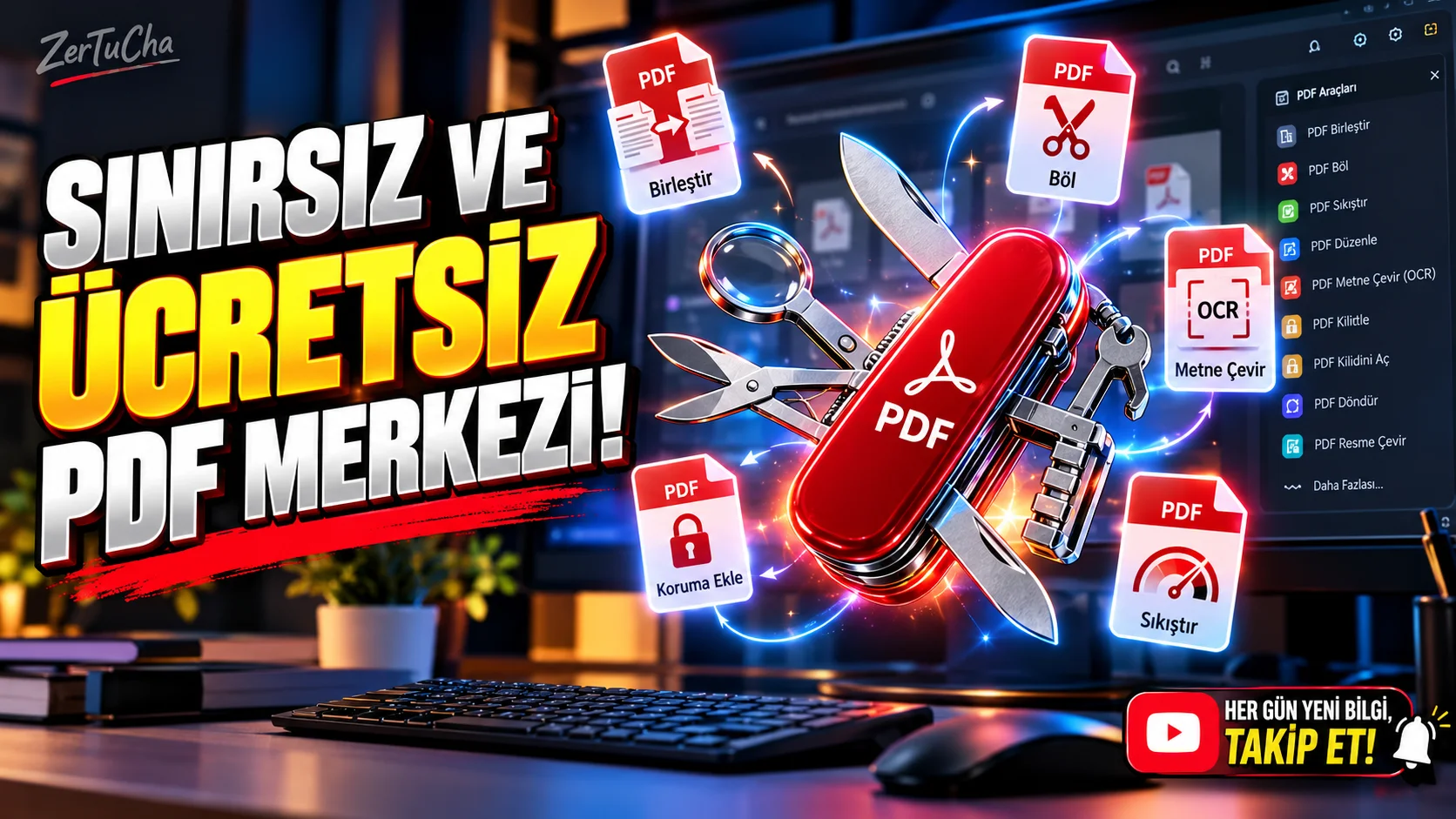
Forget PDF Sites That Say Your Free Rights Are Over! Totally Unlimited
SITE NAME AND LINKS:
Site Name: PDF24 Tools
Official URL: https://tools.pdf24.org/tr/
When you want to combine two PDF files, reduce the size, or convert the text in a scanned document into copyable text (OCR) during an urgent official application or assignment submission, many popular sites on the internet do the same thing: Upload the file, get it done, and just as you are about to download it, it displays a warning that your 1 Free Day has expired, enter your credit card, or In the free version, a watermark will be added to your document. Developed by the German software company Geek Software GmbH since 2006 PDF24 Tools is one of the rare platforms that offers approximately 40 different PDF tools with a Turkish interface, without any subscription walls, credit limits or watermarks.
In addition to classic PDF merge, split and reduce tools, the site includes niche tools that few people know about: PDF OCR, which converts scanned documents into searchable text in different languages, including Turkish, PDF text scratching, which irreversibly deletes sensitive lines in the document such as Turkish ID number or bank account information, compare PDF files that find differences between two contract versions, tools that correct skewed scanned pages, and a module for signing PDF directly with a camera or screenshot. Moreover, if you do not want to upload your top-secret company or identity documents to any internet server, there is a free version that runs all the same tools completely offline on your computer PDF24 Creator also offers desktop software.
STEP-BY-STEP USE: Step 1 - Turkish Open the Vehicle Panel: From your browser https://tools.pdf24.org/tr/. You will see the main grid, where more than 35 vehicles are lined up with icons. Step 2 - Choose the Tool You Need: For example, click on the PDF OCR tool to make the texts in a document that you took a photo of with your phone and made a PDF selectable, or click on the PDF reduction tool to only reduce its size below the e-mail limit. Step 3 - Upload Your File: Transfer your document by clicking the Select files button or by dragging and dropping the file into the dashed box. Step 4 - Set Parameters and Start Process: If you are in the OCR tool, select the document language as Turkish and press the start OCR button; If you are in the compression tool, select the DPI (e.g. 144 DPI) and image quality and press the Compress button. Step 5 - View New Size, Download and Delete from Server: Once the process is completed, you will see the old and new file size of the document on the screen. Save your file without watermark by pressing the Download button; Then, click on the trash can (Delete) icon next to it to instantly delete the file from the server without waiting for the automatic 1-hour period.
REQUIREMENTS AND LIMITS: Price and Limit: All online tools and Windows desktop application PDF24 Creator is free for personal and corporate use and has no limit on the number of transactions. OS Support: Web version (https://tools.pdf24.org/tr/) Works from the browser on Windows, macOS, Linux, Android and iPhone/iPad; It can also be installed on the phone via the Add to Home Screen or Install Application option from the mobile browser. The offline desktop version (PDF24 Creator) only supports Windows operating system.
PRIVACY AND SECURITY: Server Processing and Deletion Policy: PDF24 FAQ page As explained, online tools process files on encrypted servers within the borders of the European Union (EU) in order to avoid tiring your computer, and the processed files are automatically deleted from the servers within 1 hour at the latest (or instantly with the user's Delete button). Critical Advice for Sensitive Documents: If you are going to process personal data belonging to third parties (within the scope of KVKK / GDPR), trade secrets, court documents or identity / title documents, download the file to your Windows computer instead of uploading it to the online site PDF24 Creator.
ADVANTAGES, DISADVANTAGES AND WHO IT IS SUITABLE FOR: Advantages: No hidden fees, daily quotas or watermarks; approximately 40 vehicles are under one roof; offers full Turkish interface; Subject to EU data protection standards. Disadvantages: In the online version, files are processed on the remote server and not in the browser (internet connection required); The offline desktop version is not currently available as a native app on macOS or Linux. Suitable For: It is a tool that can be used every day for students, teachers, accountants, law firms, e-Government and citizens preparing official application documents, and SME employees.
SHORT BOTTOM LINE: If you're tired of getting hit by paywalls when merging, shrinking, encrypting, or OCRing PDFs PDF24 Tools to your bookmarks, you can handle all your document work free of charge and without watermark.



Henüz yorum yapılmamış. İlk yorumu siz yapın!
Bir Yorum Bırakın