

Free 3D Design Program: Create Your Own Part on the Computer
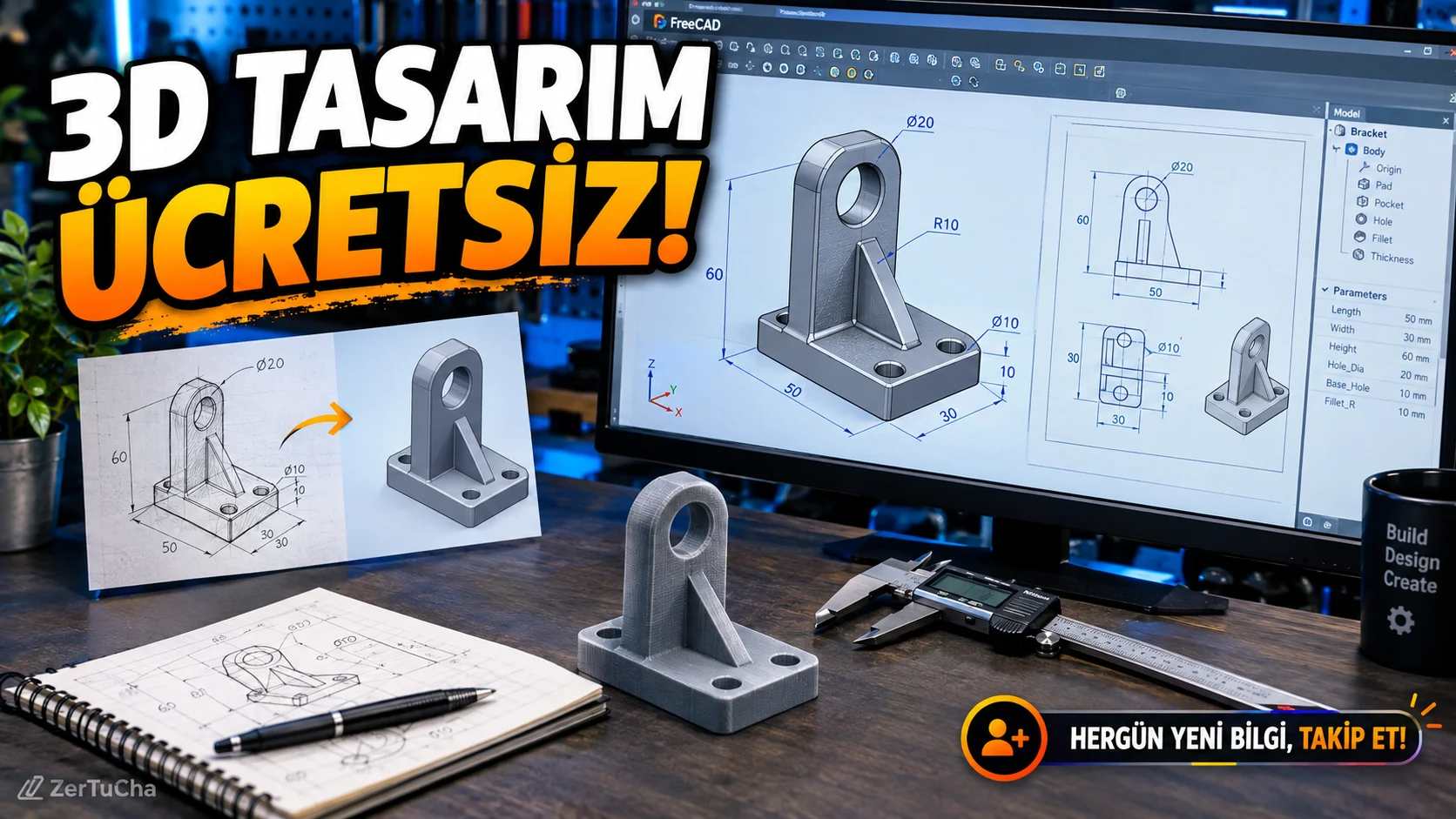
Platform: Windows, macOS and Linux
Program: FreeCAD
Fee: Free and open source.
Official sources: FreeCAD official download page · FreeCAD release notes
When you want to do 3D design, the first thing that comes to mind may be expensive software. However, there is also a free option for creating technical parts, mechanical designs and made-to-measure models.
FreeCAD is a computer-aided design program that works with parametric design logic. Parametric design allows you to reshape the model by controlling its dimensions and design relationships, rather than just changing its appearance.
For example, you can work on a table leg, a special fitting, a simple machine component or an object that you plan to produce on a 3D printer.
What can be done with FreeCAD?
- You can create three-dimensional models from two-dimensional drawings.
- You can edit the dimensions and design relationships of the parts.
- You can carry out assembly work with parts that are connected together.
- You can prepare technical drawings.
- You can use the model in other vehicles by exporting to suitable file formats.
- You can use plug-ins for advanced workflows. FreeCAD News
How to use?
- Download FreeCAD from its official website.
- Create a new document.
- Select the workspace that suits your design purpose.
- Draw a two-dimensional sketch and determine the basic dimensions.
- Convert the sketch into a three-dimensional part with appropriate tools.
- Update your design by making changes to the dimensions.
- Export the model to a suitable file format if necessary.
For example, if you want to change the width of a simple part that you want to produce on a 3D printer, you can edit the relevant dimension instead of drawing the model from scratch.
Current status: FreeCAD version 1.1.4 was released on September 28, 2026 and includes more than 30 bug fixes. The team was still working on the new release series, 26.3, on October 7; For this reason, 26.3 should not be introduced as the stable version released at that time. FreeCAD News
Advantages: It's free, open source, and offers powerful tools for those who want to do measurement-based technical design.
Disadvantages: The learning process for those doing 3D design for the first time may take time. In complex designs, basic knowledge of geometry, dimensions and design relationships may be required.



Henüz yorum yapılmamış. İlk yorumu siz yapın!
Bir Yorum Bırakın