

Don't Lose Your Verification Codes When Changing Your Phone: Aegis
-
Application: Aegis Authenticator
-
When changing your phone, you need to think not only about your photos and contacts, but also about verification codes. Because you need a two-step verification code in addition to your password to log in to some accounts.
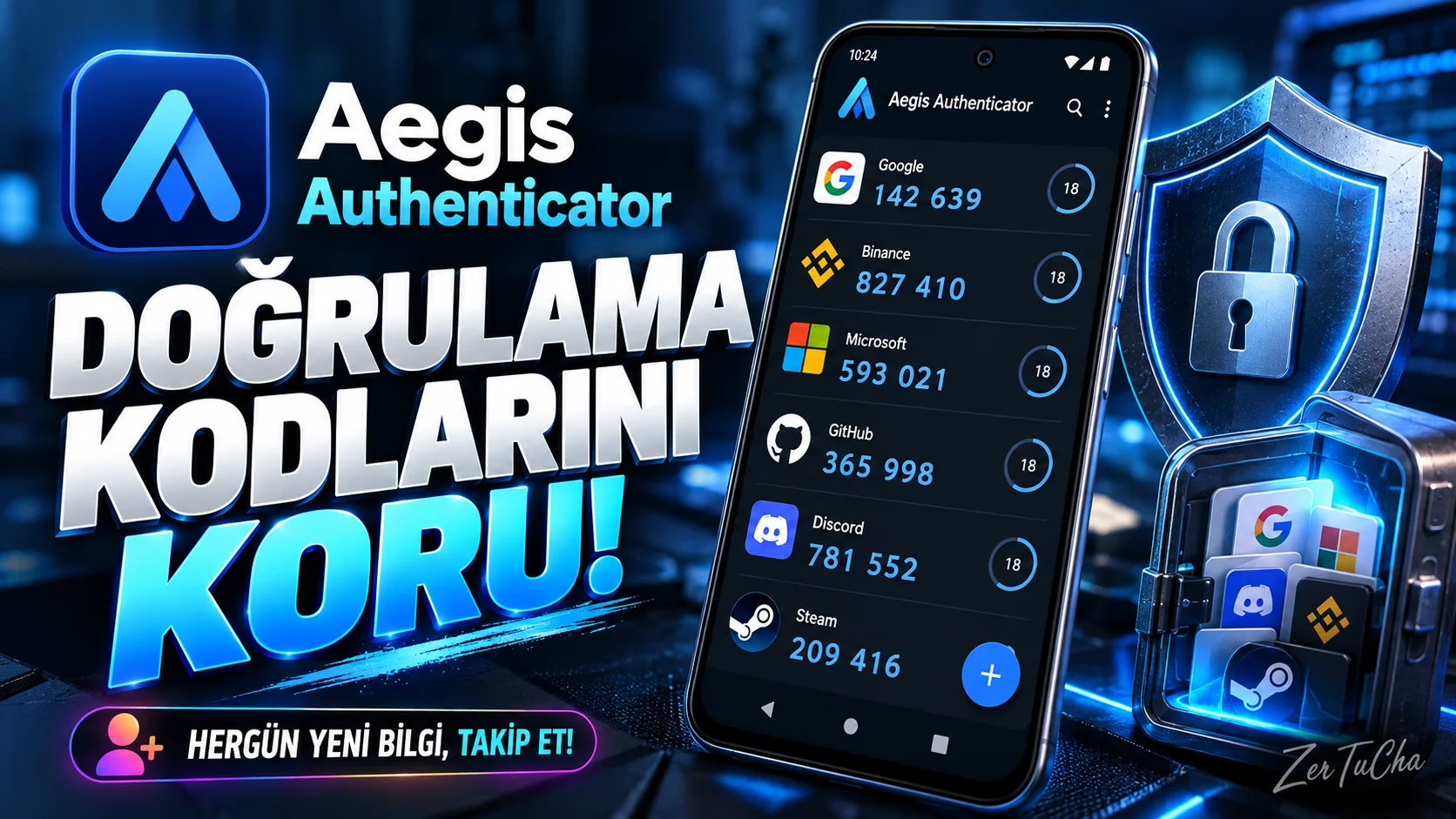
Aegis Authenticator is a free and open source application that you can use to manage these codes on Android. When adding an account, you scan the QR code of the relevant service and receive the required short-term code from the application during login.
I think the most important aspect is that it can keep verification records in an encrypted safe and provide backup options. However, you should not leave the backup file in a random folder. Plain text export files in particular may contain sensitive information.
Aegis is not a password manager; Manages two-step verification codes. If you use Android and want to streamline your account security, it's worth checking out.
What does it do?
Some internet services do not only require a password when logging in; It also requests a short-term code generated from the verification application on your phone. Aegis lets you manage these codes in one place.
For example, when you enable two-step verification for your email, social media or other online accounts, you can scan the QR code provided by the service with Aegis and receive the required code from the application during login.
Highlights
-
TOTP and HOTP based verification codes.
-
Encrypted safe protected by password or biometric lock.
-
Adding account with QR code.
-
Import from some other authenticator applications.
-
Encrypted or plain text export options.
-
Automatic vault backup options.
Why is it worth trying?
The important thing about Aegis is that it focuses on encrypted vault, backup and import options, not just displaying verification codes. Being open source also allows the code to be examined.
Advantages and disadvantages
Advantages
-
Free and open source.
-
The safe can be encrypted.
-
There are export options for migrating accounts.
-
It can run on Android 6.0 and above devices.
Disadvantages
-
No iPhone version.
-
It is necessary to keep the safe password and backups securely.
-
Plain text export file may reveal sensitive code.
-
Aegis does not manage the account's master password; only handles verification codes.
Who is it suitable for?
Suitable for Android users who use two-step verification and those who want to back up their codes in a more controlled manner. Not suitable for iPhone users only.
Get started guide
-
Load Aegis via F-Droid.
-
Set a strong vault password.
-
Turn on two-step verification in an online account's security settings.
-
Scan the QR code provided by the service with Aegis.
-
Verify the resulting code in the relevant service.
-
Make a backup of the chassis and store the backup file in a safe place.
Privacy and reliability
Aegis' safe can be encrypted and the application offers biometric lock support. The F-Droid page lists permissions such as camera, biometric hardware and run at startup. Camera for QR code scanning; biometric permissions are used for unlocking. Being open source is a useful element of transparency, but it is not a guarantee of security.
-




Henüz yorum yapılmamış. İlk yorumu siz yapın!
Bir Yorum Bırakın