

Fit Multiple Operating Systems on a Single USB Memory! Ventoy's Logic is Very Different
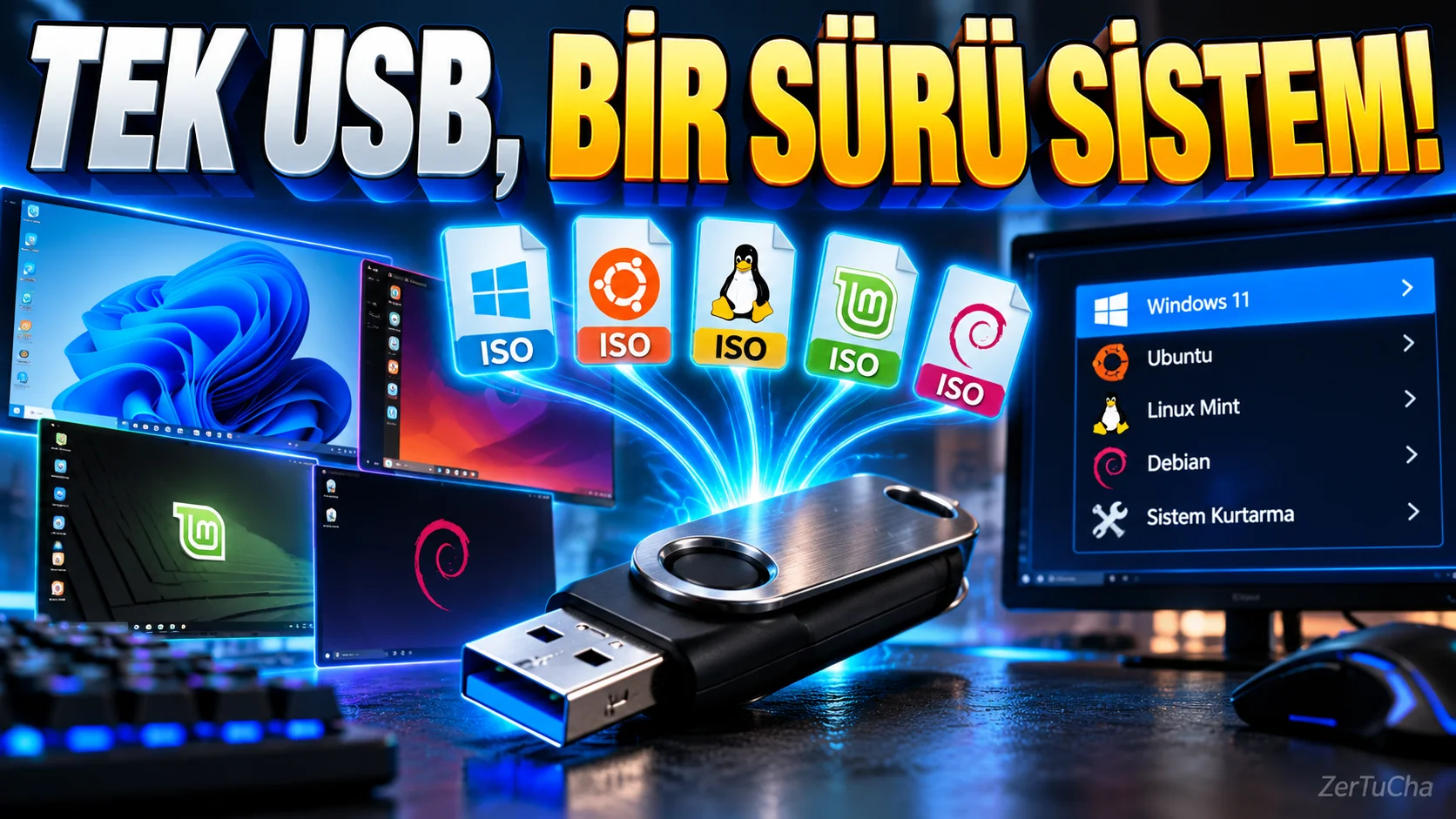
Platform: Available on Windows and Linux computers
Program: Ventoy 1.1.17
When you want to reinstall Windows, try Linux, or run recovery tools when the computer does not boot, you usually need to prepare a bootable USB stick.
In the classic method, you may need to prepare the USB memory again to use a different operating system. This also wastes time.
Ventoy is an open source tool that handles this process differently.
After installing Ventoy on your USB memory, you can copy supported ISO, WIM, IMG and similar image files to the memory like normal files. When you start the computer from this USB, Ventoy shows a menu and you can choose which image file to run.
For example, the same memory can contain a Windows installation image, a Linux distribution and computer recovery tools.
Ventoy's key advantages are:
-
You do not need to re-prepare the USB for each new ISO.
-
You can keep multiple operating system images in the same memory.
-
ISO files larger than 4 GB are supported.
-
MBR and GPT partitioning schemes are supported.
-
Compatible systems include UEFI Secure Boot support.
-
You can use the memory for normal file storage purposes other than booting.
The official description of the project states that more than 700 ISO files have been tested and many operating systems are supported. However, it cannot be guaranteed that every image and every computer will work smoothly.
Ventoy 1.1.17 release July 2026 has been released.
There is an important warning during installation: Ventoy installation may change the partition structure of the USB memory and delete existing data on the memory. Therefore, you should back up your files somewhere else before starting the installation.
This tool is especially useful for technical support workers, computer builders, software developers and users who like to try different operating systems.

Henüz yorum yapılmamış. İlk yorumu siz yapın!
Bir Yorum Bırakın