

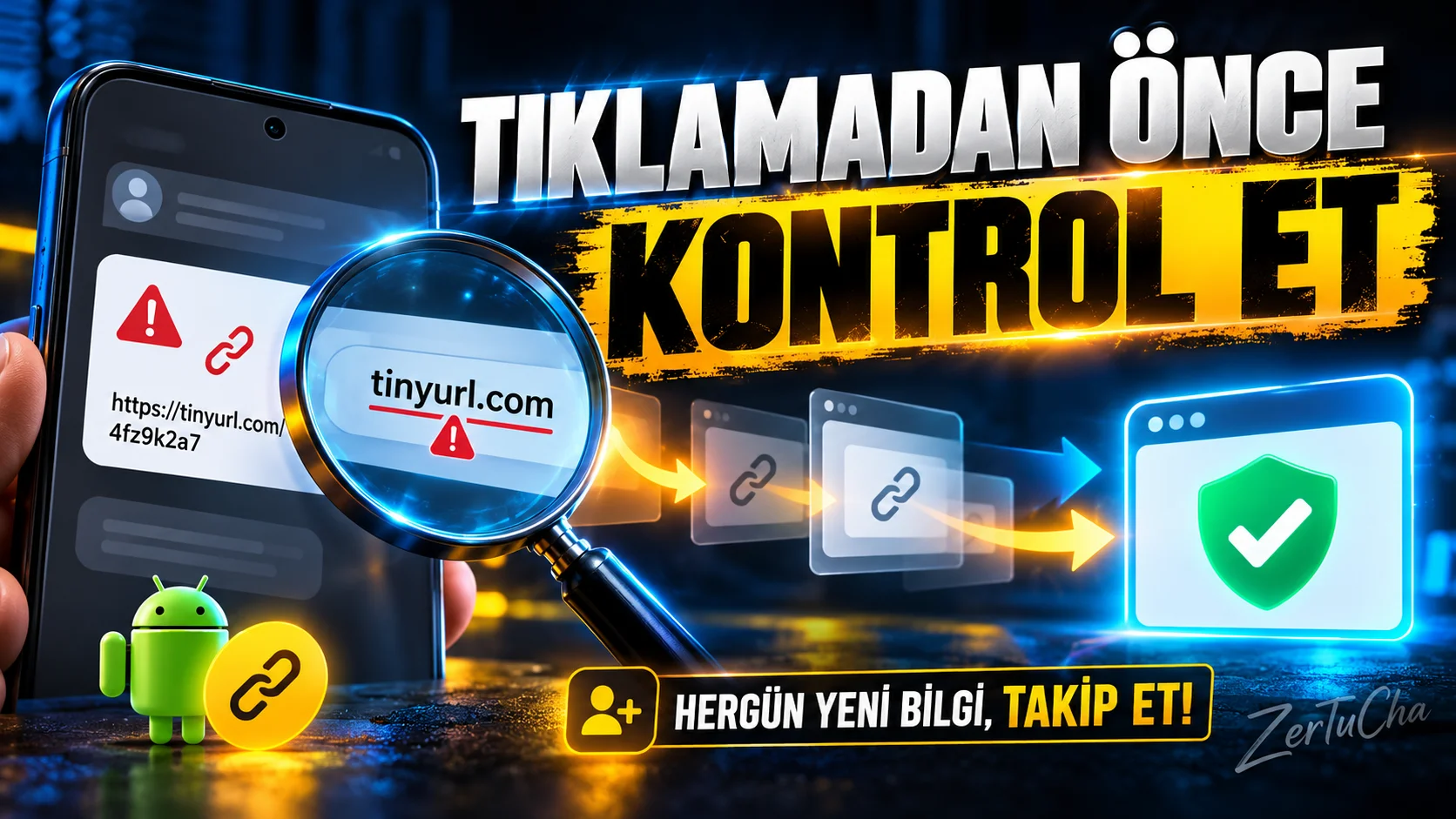
Examine a suspicious link before you tap it: URLCheck
Official links:
A message has arrived and it contains a shortened link. You click but you don't know where to go. At this point, URLCheck inserts a control screen.
Before opening the connection, you can examine the address, clear some tracking parameters, and run supported checks. It can be especially useful for links you see on social media, emails, or messaging apps.
But be careful: URLCheck is not a magic shield that detects all malicious links. Just because a site opens or the link is technically valid does not prove that it is safe. You should also check the domain name in your bank or payment connections.
If you're on Android and want to see a little more information before tapping links, you can check out URLCheck.
What does the application do?
Imagine you receive a message from a friend. The link in the message is short, looks strange, or you don't understand which site you're going to.
URLCheck is an Android application that allows you to examine the link before opening it. It shows URL information when a link directs to the application; so you can change the connection, remove some unnecessary parameters or run supported checks. F-Droid
Platform, version and license
| Feature | Information |
|---|---|
| Platform | Android |
| Last visible version | 3.5 |
| Date in distribution record | April 8, 2026 |
| Minimum Android version | Android 4.4+ |
| License | CC BY 4.0 on record F-Droid |
| Fee | Free |
| Ad/audience | F-Droid record states that there are no advertisements or tracking tools |
When evaluating the license and distribution status of this application, it would be a good idea to review the F-Droid registry together with the official source code repository. F-Droid
What problems does it solve?
URLCheck adds a check phase to evaluate the content of links.
For example:
- Seeing the address to which a link points.
- Cleaning unnecessary tracking parameters in the URL.
- Optionally running some connection checks.
- Selecting the appropriate application if more than one application can open the link.
The modular structure of the application also includes controls such as status code and routing. However, it may not be able to detect all methods, such as some redirects made via JavaScript. F-Droid
How to use after installation?
- Install URLCheck from the official F-Droid page.
- Open the application and examine the modules offered.
- Long-press on a link in a message to open the copy or share menu.
- Select URLCheck as the application that will open the link. Android's app selection screen may look different depending on the version.
- Review the address shown. Check domain name and routing information.
- If you want to clear unnecessary parameters, use the relevant module of the application.
- After checking the last address, decide whether to open the connection.
Advantages and limitations
Advantages
- Free and open source.
- An opportunity to check the link before opening it.
- Possibility to clear some tracking parameters.
- Can be customized with optional modules.
Limitations
- Android only.
- It cannot detect every malicious link.
- Just because a connection can be opened does not mean it is secure.
- External control modules may require network access.
Permissions and privacy
The F-Droid registry lists network access as the basic permission. Some controls only make network requests when the user requests it.
Although this approach is positive, URLCheck should not be considered an antivirus or a perfect phishing blocker. Verify your domain name separately, especially for links related to banking, payment and account logins. F-Droid


Henüz yorum yapılmamış. İlk yorumu siz yapın!
Bir Yorum Bırakın