

The Secret Weapon of Cyber Security Officers! Legendary Program That Takes All Vulnerabilities and Devices in the Network Like an X-Ray: Nmap (Zenmap)!
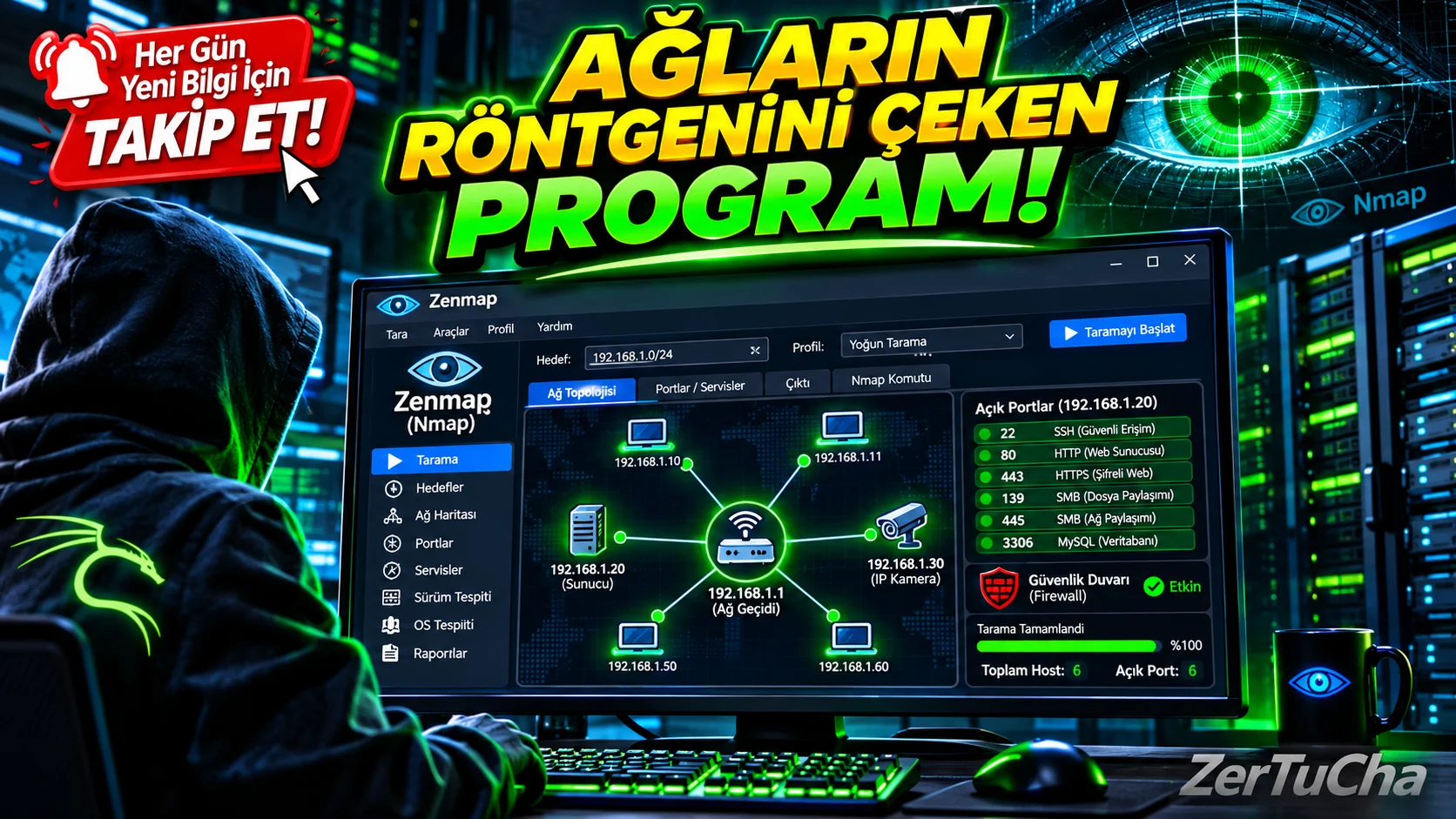
Matrix Reloaded, Mr. Robot, Die Hard 4 or Snowden where characters find open doors by typing a few commands on the screen just before infiltrating the system of a building or server? The program you see on the screen in those scenes is not a Hollywood fabrication, it is the undisputed king of the cyber security world Nmap! If you say, "But I can't be bothered with writing complex codes on a black screen, I need a visual screen," use Nmap's official visual interface Zenmap!
What is Nmap (and Zenmap) and what does it do?
Nmap (Network Mapper) is the world's most advanced network discovery and security auditing program that takes an x-ray of a network. Zenmap is the official visual (GUI) version of this powerful tool that you can use by clicking the mouse.
The simple IP scanners we mentioned earlier just tell you "There is a device at this IP address." Nmap (Zenmap), on the other hand, goes much deeper and asks the following questions to the target like an interrogator and gets the answers:
-
Port Scan: Which ports are open, which are closed, and which are hidden behind the firewall on this computer or server?
-
Service and Version Detection: What programs are running behind these open doors? (For example: Apache web server or an old version FTP program?)
-
Operating System Prediction (OS Fingerprinting): Is the other device Windows 11, Linux Ubuntu, an Android phone or a security camera?
-
Network Map (Topology): The coolest feature of Zenmap! After the scan is finished "Topology" tab, it displays the connections coming out of your modem and all the devices on the network in a visual diagram, just like a star map!
Advantages (Why Should You Use It?)
-
No More Code Memorization with Zenmap: Normally in Nmap
-sS -O -v, From ready-made profiles in Zenmap "Intense Scan" or "Quick Scan" and start scanning with one click. -
NSE (Nmap Scripting Engine) Power: It contains hundreds of ready-made scripts. In this way, you can not only find open doors, can even test whether there is a known vulnerability in the system.
-
Visual Network Topology: It is incredibly practical to see how the devices in your network are connected to each other on an interactive graph and save this map.
-
Scan Comparison: Compare the network scan you did last week with today's scan and ask "Has a new device been added to my network or a new port opened?"" you can see the difference in seconds.
-
Works on Every Platform: Windows, It works flawlessly on all Linux and macOS operating systems.
Disadvantages (What Can Upset Us?)
-
Unauthorized Use May Cause Legal Issues: Scanning your own home or company network is completely legal and great for security. However, browsing a website or institution that does not belong to you without permission, can be detected by security systems as "preparation for attack".
-
Deep Scans Take Time: Scan modes that scrape all the details, such as "Intense Scan", Depending on the size of the target network, it may take several minutes and may slightly congest network traffic.
-
Terms May Be Complex for Beginners: Although Zenmap makes it easier to use, SYN Stealth, TCP, Filtered.
Who is it suitable for?
-
Stepping into the world of cyber security and ethical hacking (Penetration Testing) students and security researchers,
-
On own server or home network "Is there a dangerous port open to the outside world that I have forgotten?" who wants to check system administrators and tech enthusiasts,
-
Wanting to map and inventory massive corporate networks IT professionals!
Paid or Free?
One of the best things about the cyber security world: Nmap and its visual interface Zenmap completely open source and 100% FREE! The official website is nmap.org without paying a single penny, without ads and restrictions, and start taking x-rays of your own network immediately.




Henüz yorum yapılmamış. İlk yorumu siz yapın!
Bir Yorum Bırakın