Turn Selfie into Professional Profile Photo
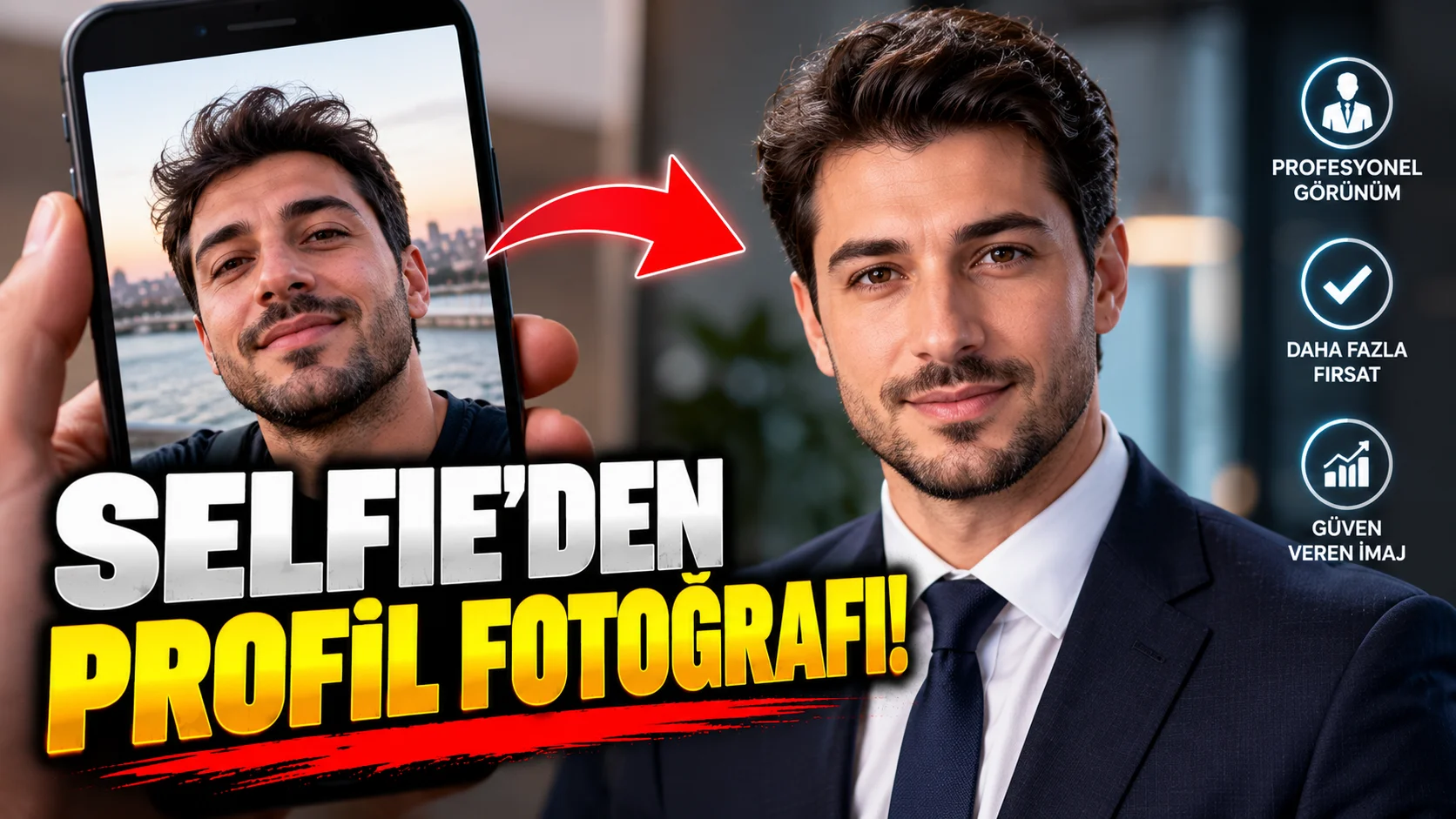
It may not be necessary to go to a photographer for a professional profile photo. Take an ordinary selfie in good light, protecting your face and identity to a clean studio portrait.
The purpose of this prompt is not to change the face, but to bring the light, background and camera aesthetics of the photo to the professional portrait level.
How to use?
Upload a clear-looking selfie into the AI image editing tool.
The prompt you can use:
"Transform the uploaded selfie into a realistic professional headshot while preserving the person's exact identity, facial structure, skin tone, hairstyle, age and natural appearance. Improve the lighting into a soft professional studio setup, replace the background with a clean neutral professional backdrop and adjust the framing to a polished head-and-shoulders portrait. Keep natural skin texture and realistic facial details. Remove distracting background and harsh shadows without making the person look overly retouched or artificial. Use realistic camera depth of field, subtle professional color grading and authentic corporate portrait photography."
Changeable fields:clean neutral professional backdrop instead of:
soft gray studio backgroundmodern office backgrounddark corporate studio background
.
Usage tip:
The most critical part here “preserving the person's exact identity”. If you do not want the face to be changed when requesting a professional photo, state this specifically.