

Artificial Intelligence that Separates Voice and Music from Songs in 10 Seconds: VocalRemover.org!
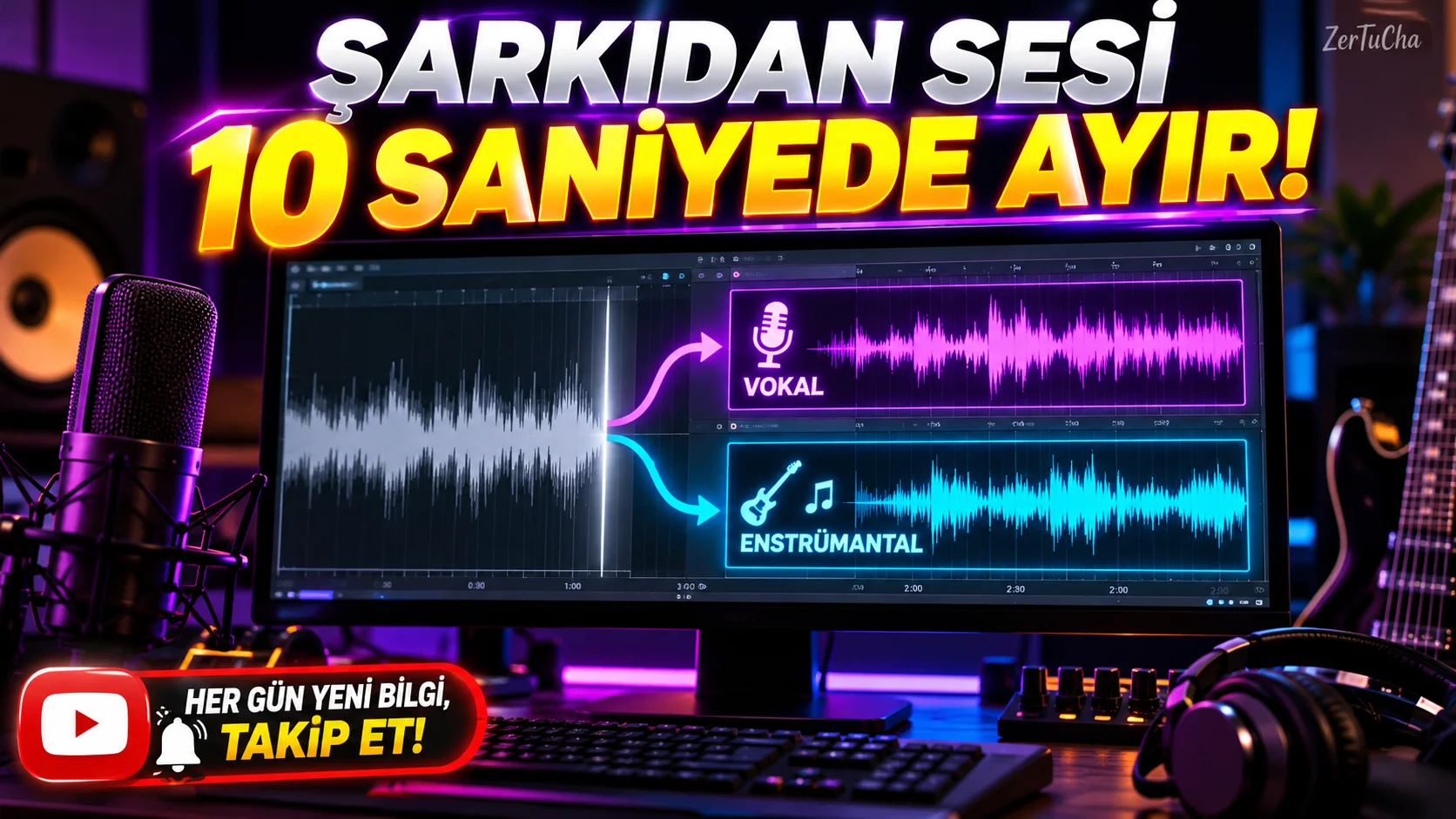
SITE NAME AND LINKS:
-
Site Name: Vocal Remover and Isolation
-
Official URL: https://vocalremover.org/tr/
-
Origin / Service Language: Foreign / Full Turkish interface support available (
/en/) -
Help / How It Works: "Support / How it works" section in the left menu of the site.
-
Have you ever needed only the background instrumental music (karaoke version) of a song you love very much while preparing a YouTube video, school play, wedding slide or Reels video? Or, conversely, do you want to reduce the background music in an audio recording and clarify only the speaker's voice (vocal)? This process, which used to take hours even in professional sound studios and left muffled sound, VocalRemover.org, it is resolved perfectly in your browser within 10 seconds.
Moreover, this site does not only separate vocals from the song; When you look at the Turkish menu on the left Tone (Pitch) Changer, Song Speed and BPM Finder, Audio Cutter, Audio Joiner and Audio Recorder search for every day, on a single ad-free and simple screen.
-
STEP BY STEP USE:
-
From your browser https://vocalremover.org/tr/.
-
At the top in the left menu "Vocal Separation" is active and click "Select file" button.
-
Wait approximately 10 seconds while the AI algorithm processes the file.
-
When the process is completed, two separate audio channel bars will open on the screen, one below the other: The upper one is "Music" (instrumental), the bottom one is "Vocal" (voice only).
-
Preview by pressing the Play button and turning down the volume bars of the two channels as desired (for example, turn the vocals down to 0% and listen only to the music); then "Save" button Music, Vocal or Music+Vocals mix to your device in MP3 or WAV format.
-
-
REQUIREMENTS AND LIMITS: There is no need to open an account for free use. However, in order to balance server density, a fair usage limit may be applied on the number / duration of files that free users can process daily from the same IP address (The option to become a Patreon supporter is offered for very intensive and long-term bulk transactions). Works on all modern desktop and mobile browsers.
-
PRIVACY AND SECURITY: Since audio separation requires high processor power, the audio file you upload is processed on the site's artificial intelligence servers. For this reason, you should not upload your private telephone conversations, confidential meeting recordings or unpublished corporate audio files under copyright/confidentiality agreement; It is recommended that you use the tool for music, content creation, and general audio editing work.
-
ADVANTAGES, DISADVANTAGES AND WHOM IT IS SUITABLE FOR:
-
Advantages: No membership and free, full Turkish interface, very high accuracy vocal/instrument separation in ~10 seconds, additional voice cutting and tone changing tools.
-
Disadvantages: In the free version, a waiting period or daily limit warning may appear when you want to upload too many songs consecutively.
-
Who is it suitable for: YouTube and social media content creators, music teachers, musicians, karaoke enthusiasts and video editors.
-
-
BRIEF CONCLUSION: It is the cleanest Turkish tool you can add to your bookmarks to turn any song into instrumental background music or acapella vocals in seconds. First, upload a song you like and "Vocal" bar to zero!




Henüz yorum yapılmamış. İlk yorumu siz yapın!
Bir Yorum Bırakın