

You Can Send the Sound of Two Different Applications to Two Separate Devices on Samsung Phones!
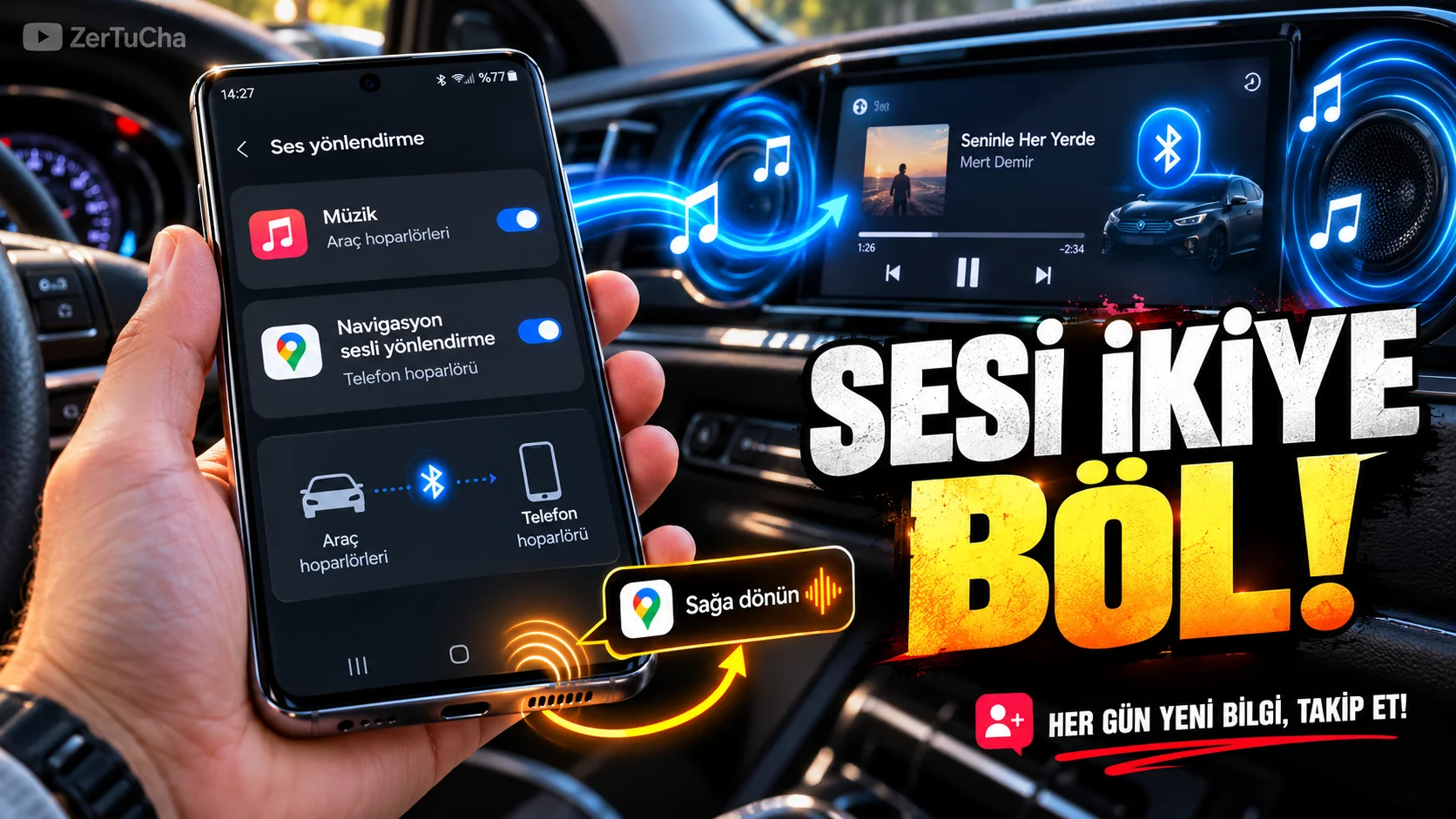
Don't you want the navigation sound to come from the same speaker while listening to music in the car? Or do you want to send the sound of an application on the phone to a Bluetooth headset or speaker while the sound of another application comes out of the device's own speaker?
Separate app sound feature can route media audio from an app of your choice to a device other than the phone's main audio output. For example, while the sound of the music application comes from the car system, you can hear the navigation sound through the phone's own speaker. Samsung
How to set?
1. Connect your Bluetooth device.
For example, connect your car's Bluetooth system to your phone. It is important that the Bluetooth device you will use with this feature is connected so that you can see it among the audio output options.
2. Open the settings menu.
- Settings.
- Noises and vibration.
- Separate app sound menu.
Menu name may differ depending on One UI version and phone model.
3. Enable the feature.
Activate the switch on the screen that opens.
4. Select the application whose audio you want to separate.
Select Spotify or another music app you use, for example.
5. Specify the audio output device.
Select your car audio system from the connected Bluetooth devices.
6. Test the result.
Play a song from the music app. Then run navigation. The desired result is that the music comes from the car speakers and the navigation sound comes from the phone's own speakers.
The real trick of this feature
The feature routes media audio from your selected app to a different device. This means that it does not regulate the sound of each application to the level you want like a standalone mixer; Its main purpose is to create a separate routing between the application and the audio output device.
What should you do if it's not working?
- Check that the Bluetooth device is connected.
- See if the application you selected is in the list.
- Make sure that the main audio output and the output selected for the separate application are different.
- Check if the feature is supported on your phone model or One UI version.


Henüz yorum yapılmamış. İlk yorumu siz yapın!
Bir Yorum Bırakın