

Paid Membership Is Not Necessary to Listen to Podcasts: What Does AntennaPod Offer?
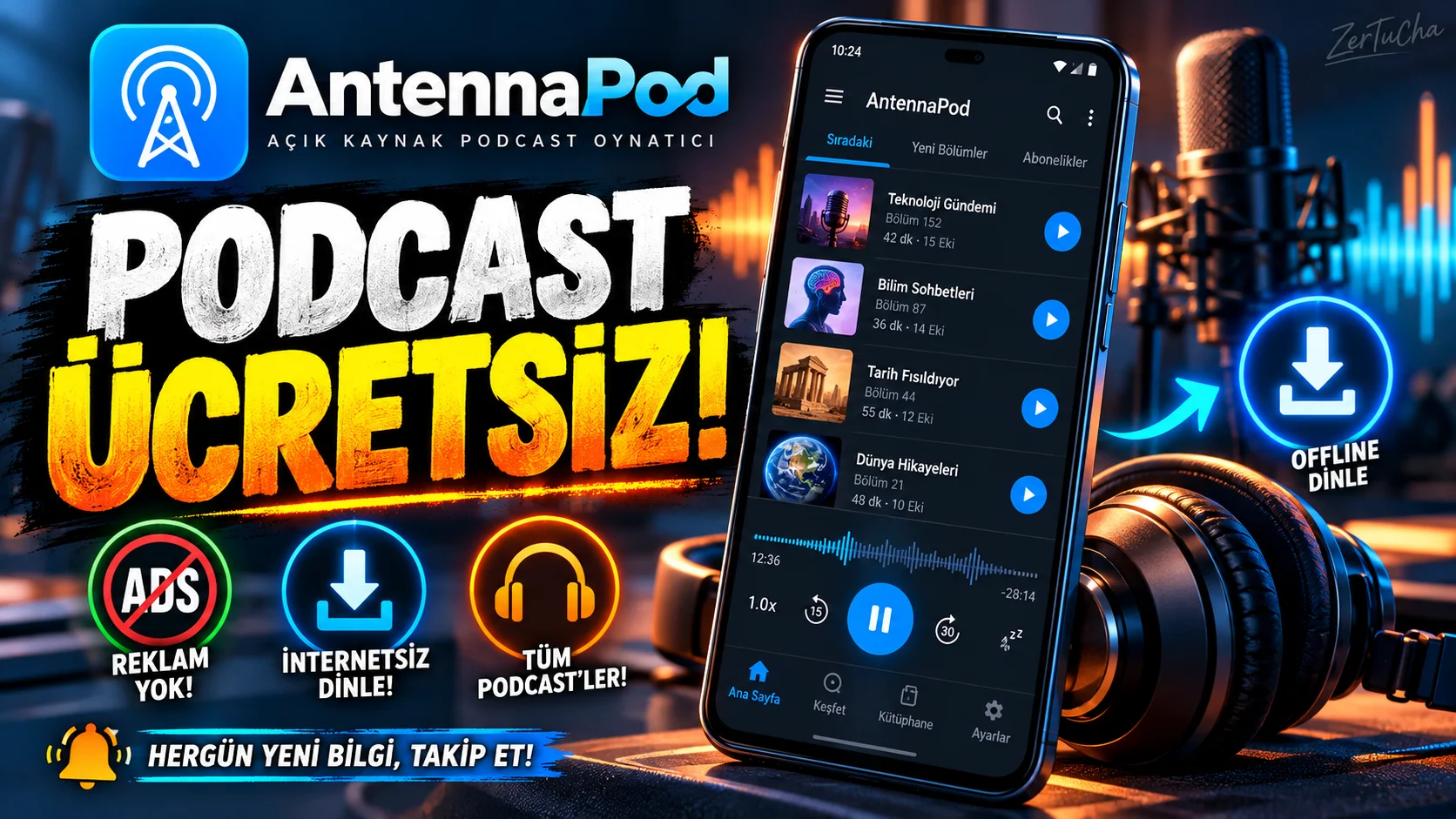
Application: AntennaPod
Developers state that the application is officially distributed through Google Play and F-Droid. It is better to use these channels instead of unknown download sites.
You're listening to podcasts on your phone, but is the app you're using constantly trying to sell you a subscription or additional feature? Then take a look at AntennaPod.
AntennaPod is a free and open source podcast player for Android. The best part is that there are no ads in the application and there is no paid membership requirement.
Let's say you listen to technology programs on your way to work in the morning. You add your favorite publications once; You can follow new episodes as they arrive. If you want, you can download the episodes via Wi-Fi at home and listen to them outside without spending internet.
It also has features such as automatic downloading, deleting listened sections, changing playback speed and sleep timer.
The downside is that it's only available on Android. It is also important to remember that podcast hosts can see your connection information.
If you use Android and want to manage your podcast list yourself, AntennaPod is one of the applications you should definitely check out.
WHAT DOES IT DO?
AntennaPod is a player designed for those who want to follow podcast broadcasts from different sources in a single application.
You don't have to go to a separate website every time to find the new episode of a podcast. You add the broadcast to the application, follow the new episodes and download it to your phone before listening if you wish.
For example:
- You can listen to a tech podcast on your way to work.
- When you have internet at home, you can download new episodes and listen offline on the road.
- You can play a long section faster.
- You can put the episodes you listen to in order.
- You can use the export options to move your subscribed podcasts to another application.
HIGHLIGHTS
Podcast subscriptions: You can add posts via RSS link or supported directories.
Offline listening: You can reduce your mobile internet usage by downloading the episodes in advance.
Auto download: You can have new episodes downloaded according to the rules you set.
Auto clear: You can prevent the episodes you listen to from taking up your storage space unnecessarily.
Playback speed: You can listen to episodes faster or slower.
Sleep timer: When listening to podcasts before going to bed, you can stop playback after a certain period of time.
Migrating subscriptions: You can import or export podcast listings with supported formats such as OPML. F-Droid
WHY IS IT WORTH EXPLORING?
Many people who listen to podcasts stick to the content catalog offered by a single platform.
AntennaPod supports the open podcast ecosystem. Instead of being limited to the content available only in a company's application, you can follow different publications by adding appropriate RSS feeds.
The fact that it is free, does not show ads and supports exporting subscriptions are also important advantages.
This application is especially meaningful for users who listen to podcasts from different sources and want to manage their listening schedule themselves.
ADVANTAGES AND DISADVANTAGES
Advantages
- Free and open source.
- There are no ads in the application.
- Episodes can be listened to offline.
- Download and deletion rules can be set.
- There is support for exporting podcast subscriptions.
Disadvantages
- Available for Android only.
- You may need to add the RSS link yourself to find some podcasts.
- Some search and discovery services send requests to third parties.
- Publishers' web servers can see connection information about the episodes you have listened to or downloaded.
WHO IS IT SUITABLE FOR?
Suitable for:
- Regular podcast listeners.
- Those who want to listen to podcast episodes offline.
- Those who want to manage their own listening lists.
- Android users looking for an ad-free and open source player.
Not so suitable:
- iPhone users.
- Those who follow exclusive content of only one platform.
- Those who prefer to use everything in a single closed system, without bothering with any settings.
STARTER GUIDE
- Install AntennaPod from the official download page via Google Play or F-Droid.
- Open the app and go to the podcast discovery section.
- Find a publication you are interested in and add it to your subscription list.
- Check your download settings if you want new episodes to download automatically.
- To protect your mobile internet, select downloads only on Wi-Fi.
- Put the sections you will listen to in order; Adjust playback speed and sleep timer according to your needs.
Hint: If you listen to a lot of podcasts, pay attention to automatic download settings. Otherwise, your phone's storage space may fill up faster than expected.
PRIVACY AND RELIABILITY
AntennaPod's official privacy policy states that app data is stored primarily on the device and that there are no ads or third-party tracking codes in the app. However, the entire data flow does not disappear during the internet connection.
For example:
- Podcast servers may record IP address, connection time, and downloaded content.
- Some suggestions on the Explore screen may send requests to Apple services.
- Services used during search may process search terms.
- If you turn on optional sync services, additional information may be transferred to the sync provider.
Therefore, the most important distinction in terms of privacy is: The behavior of the app itself is not the same as the behavior of the podcast hosts you connect to.




Henüz yorum yapılmamış. İlk yorumu siz yapın!
Bir Yorum Bırakın